

















TechPratham

Start typing to search courses...

Type in the search box to find courses
CoursesFrontend Development

HTML5 & CSS Certification Training

Frontend Development

HTML5 & CSS Certification Training

Our HTML5 and CSS Certification Training by Techpratham will teach you how to make websites that work on all devices and are up to date. Learn how to make web pages that look good, are well-organized, and work well on mobile devices.

5/5(4,890 Reviews)

Level

Advanced

Duration

8 Weeks

Enquire This Course

About
Training Plan
Course Curriculum
New Batch
Projects
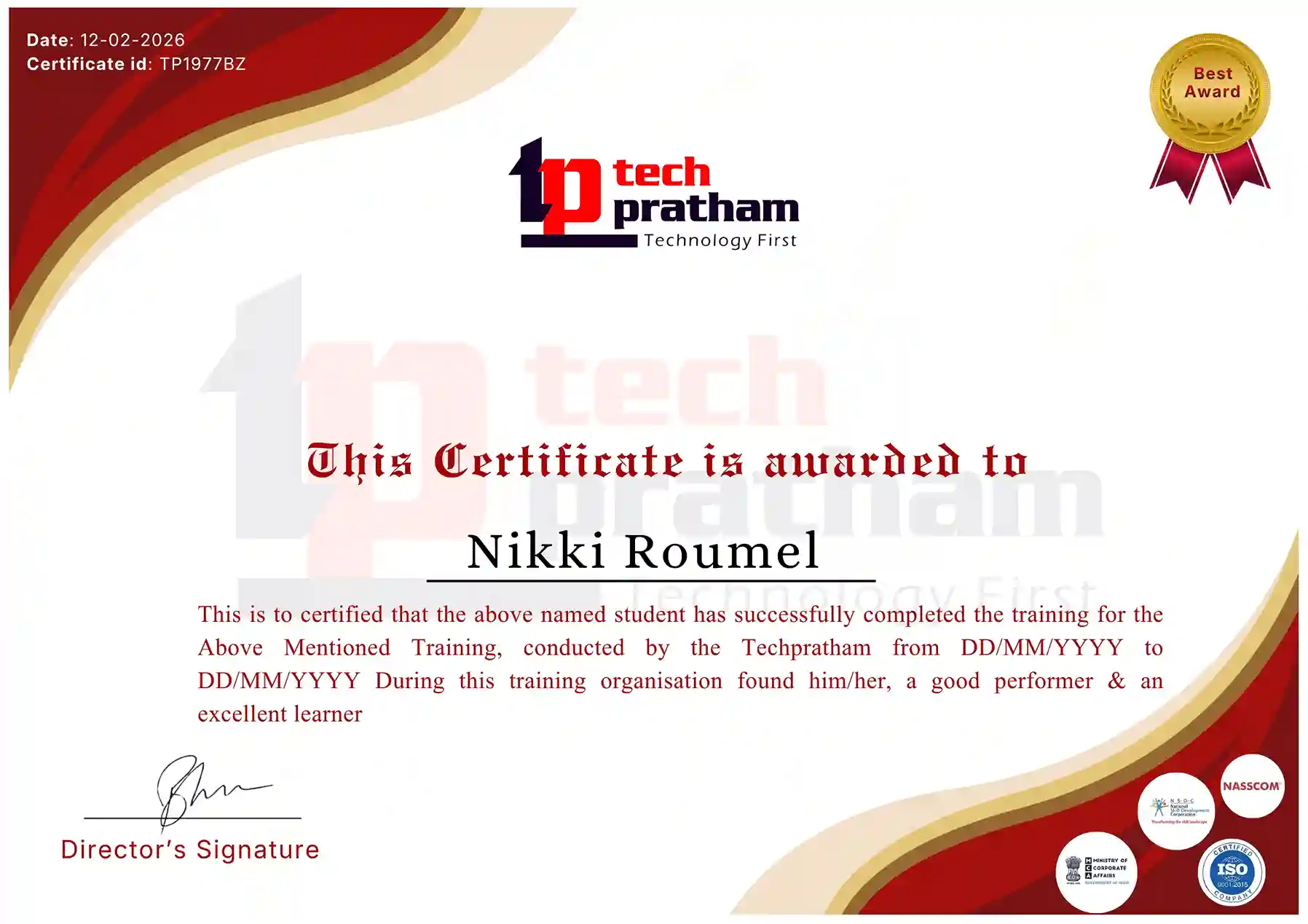
Certificate
Testimonials
FAQ
Interview FAQ

Placement Client

Accenture Logo
AWS Logo
Capgemini Logo
Deloitte Logo
Genpact Logo
HP Logo
Intel Logo
Microsoft Logo
Infosys Logo
Zoho Logo
Zelis Logo
Wipro Logo
Saint Gobain Logo
ONX Logo
Nava Logo
Infosys Logo
HCL Logo
Egon Zehnder Logo
Cognizant Logo
Bosch Logo
Bank of America Logo
Accenture Logo
AWS Logo
Capgemini Logo
Deloitte Logo
Genpact Logo
HP Logo
Intel Logo
Microsoft Logo
Infosys Logo
Zoho Logo
Zelis Logo
Wipro Logo
Saint Gobain Logo
ONX Logo
Nava Logo
Infosys Logo
HCL Logo
Egon Zehnder Logo
Cognizant Logo
Bosch Logo
Bank of America Logo

About 

HTML5 & CSS Certification Training

This HTML5 and CSS Certification Training byTechpratham will teach you the basics of web development. You will learn how to use HTML5 to organize content and advanced CSS techniques to style it. The training includes layout systems like Flexbox and Grid, semantic HTML, responsive design, and CSS animations. You will be able to build professional, responsive websites from the ground up by the end of this course.
Video Thumbnail

Training Plan

01

About Trainer

Working professional who is carrying more than 10 years of industry experience.

02

Decks & Updated Content

Access to updated presentation decks shared during live training sessions.

03

e-Book

E-book provided by TechPratham. All rights reserved.

04

Assignments & MCQs

Module-wise assignments and MCQs provided for practice.
05

Video Recording

Daily Session would be recorded and shared to the candidate.

06

Projects

Live projects will be provided for hands-on practice.

07

Resume Building

Expert-guided resume building with industry-focused content support.

08

Interview Preparation

Comprehensive interview preparation with real-time scenario practice.

HTML5 & CSS Certification Training

Course Curriculum

Understand the fundamentals of HTML5 and webpage structure.

◆HTML basics
◆Elements & attribute
◆Headings, paragraphs, lists
◆Links & images

To lay the groundwork for a web page, become familiar with HTML syntax and structure.

◆HTML Syntax and Structure
◆Doctype Declaration and HTML Document Anatomy
◆Head and Body Elements
◆Working with Text, Headings, and Paragraphs
◆Lists, Links, and Anchors

Create user input forms with validation and interactivity by comprehending semantic elements.

◆Semantic HTML Tags (header, footer, section, article, nav)
◆Creating and Styling Tables
◆Forms and Input Types
◆Form Validation and Attributes
◆Multimedia Integration (Audio, Video, iframe)

Investigate sophisticated HTML5 APIs for improved web performance and interactivity.

◆Geolocation API
◆Web Storage (localStorage & sessionStorage)
◆Canvas and SVG Graphics
◆Drag and Drop API
◆Offline Web Applications

Discover the foundations of CSS and effective web page styling.

◆CSS Syntax and Selectors
◆Inline, Internal, and External CSS
◆Colors, Backgrounds, and Borders
◆Box Model (Margin, Padding, Border, Content)
◆Units and Measurements (px, em, rem, %, vw/vh)

Learn how to use contemporary CSS layout systems to create adaptable and organized web pages.

◆Display and Positioning
◆Float and Clear
◆Flexbox Layout
◆CSS Grid System
◆Creating Responsive Layouts

Add creativity and motion to your designs using advanced styling and animation techniques.

◆Fonts and Text Effects
◆Shadows, Gradients, and Opacity
◆CSS Transitions and Animations
◆Transformations (Rotate, Scale, Skew)
◆Using Custom Properties (CSS Variables)

Create websites that fluidly adjust to all screen sizes and devices.

◆Introduction to Media Queries
◆Mobile-First Design Approach
◆Viewport Meta Tag
◆Responsive Images
◆Building Responsive Navigation Menus

Use all you've learned to create and launch a polished, mobile-friendly website.

◆Project Planning and Wireframing
◆HTML5 Structure Creation
◆Applying CSS3 Styles and Layouts
◆Making the Website Responsive
◆Final Review and Deployment

Frontend Development Courses

No related courses found

Additional Program Highlights

tptech pratham

LEARNING

MATERIAL GUIDE

01

Learning Material Guide

tptech pratham

HOW TO MAKE

RESUME

02

How to Make Resume

tptech pratham

INTERVIEW

PREPARATIONS

03

Interview Preparations

tptech pratham

REAL WORLD

PROJECT GUIDE

04

Real World Project Guide

Can't find a batch you were looking for?

Who Should Take <h1>HTML5 &amp; CSS Certification Training</h1>

IT Professionals

Non-IT Career Switchers

Fresh Graduates

Key Projects

<h1>HTML5 &amp; CSS Certification Training</h1>

company-logo

Responsive Portfolio Website

Make a modern HTML5 and CSS portfolio to show off your work, skills, and how to get in touch with you. For a layout that works on all devices, use semantic HTML, Flexbox/Grid, and media queries. Include smooth CSS animations and transitions, as well as a navigation menu that is easy to use. Great for getting high rankings for keywords like "HTML5 CSS projects" and "responsive portfolio website."

company-logo

Product Landing Page

Create a high-converting product landing page with hero section, feature grid, pricing cards, and CTA buttons. Implement CSS Grid, flex layouts, and mobile-first design to optimize conversions. Include form styling for lead capture and SEO-ready metadata for better visibility on terms like landing page design and CSS responsive layout.

company-logo

Blog Layout & Article Template

Design a clean blog home + article page with category tags, author bio, and related posts. Use semantic elements (article, section, aside), typography scales, and readable line lengths. Add dark mode with CSS variables and accessible color contrast. Targets keywords like HTML5 blog template and CSS typography best practices.

Placement Process

2Assignments
Step 2

Daily Assignment & Weekly Assessments

  • Hands-on practice
  • Concept reinforcement
  • Weekly evaluation
  • Timely feedback

Latest HiringNEW

No hiring posts

Recently Placed Candidates

No placements available

Latest HiringNEW

No hiring posts

Our Success Mantra

Commitment Icon
Commitment

  • Ensuring quality training every day

Commitment Icon
Fulfillment

  • Meeting learning goals with confidence

Commitment Icon
Accomplishment

  • Students achieving industry-ready expertise

Our Learner Voice

Loading reviews...

Beyond Courses:

Additional Support We Provide

24/7 Support

LinkedIn Profile

Resume Writing

Alumni Sessions

Interview Preparation

Live Projects

Where We've Delivered

Corporate training we've delivered for leading companies

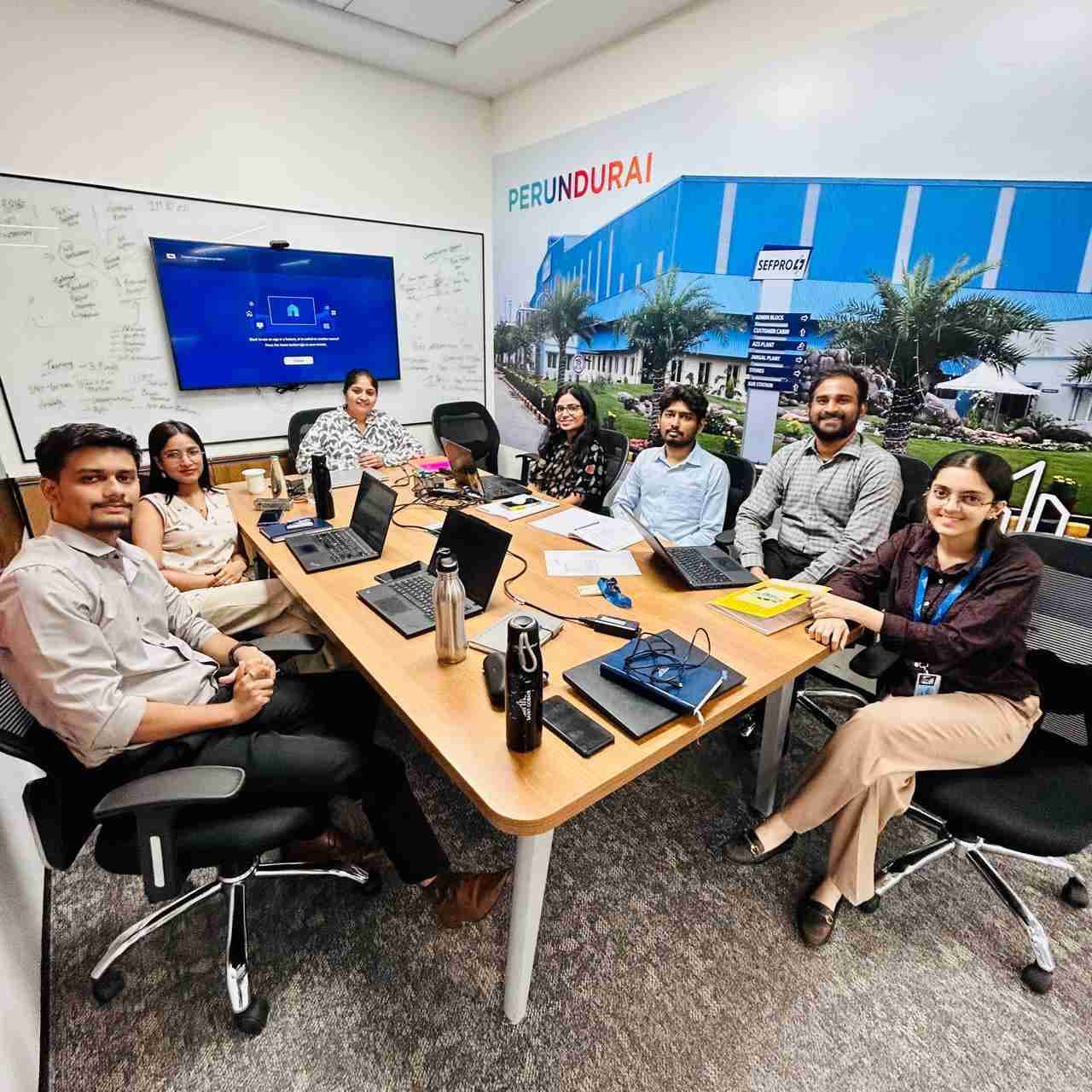
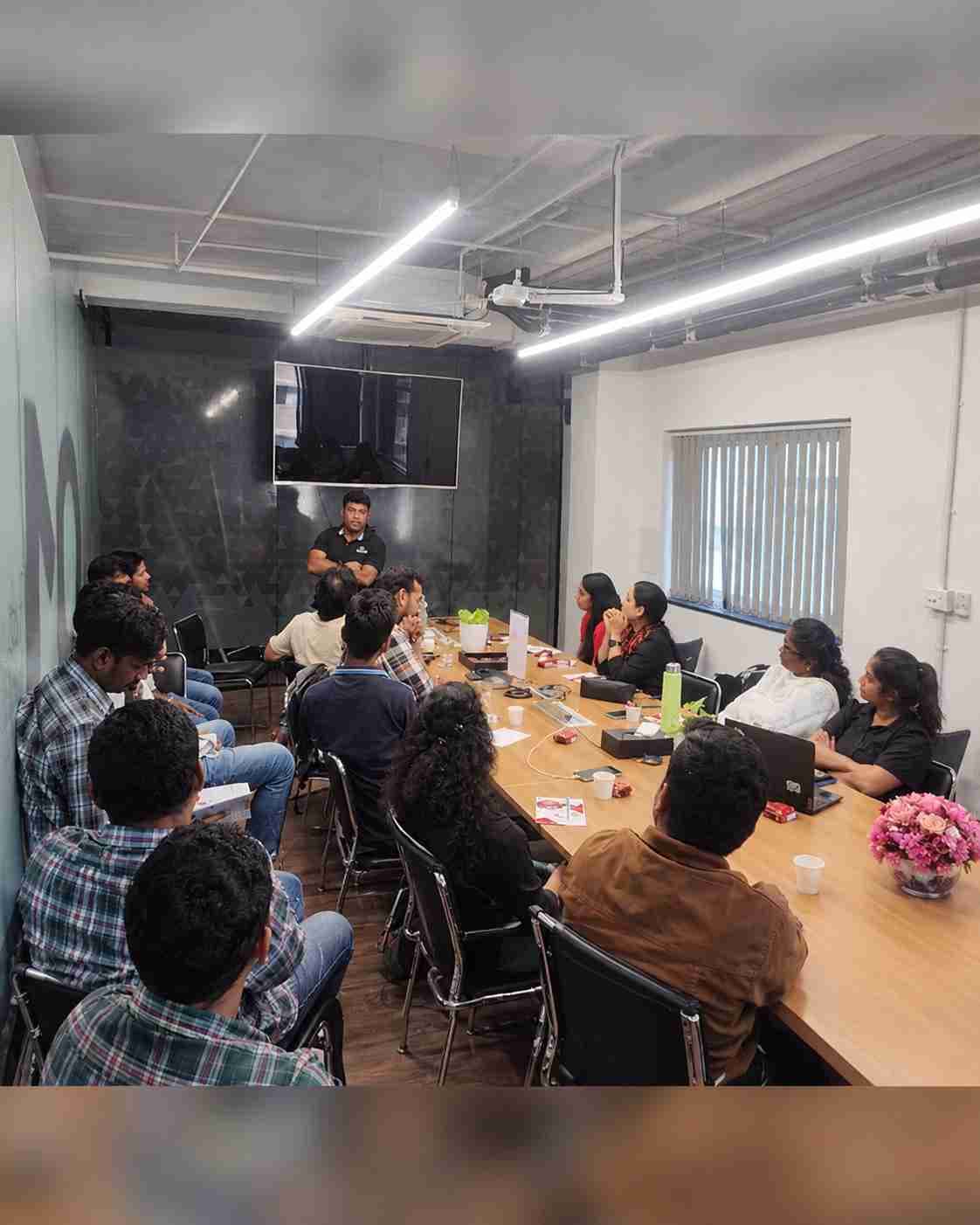
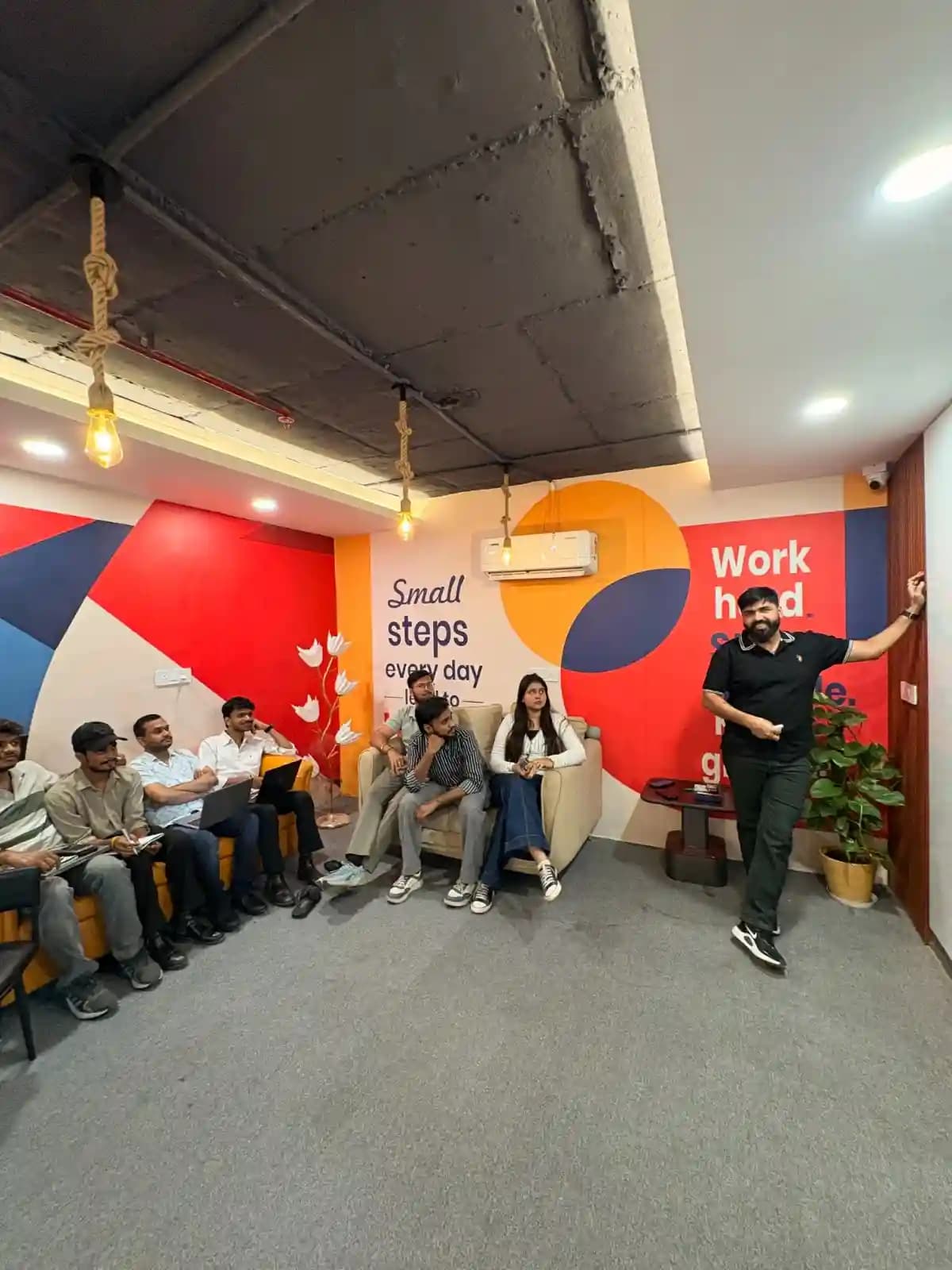
TechPratham has partnered with enterprises and government organizations to upskill their teams. From Balmer Lawrie & Co. Ltd. to other industry leaders, here's a glimpse of the corporate training programs we have successfully delivered.

  • Trusted by enterprises and government organizations
  • Customized to each company’s teams and workflows
  • On-site and online delivery for teams of any size
Saint-Gobain Corporate Training
QualiZeal Corporate Training
College Freshers Training
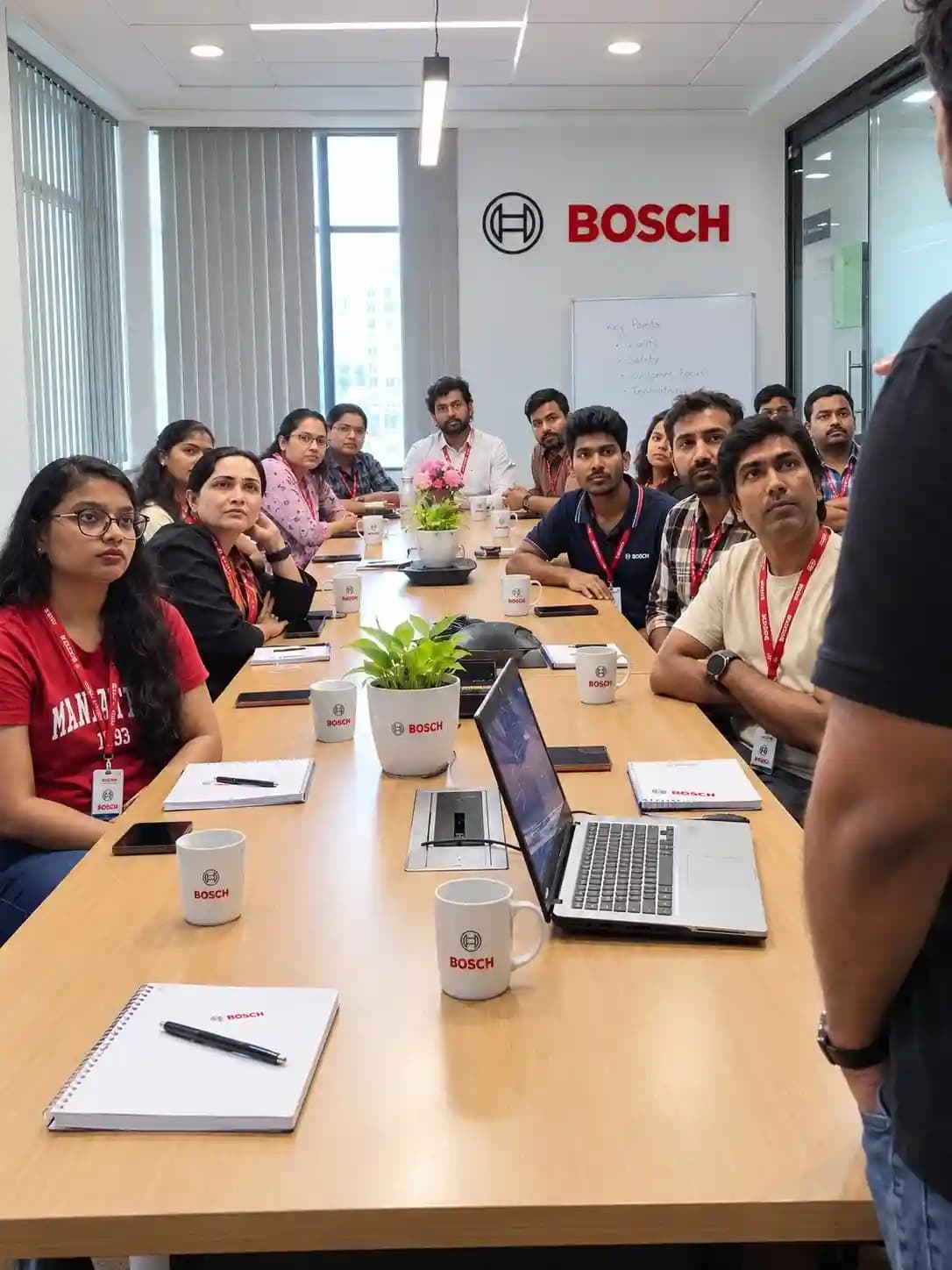
BOSCH Corporate Training
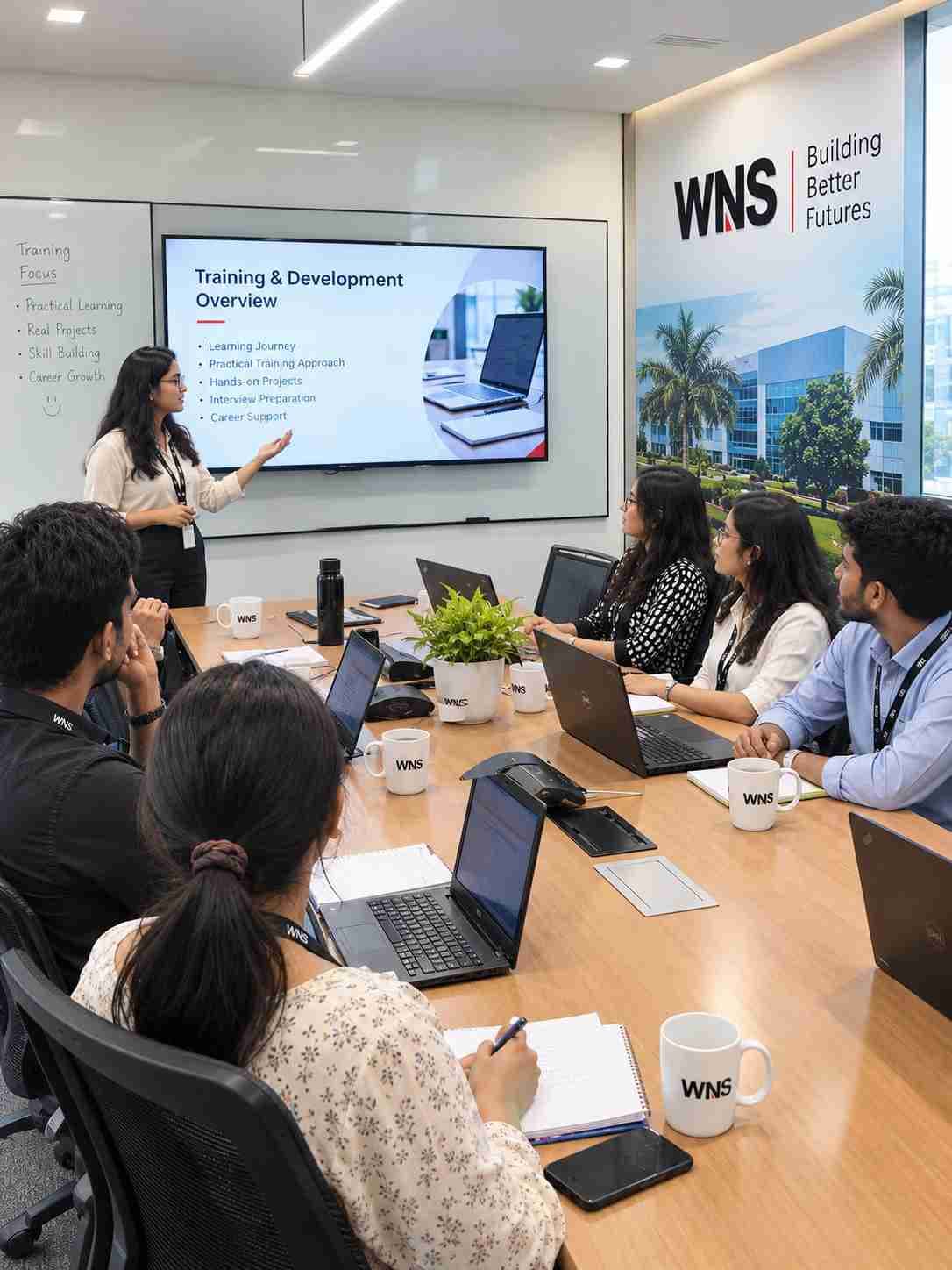
WNS Corporate Training
Central Bank Training
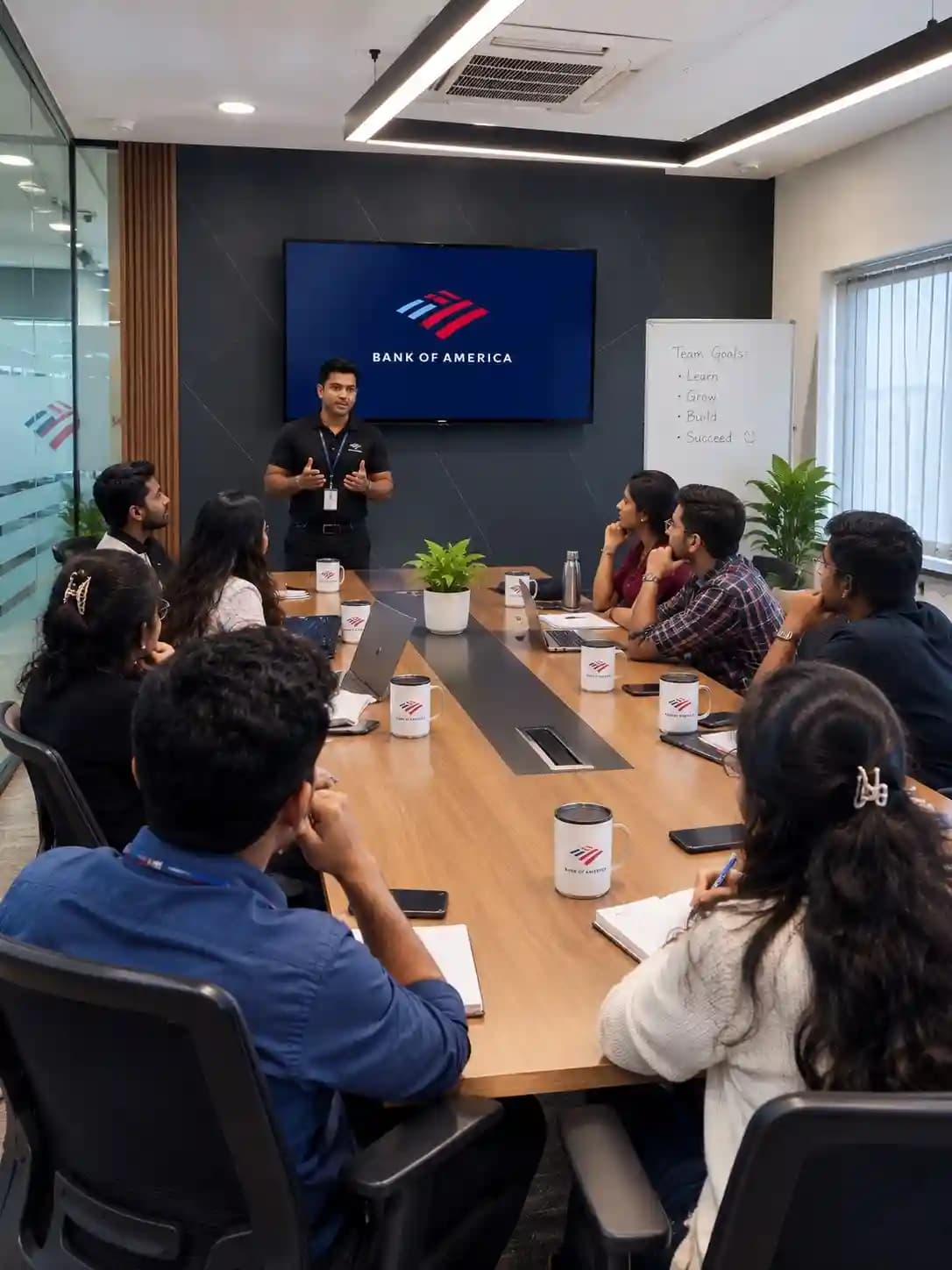
Bank of America Training
Balmer Lawrie Training
Delivery Hero Corporate Training
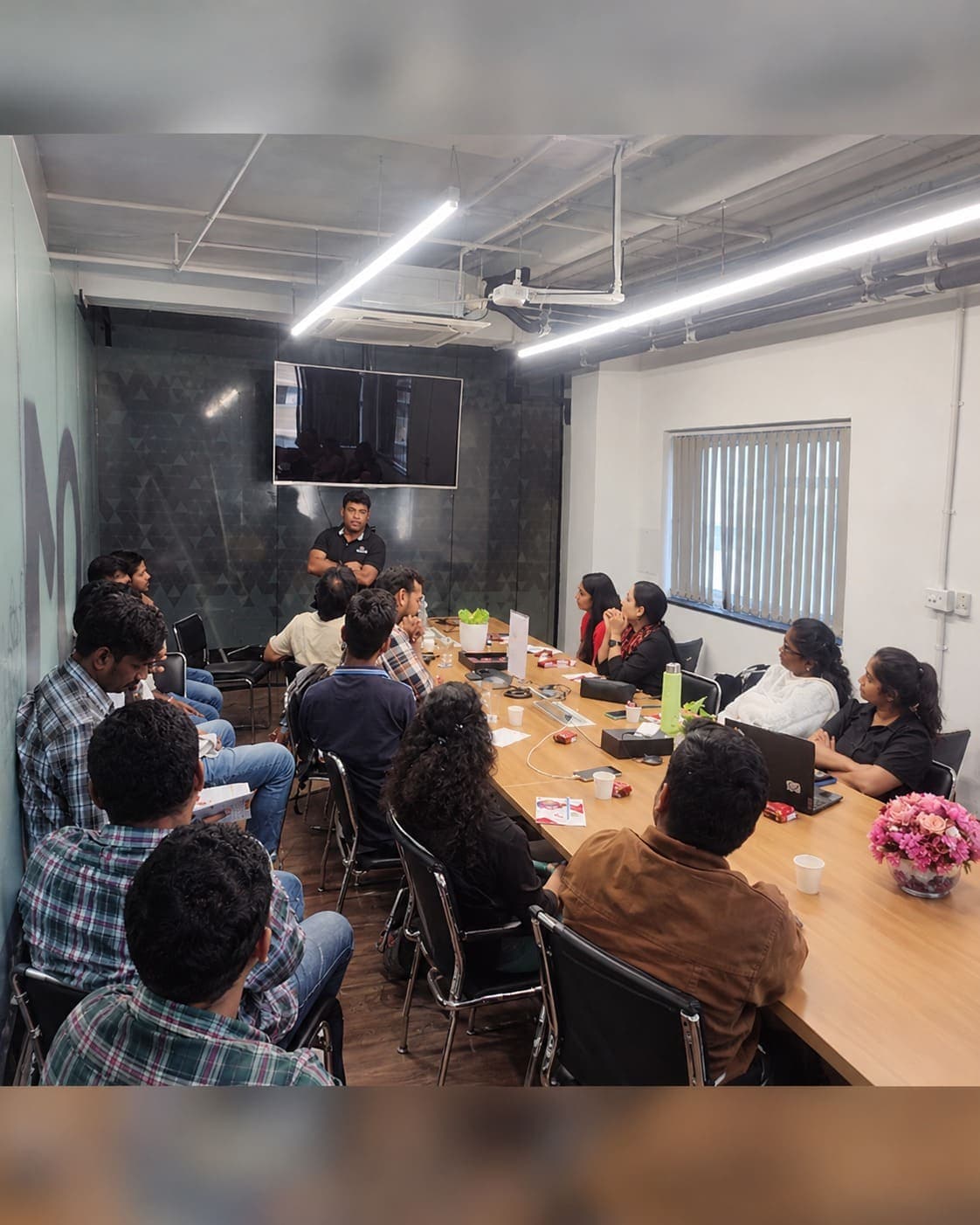
TechPratham Offline Training
Gravity Corporate Training
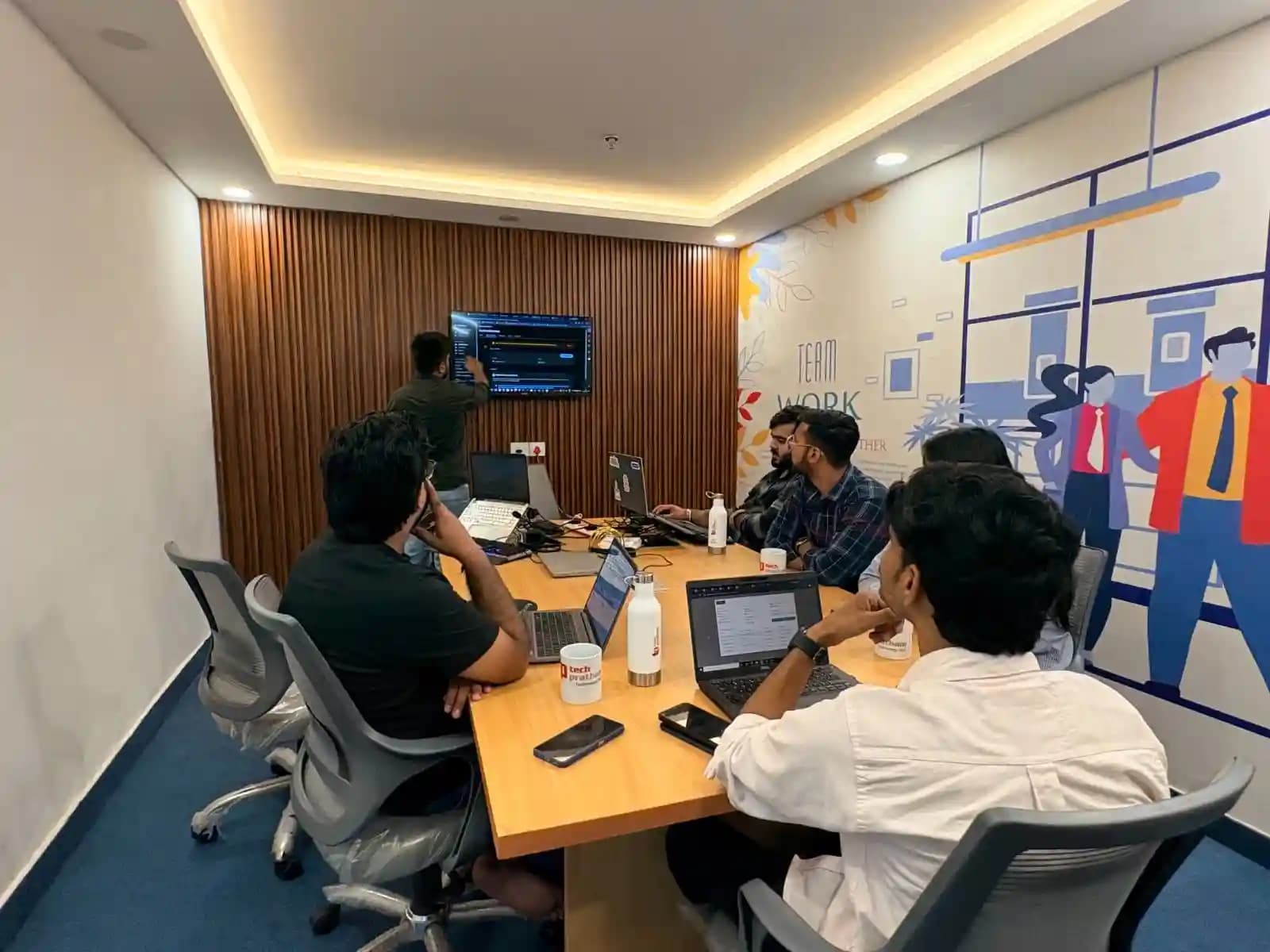
On-Site Corporate Training
HARMAN Corporate Training

Saint-Gobain Corporate Training

What is HTML5 & CSS Certification Training?

Will I receive support if I face any technical issues?

Can I work remotely after completing this course?

Is HTML5 & CSS enough to start a web development career?

What tools will I use in this training?

Does this course include real-time projects?

Industry-Recognized Certification

Certificate
Course Name

Our LinkedIn learning hub

Explore our professional communities — tap any card to join and connect with us on LinkedIn.

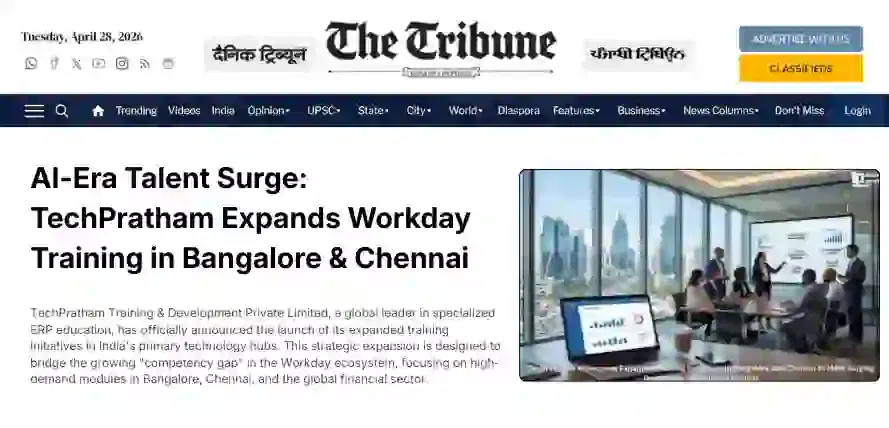
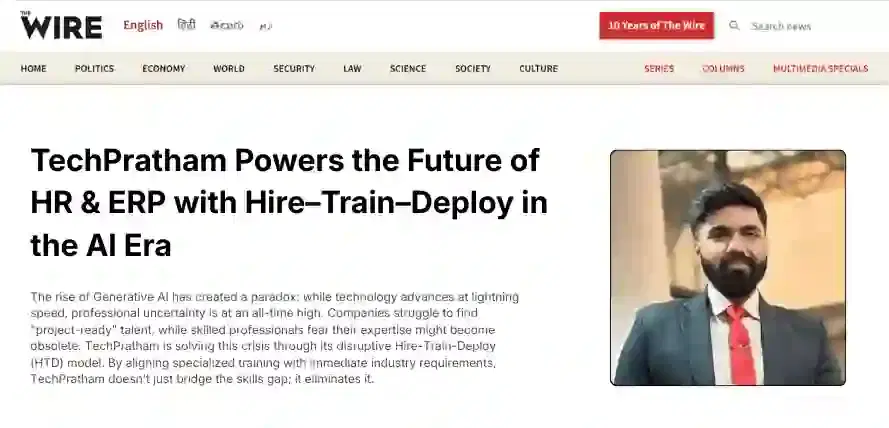
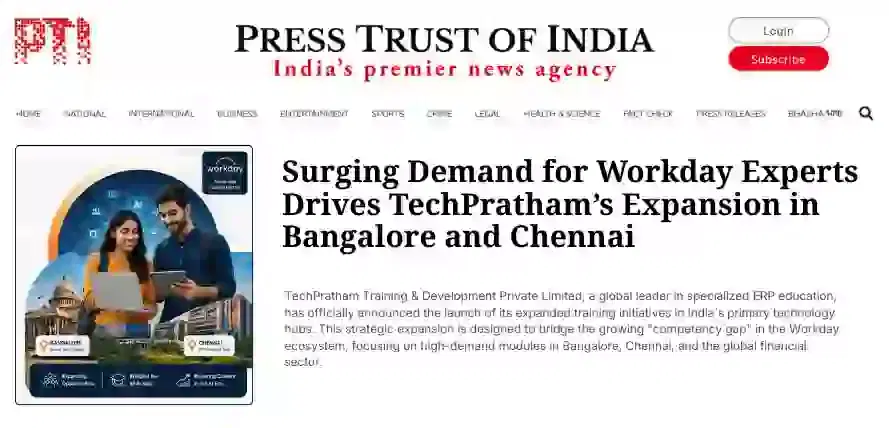
News Highlights

TechPratham Introduces Hire-Train-Deploy Model to Transform HR & ERP Talent in the AI Era
TechPratham Empowering Future Professionals Through AI-Focused HR & ERP Training

Featured In

Featured Logo 1Featured Logo 2Featured Logo 3Featured Logo 4Featured Logo 5Featured Logo 6Featured Logo 7Featured Logo 8Featured Logo 9Featured Logo 10Featured Logo 11Featured Logo 12
TechPratham Gains Recognition for Bridging the HR & ERP Skills Gap with Hire-Train-Deploy
TechPratham's Hire-Train-Deploy Approach Reshaping HR & ERP Careers in the AI-Driven Industry