



Acquire both technical and functional skills by learning MS Dynamics 365 CRM with Tech Pratham. You will gain a detailed understanding of sales, service, automation, and customizations. Power Apps, Power Automate, plugins, and actual projects are all included in the course. Prepare for positions as CRM consultants in a rapidly expanding field.
Microsoft Tools
Ms dynamics 365 crm techno functional training
You can learn both business and technical CRM skills for practical industry application with Tech Pratham's MS Dynamics 365 CRM Techno-Functional Training.
5/5(4,890 Reviews)
Level
Advanced
Duration
8 Weeks
Placement Client


.png&w=3840&q=75)










About Ms dynamics 365 crm techno functional training
Training Plan
01

About trainer
Working professional who is carrying more than 10 years of industry experience.
02

Decks & Updated Content
Access to updated presentation decks shared during live training sessions.
03

e-Book
E-book provided by TechPratham. All rights reserved.
04

Assignments & MCQs
Module-wise assignments and MCQs provided for practice.
05

Video Recording
Daily Session would be recorded and shared to the candidate.
06

Projects
Live projects will be provided for hands-on practice.
07

Resume Building
Expert-guided resume building with industry-focused content support.
08

Interview Preparation
Comprehensive interview preparation with real-time scenario practice.
Ms dynamics 365 crm techno functional training Course Curriculum
Microsoft Tools Courses
Additional Program Highlights
Comprehensive study materials and resources
HD

Professional resume building session
HD
Master your interview skills
HD
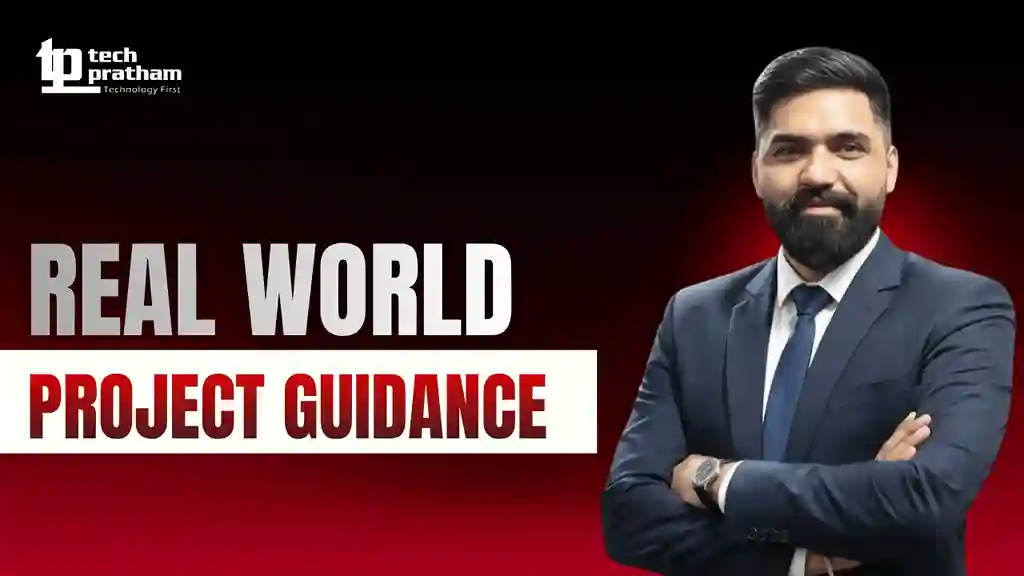
Real-world project demonstrations
HD
Upcoming Batches
Can't find a batch you were looking for?
Who Should Take Ms dynamics 365 crm techno functional training
IT Professionals
Non-IT Career Switchers
Fresh Graduates
Working Professionals
Ops/Administrators/HR
Developers
BA/QA Engineers
Cloud / Infra
IT Professionals
Non-IT Career Switchers
Fresh Graduates
Job Roles For Ms dynamics 365 crm techno functional training
Key Projects
Ms dynamics 365 crm techno functional training

Sales Pipeline Automation System

Customer Service Case Management Setup

Power Apps + CRM Integration App
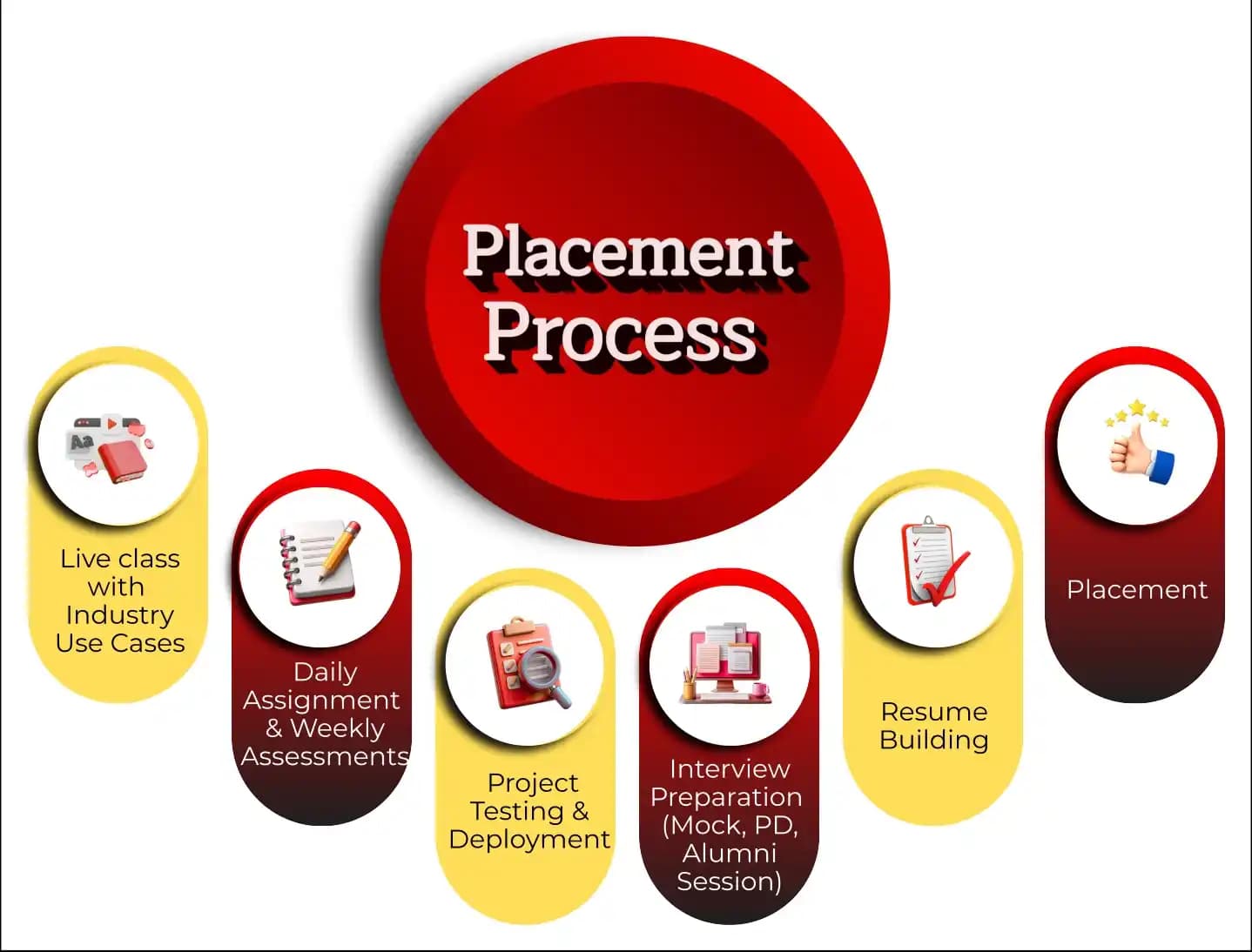
Placement Process

Live Class with Industry Use Cases
- Interactive learning
- Real-world examples
- Expert guidance
- Doubt resolution

Daily Assignment & Weekly Assessments
- Hands-on practice
- Concept reinforcement
- Weekly evaluation
- Timely feedback

Project Testing & Deployment
- Project development
- Testing practice
- Deployment exposure
- Portfolio creation

Interview Preparation (Mock, PD, Alumni Session)
- Mock interviews
- Personal development
- Alumni guidance
- Confidence building

Resume Building
- Resume crafting
- Industry-focused format
- Skills highlighting
- Professional presentation

Placement
- Job assistance
- Interview support
- Career guidance
- Opportunity access
Latest Hiring
No hiring posts
Recently Placed Candidates
No placements available
Latest Hiring
No hiring posts
Our Success Mantra
 Commitment
- Ensuring quality training every day
 Fulfillment
- Meeting learning goals with confidence
 Accomplishment
- Students achieving industry-ready expertise
Our Learner Voice
Loading reviews...
Beyond Courses:
Additional Support We Provide
24/7 Support
LinkedIn Profile
Resume Writing
Alumni Sessions
Interview Preparation
Live Projects
What Makes TechPratham Training Different?
Feature
TechPratham Advantage
Industry Standard Institutes
Real-World Implementation
Live enterprise tenant access for 24/7 practice on real-world, enterprise-grade scenarios.
Restricted or simulation-based access that lacks real-world complexity.
Subject Matter Experts
Mentorship from certified professionals with 15+ years of global industry experience.
Generic instructors with no hands-on implementation background.
2026 Ready Curriculum
AI-driven curriculum with advanced platform integrations and real-world configurations.
Basic, outdated syllabus that misses key technical integrations.
Daily & Weekly assignments
Daily assignments and weekly assessments focused on concept reinforcement and continuous feedback.
Self-paced learning with no accountability or progress tracking.
End-to-End Lifecycle
Hands-on project testing and deployment with portfolio-ready real-world exposure.
Basic lab exercises without any deployment or testing practice.
Interview Readiness
Structured interview preparation including mock interviews, PD sessions, and alumni guidance.
Minimal support limited to a generic certificate of completion.
Placement Support
Guaranteed interview support through tie-ups with top MNCs and 1-on-1 mock interview sessions.
Basic career tips with no direct industry connections.
Training Support
24/7 technical doubt resolution and personalized mentoring support.
Limited mentor availability and no support after class hours.
Affordable Fees
Competitive fixed pricing with flexible payment options and transparent fee structure.
Inflated fees with hidden costs and low return on investment.
Real-World Implementation
Live enterprise tenant access for 24/7 practice on real-world, enterprise-grade scenarios.
Restricted or simulation-based access that lacks real-world complexity.
Subject Matter Experts
Mentorship from certified professionals with 15+ years of global industry experience.
Generic instructors with no hands-on implementation background.
2026 Ready Curriculum
AI-driven curriculum with advanced platform integrations and real-world configurations.
Basic, outdated syllabus that misses key technical integrations.
Daily & Weekly assignments
Daily assignments and weekly assessments focused on concept reinforcement and continuous feedback.
Self-paced learning with no accountability or progress tracking.
End-to-End Lifecycle
Hands-on project testing and deployment with portfolio-ready real-world exposure.
Basic lab exercises without any deployment or testing practice.
Interview Readiness
Structured interview preparation including mock interviews, PD sessions, and alumni guidance.
Minimal support limited to a generic certificate of completion.
Placement Support
Guaranteed interview support through tie-ups with top MNCs and 1-on-1 mock interview sessions.
Basic career tips with no direct industry connections.
Training Support
24/7 technical doubt resolution and personalized mentoring support.
Limited mentor availability and no support after class hours.
Affordable Fees
Competitive fixed pricing with flexible payment options and transparent fee structure.
Inflated fees with hidden costs and low return on investment.
What does “techno-functional” mean in Dynamics 365 CRM?
What are the job roles after completing this course?
Is Dynamics 365 CRM in high demand?
What is the difference between Dynamics CRM and Power Apps?
Industry-Recognized Certification
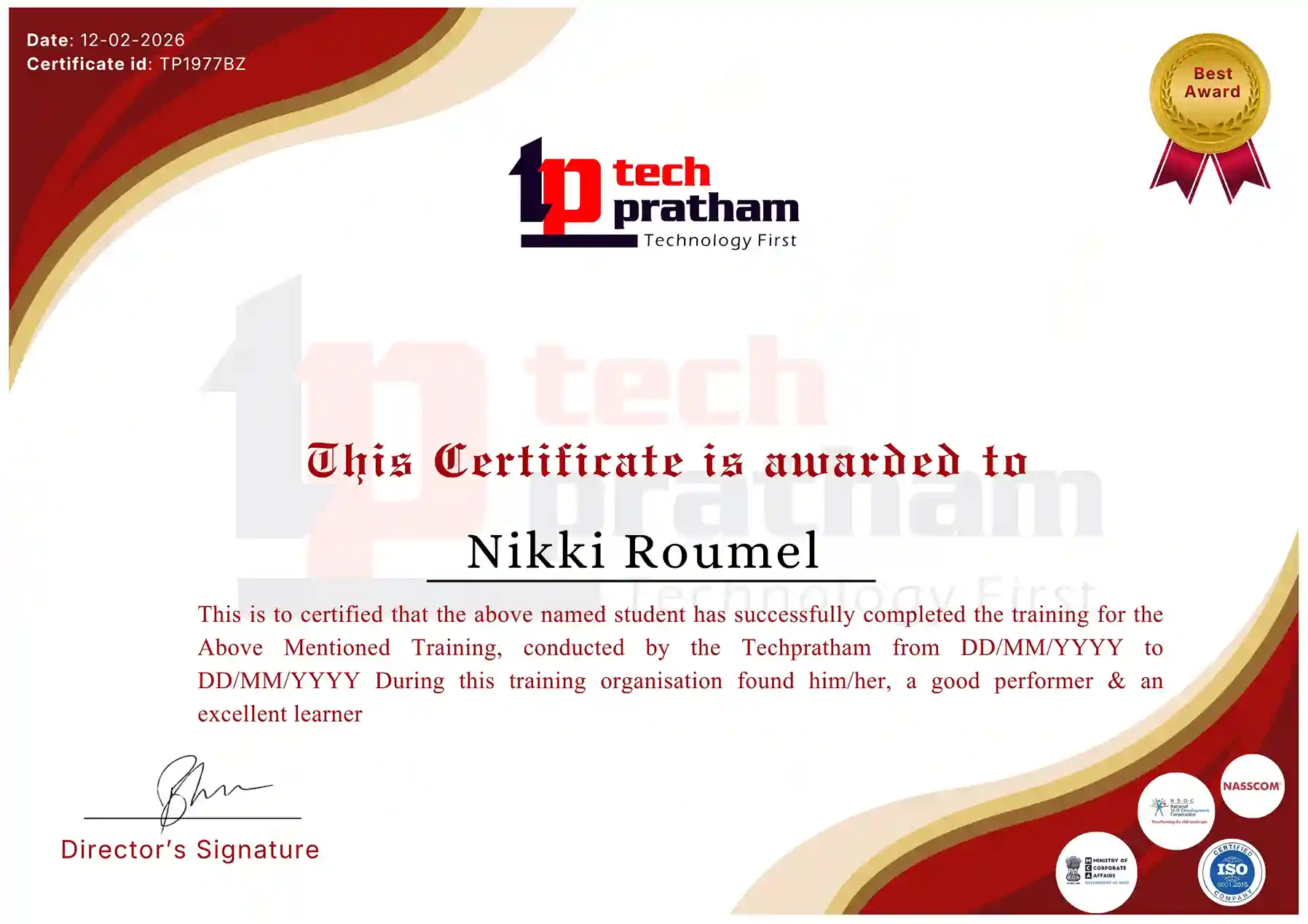
Course Name
News Highlights
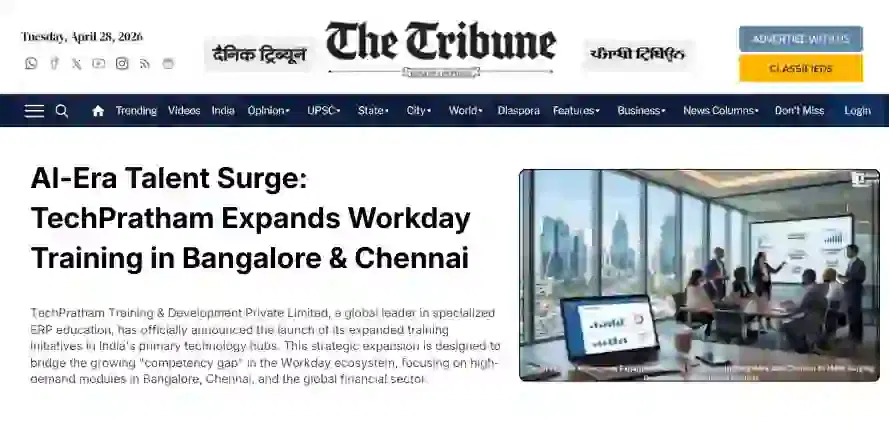
Featured In













About Us
TechPratham is an ISO 9001:2015 certified IT Training and Development, delivering industry-focused certification courses with expert guidance and placement support.
CIN:U62013UP2025PTC223378GST:09AALCT8794N1Z2
Courses
Company
 +91-8882178896
 +1 (343) 477-0926
© 2026 TechPratham. All rights reserved.An ISO 9001:2015 Certified Company