

















Start typing to search courses...

Type in the search box to find courses
CoursesHigh Demanding
Playwright Testing Training in Pune
High Demanding

Playwright Testing Training in Pune

Join Playwright Testing Training in Pune to learn browser automation, JavaScript, test frameworks, cross-browser testing, and practical QA skills.

5/5(4,890 Reviews)

Level

Advanced

Duration

8 week

Enquire This Course

About
Training Plan
Course Curriculum
New Batch
Projects
Certificate
Testimonials
FAQ
Interview FAQ

Placement Client

Accenture Logo
AWS Logo
Capgemini Logo
Deloitte Logo
Genpact Logo
HP Logo
Intel Logo
Microsoft Logo
Infosys Logo
Zoho Logo
Zelis Logo
Wipro Logo
Saint Gobain Logo
ONX Logo
Nava Logo
Infosys Logo
HCL Logo
Egon Zehnder Logo
Cognizant Logo
Bosch Logo
Bank of America Logo
Accenture Logo
AWS Logo
Capgemini Logo
Deloitte Logo
Genpact Logo
HP Logo
Intel Logo
Microsoft Logo
Infosys Logo
Zoho Logo
Zelis Logo
Wipro Logo
Saint Gobain Logo
ONX Logo
Nava Logo
Infosys Logo
HCL Logo
Egon Zehnder Logo
Cognizant Logo
Bosch Logo
Bank of America Logo

About Playwright Testing Training in Pune

Playwright Testing Training in Pune is designed for aspiring software testers, QA professionals, developers, and fresh graduates who want to learn modern web application automation. This course introduces Playwright fundamentals, JavaScript or TypeScript, browser automation, locators, assertions, test scripts, debugging, and cross-browser testing.

Learners can practice automating real-world web application workflows, including login forms, navigation, search, and form validation. The curriculum also covers test framework design, Page Object Model, API testing fundamentals, reporting, and continuous integration concepts. Whether you are starting your QA journey or expanding your existing testing skills, this training can help you build practical automation knowledge relevant to software testing opportunities in Pune. Course delivery, hands-on projects, assessments, and placement support should be confirmed with the training provider before enrolment.

Video Thumbnail

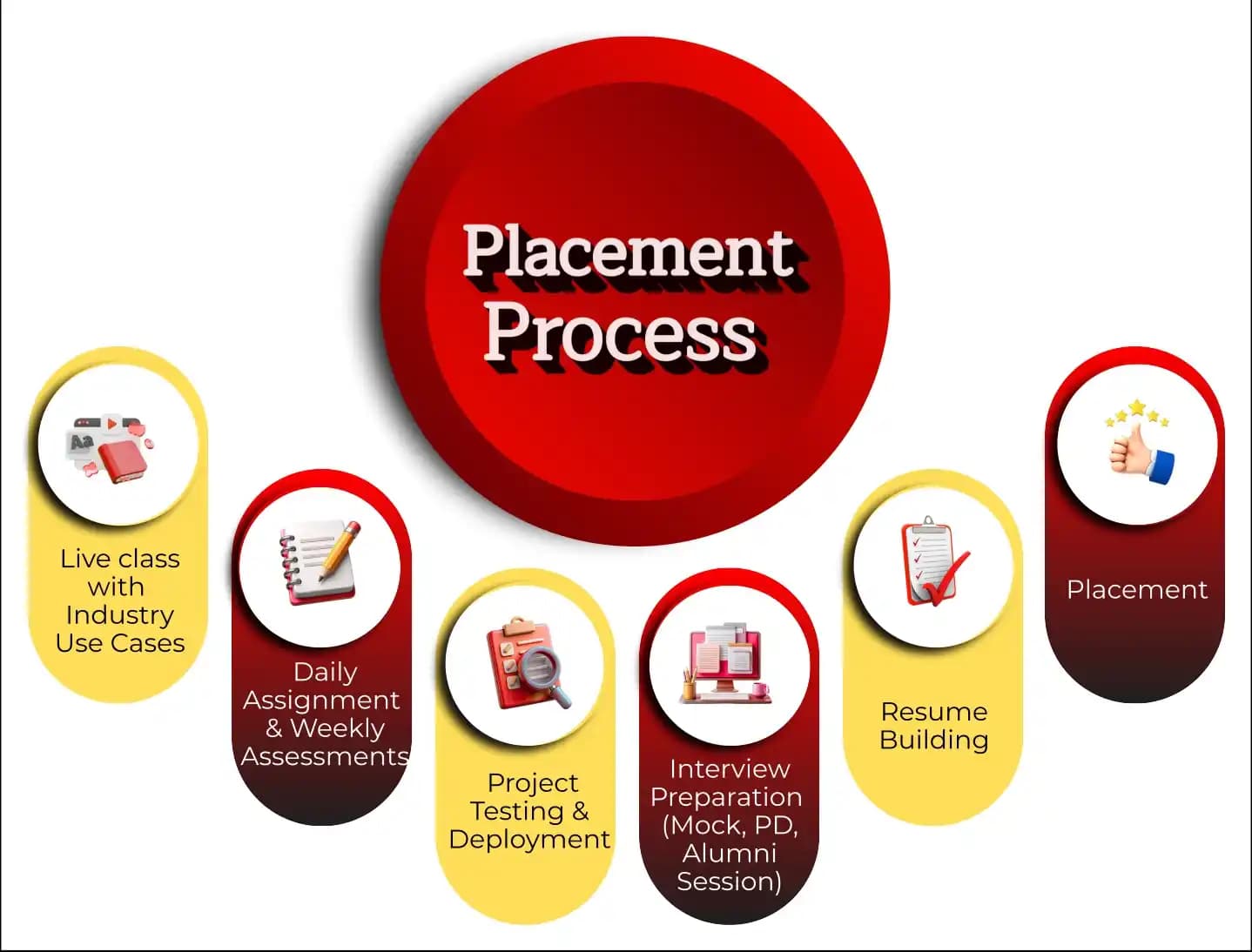
Training Plan

01
About trainer

About trainer

Working professional who is carrying more than 10 years of industry experience.

02
Decks & Updated Content

Decks & Updated Content

Access to updated presentation decks shared during live training sessions.

03
e-Book

e-Book

E-book provided by TechPratham. All rights reserved.

04
Assignments & MCQs

Assignments & MCQs

Module-wise assignments and MCQs provided for practice.

05
Video Recording

Video Recording

Daily Session would be recorded and shared to the candidate.

06
Projects

Projects

Live projects will be provided for hands-on practice.

07
Resume Building

Resume Building

Expert-guided resume building with industry-focused content support.

08
Interview Preparation

Interview Preparation

Comprehensive interview preparation with real-time scenario practice.

Course Curriculum

Module 1: Introduction to Software Testing

Understand software quality, testing fundamentals, and the role of automation in modern QA teams. Learn how testing fits into software development projects and agile workflows.

Software testing fundamentals
Manual vs. automation testing
SDLC and STLC
Agile and Scrum basics
Test scenarios, test cases, and defect reporting

Module 2: JavaScript Fundamentals for Automation

Develop the programming foundation required to write and maintain Playwright tests. Practise core JavaScript concepts through small automation-oriented exercises.

Variables, data types, and operators
Conditional statements and loops
Functions and arrow functions
Arrays, objects, and strings
Promises, async/await, and error handling

Module 3: Playwright Installation and Setup

Set up the Playwright environment and understand how its test runner organises and executes automated tests. Create a basic project and run your first test.

Node.js and npm basics
Playwright installation
Browser installation and configuration
Project structure and configuration files
Running tests through CLI and VS Code

Module 4: Browser Automation Fundamentals

Learn to automate common user interactions with web applications. Practise navigating pages, entering data, interacting with controls, and validating visible outcomes.

Browser, context, and page concepts
Navigation and page interactions
Click, fill, select, and keyboard actions
Handling tabs, pop-ups, and frames
Screenshots and basic browser workflows

Module 5: Locators and Element Identification

Learn how to identify page elements reliably and reduce fragile test scripts. Explore recommended locator strategies and understand when CSS or XPath selectors may be appropriate.

getByRole and getByText
getByLabel and getByPlaceholder
Test IDs and CSS selectors
XPath basics
Locator filtering and handling multiple matches

Module 6: Assertions and Synchronisation

Verify expected application behaviour using assertions and Playwright's automatic waiting mechanisms. Understand how to handle asynchronous interactions and diagnose timing-related failures.

Expect assertions
Visibility and text validation
Auto-waiting and retry behavior
Timeouts and waiting strategies
Negative assertions and failure analysis

Module 7: Test Framework and Execution

Organise tests into reusable suites and learn how to manage test execution efficiently. Explore fixtures, hooks, annotations, retries, and parallel testing.

Test files and test.describe
beforeEach and afterEach hooks
Fixtures and test configuration
Tags, retries, and timeouts
Parallel execution and test isolation

Module 8: Page Object Model and Framework Design

Build maintainable automation frameworks by separating page interactions from test logic. Practise reusable methods, shared utilities, and organised test data.

Page Object Model fundamentals
Reusable page classes and methods
Common utilities and configuration
Test data management
Framework folder structure and maintainability

Module 9: Advanced Browser Testing

Explore browser contexts, session handling, and more complex application workflows. Learn to validate responsive layouts and run tests across supported browser engines.

Cookies, sessions, and authentication
Dialogs, downloads, and uploads
Frames and multiple tabs
Chromium, Firefox, and WebKit
Desktop and mobile viewport testing

Module 10: API Testing with Playwright

Learn how API checks complement UI automation. Practise sending requests, validating responses, and using API operations to prepare test data or verify application behaviour.

HTTP methods and status codes
Headers, parameters, and request bodies
API requests and response validation
JSON response assertions
UI and API test integration

Module 11: Debugging, Reporting, and CI/CD

Learn how to investigate failed tests, review execution evidence, and share results. Understand how automated suites can run within a continuous integration workflow.

Playwright Inspector and debugging
Trace Viewer and screenshots
HTML reports
Git and GitHub basics
CI/CD integration concepts

Module 12: Real-World Project and Interview Preparation

Apply your learning to an end-to-end web testing project and prepare to explain your technical decisions in interviews. Practise writing, debugging, and presenting automation scripts.

E-commerce or demo application automation
Login, search, cart, and checkout workflows
Regression suite development
Project documentation and test reports
Resume preparation and mock interviews

High Demanding Courses

No related courses found

Additional Program Highlights

Learning Materials

Comprehensive study materials and resources

HD
Resume Writing

Professional resume building session

HD
Interview Preparation

Master your interview skills

HD
Live Project Demo

Real-world project demonstrations

HD

Upcoming Batches

Can't find a batch you were looking for?

Who Should Enroll in Playwright Testing Training in Pune

IT Professionals

Non-IT Career Switchers

Fresh Graduates

Job Roles After Training

Automation Test Engineer

QA Engineer

Playwright Automation Tester

Key Projects

Real-World Projects

Infosys

Infosys – E-Commerce Testing


Scenario: Simulate an e-commerce application used by Pune customers to test product search, cart updates, checkout forms, and order confirmation using Playwright automation.

Live Work:

  • Automate product search and filtering.
  • Test cart updates and checkout validation.
  • Verify order confirmation and error messages.
Outcome: Improved checkout testing and regression coverage.
Accenture

Accenture – Employee Management Testing


Scenario: Automate an employee portal for Pune-based IT teams to test employee login, leave requests, profile updates, and approval workflows using Playwright.

Live Work:

  • Automate employee login and profile updates.
  • Test leave requests and approval workflows.
  • Verify status messages and form validations.
Outcome: Improved employee portal testing reliability.
TCS

TCS – Healthcare Portal Testing


Scenario: Build a demo healthcare portal for Pune patients to test appointment booking, doctor search, patient forms, and booking confirmation with Playwright automation.

Live Work:

  • Automate doctor search and appointment booking.
  • Validate patient forms and required fields.
  • Verify booking status and confirmation messages.
Outcome: Improved appointment workflow test coverage.
Tech Mahindra

Tech Mahindra – Job Portal Testing


Scenario: Test a demo job portal for Pune job seekers by automating job search, location filters, candidate registration, and application submission using Playwright.

Live Work:

  • Automate Pune job search and filters.
  • Test candidate registration and login.
  • Verify job application submission status.
Outcome: Improved job application workflow reliability.
Mobile Banner

Latest HiringNEW

No hiring posts

Recently Placed Candidates

No placements available

Latest HiringNEW

No hiring posts

Our Success Mantra

Commitment Icon
Commitment

  • Ensuring quality training every day

Commitment Icon
Fulfillment

  • Meeting learning goals with confidence

Commitment Icon
Accomplishment

  • Students achieving industry-ready expertise

Our Learner Voice

Loading reviews...

Beyond Courses:

Additional Support We Provide

24/7 Support

LinkedIn Profile

Resume Writing

Alumni Sessions

Interview Preparation

Live Projects

Who can join a Playwright automation testing course?

Do I need programming knowledge to learn Playwright?

What topics are covered in Playwright training in Pune?

How long does it take to learn Playwright automation testing?

 Is Playwright useful for experienced Selenium testers?

Does Playwright support cross-browser testing?

What is Playwright in software testing?

What is the difference between Playwright and Selenium?

What are locators in Playwright?

What is auto-waiting in Playwright?

What is the Page Object Model?

How does Playwright handle multiple browsers?

About playwright testing certification

The Playwright Testing Training in Pune is designed for professionals and beginners who want to build expertise in modern web application automation. It helps learners understand browser automation, test script development, element locators, assertions, debugging, and cross-browser testing in practical testing environments.

This training focuses on hands-on experience with Playwright, JavaScript or TypeScript, test framework development, workflow automation, and test reporting, making it a valuable learning path for anyone starting or advancing a career in software testing. These skills can help candidates prepare for automation testing opportunities in Pune's IT and software development industry.


Course Details

Course Name: Playwright Testing Training in Pune

Course Fee: Varies by training provider

Duration: Depends on the course curriculum

Format: Instructor-led or self-paced training

Learning Mode: Online or classroom, depending on availability

Practical Training: Hands-on automation exercises and projects


Who Should Take This Training?

This training is suitable for beginners, fresh graduates, manual testers, QA engineers, software developers, and professionals who want to develop skills in web automation testing using Playwright.


Important Note

There are no universal prerequisites for learning Playwright, but basic programming knowledge and an understanding of software testing are beneficial. Hands-on practice, real-world project exercises, and familiarity with JavaScript or TypeScript can help learners develop practical automation skills and prepare for relevant job opportunities.

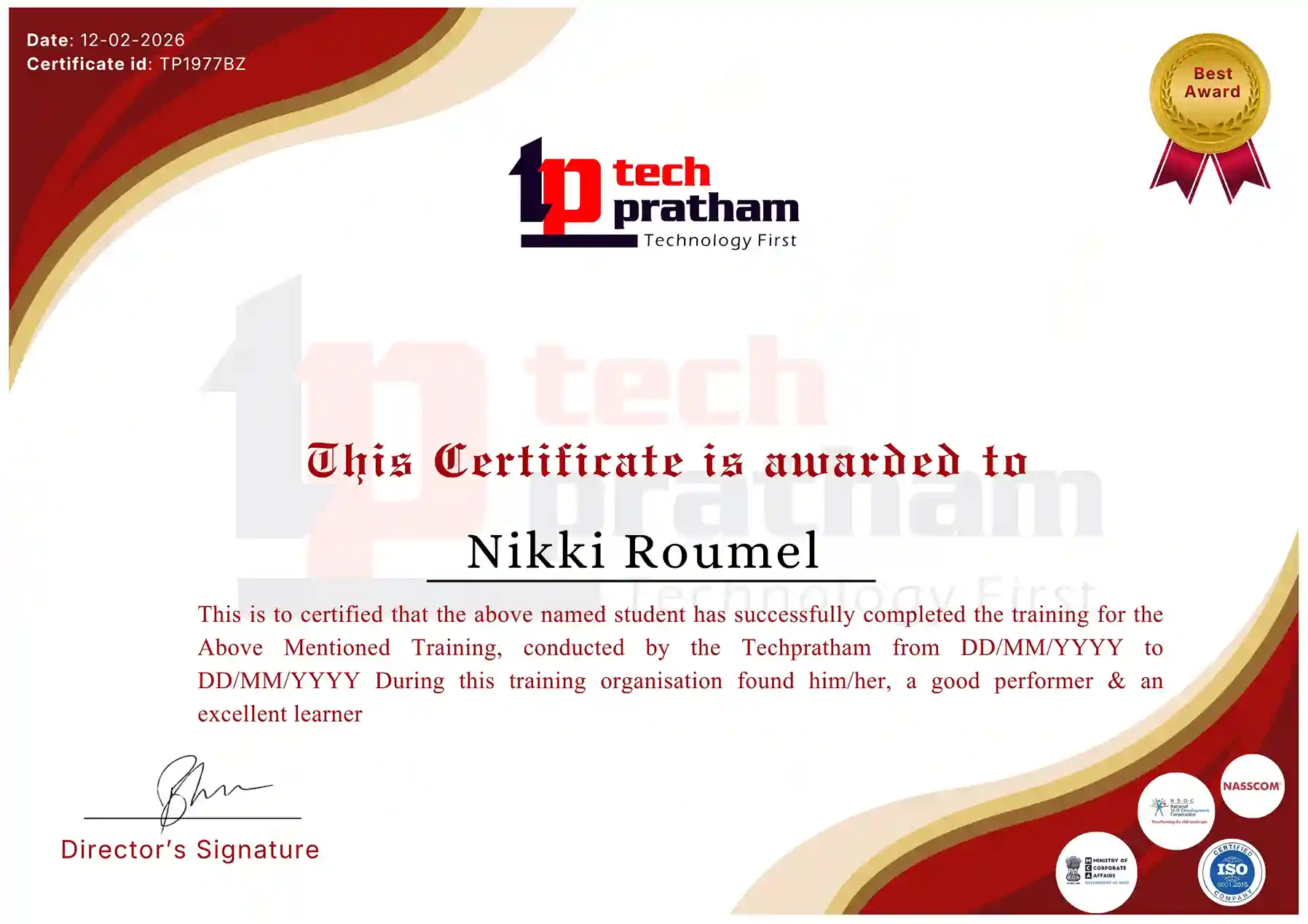
Industry-Recognized Certification

Certificate
Playwright Testing Training Certification

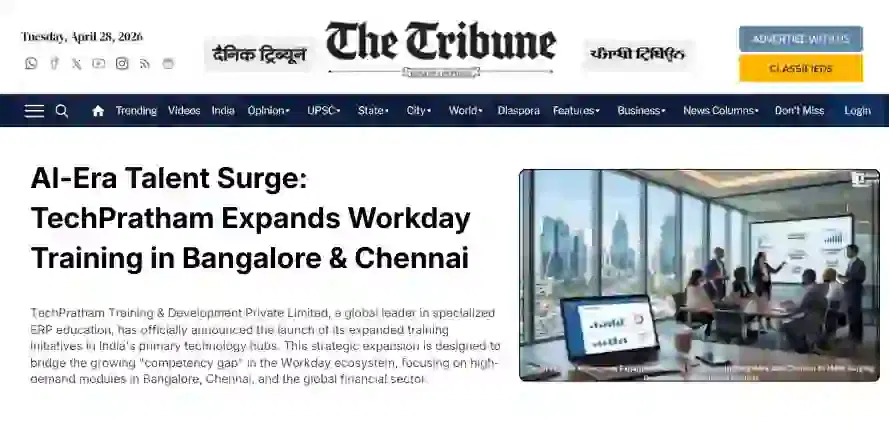
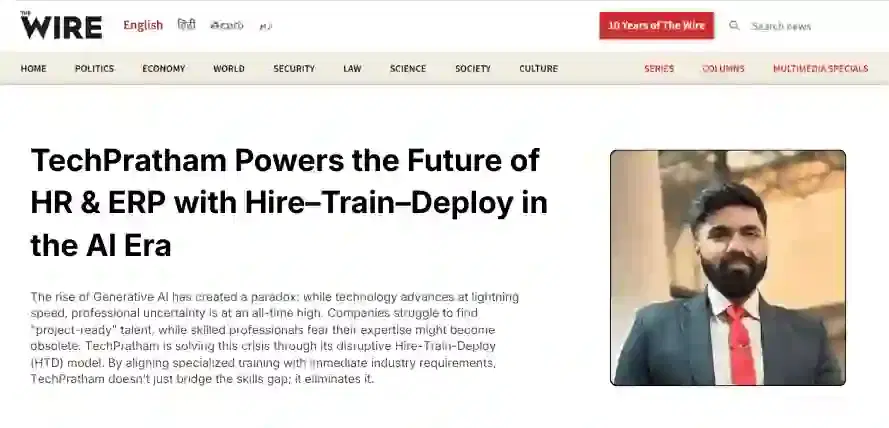
News Highlights

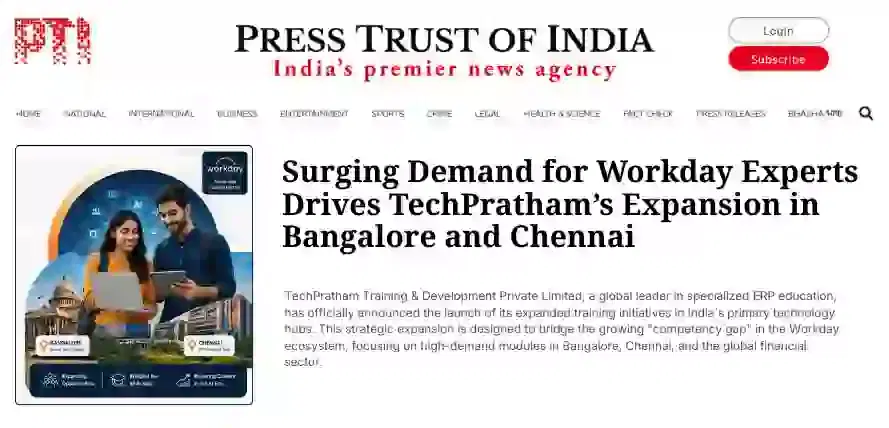
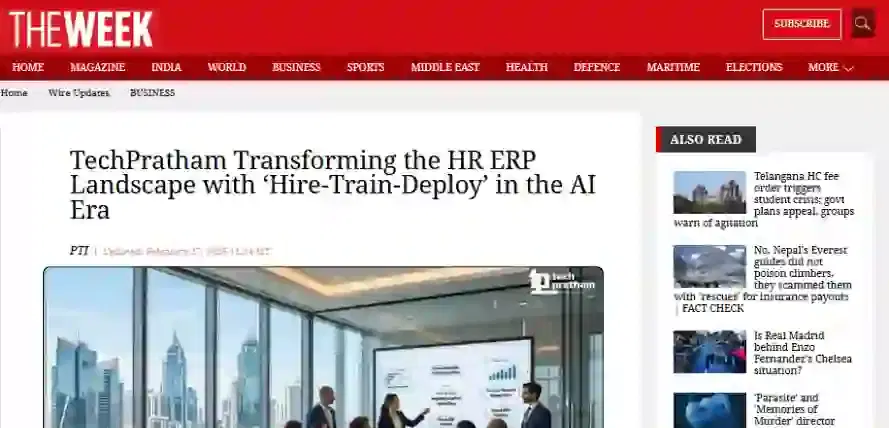
TechPratham Introduces Hire-Train-Deploy Model to Transform HR & ERP Talent in the AI Era
TechPratham Empowering Future Professionals Through AI-Focused HR & ERP Training

Featured In

Featured Logo 1Featured Logo 2Featured Logo 3Featured Logo 4Featured Logo 5Featured Logo 6Featured Logo 7Featured Logo 8Featured Logo 9Featured Logo 10Featured Logo 11Featured Logo 12
TechPratham Gains Recognition for Bridging the HR & ERP Skills Gap with Hire-Train-Deploy
TechPratham's Hire-Train-Deploy Approach Reshaping HR & ERP Careers in the AI-Driven Industry