














Start typing to search courses...

Type in the search box to find courses
CoursesSalesforce
Salesforce MuleSoft Training
Salesforce

Salesforce MuleSoft Training

Build practical integration skills with Salesforce MuleSoft Training covering MuleSoft for Salesforce Developers, API integration, application connectivity, and real-world integration concepts. Learn through structured MuleSoft Online Training designed for career-focused professionals.

5/5(4,890 Reviews)

Level

Advanced

Duration

8 weeks

Enquire This Course

About
Training Plan
Course Curriculum
New Batch
Projects
Certificate
Testimonials
FAQ
Interview FAQ

Placement Client

Accenture Logo
AWS Logo
Capgemini Logo
Deloitte Logo
Genpact Logo
HP Logo
Intel Logo
Microsoft Logo
Infosys Logo
Zoho Logo
Zelis Logo
Wipro Logo
Saint Gobain Logo
ONX Logo
Nava Logo
Infosys Logo
HCL Logo
Egon Zehnder Logo
Cognizant Logo
Bosch Logo
Bank of America Logo
Accenture Logo
AWS Logo
Capgemini Logo
Deloitte Logo
Genpact Logo
HP Logo
Intel Logo
Microsoft Logo
Infosys Logo
Zoho Logo
Zelis Logo
Wipro Logo
Saint Gobain Logo
ONX Logo
Nava Logo
Infosys Logo
HCL Logo
Egon Zehnder Logo
Cognizant Logo
Bosch Logo
Bank of America Logo

About Salesforce MuleSoft Training

Salesforce MuleSoft Training is designed for learners and professionals who want to understand how Salesforce connects with external applications, APIs, databases, and enterprise systems. The course covers key integration concepts including API development, data transformation, integration flows, security, error handling, and application connectivity.

Learners explore practical integration scenarios and understand how MuleSoft can support data exchange across different business systems. MuleSoft for Salesforce Developers helps Salesforce professionals expand their technical knowledge into integration and API-based development.

The training includes practical examples to build a strong understanding of integration workflows, troubleshooting, and implementation approaches. It is suitable for Salesforce developers and other technology professionals who want to develop job-relevant integration skills through structured MuleSoft Online Training.
Video Thumbnail

Training Plan

01
About trainer

About trainer

Working professional who is carrying more than 10 years of industry experience.

02
Decks & Updated Content

Decks & Updated Content

Access to updated presentation decks shared during live training sessions.

03
e-Book

e-Book

E-book provided by TechPratham. All rights reserved.

04
Assignments & MCQs

Assignments & MCQs

Module-wise assignments and MCQs provided for practice.

05
Video Recording

Video Recording

Daily Session would be recorded and shared to the candidate.

06
Projects

Projects

Live projects will be provided for hands-on practice.

07
Resume Building

Resume Building

Expert-guided resume building with industry-focused content support.

08
Interview Preparation

Interview Preparation

Comprehensive interview preparation with real-time scenario practice.

Salesforce MuleSoft Training Curriculum

MuleSoft Fundamentals and Salesforce Integration

Understand MuleSoft fundamentals and how Salesforce connects with external applications and business systems. Learn the role of APIs, Anypoint Platform, Mule runtime, and integration architecture.

Introduction to MuleSoft
MuleSoft Architecture
Anypoint Platform Overview
Salesforce Integration Basics
APIs and Integration Concepts
Mule Runtime and Applications

Anypoint Platform and Development Environment

Learn to work with MuleSoft development tools and create basic integration applications. This module covers project structure, flows, configurations, and application testing.

Anypoint Studio Overview
Anypoint Platform Components
Creating Mule Applications
Mule Projects and Flows
Configuring Applications
Running and Testing Applications

APIs and API Led Connectivity

Explore API-based integration and understand how different API layers support scalable enterprise connectivity. Learn how System, Process, and Experience APIs work together.

API Fundamentals
REST APIs
HTTP Methods
API Led Connectivity
System APIs
Process APIs
Experience APIs

DataWeave and Data Transformation

Learn how to transform and map data between different formats using DataWeave. Practice working with JSON, XML, variables, functions, and transformation expressions.

Introduction to DataWeave
DataWeave Syntax
JSON and XML
Data Mapping
Transform Message
Variables and Functions
Data Filtering and Transformation

Salesforce Connectors and Integration

Understand how MuleSoft applications interact with Salesforce using connectors and APIs. Learn to retrieve, create, update, and process Salesforce data within integration workflows.

Salesforce Connector
Salesforce Authentication
Salesforce Operations
Working with Salesforce Objects
Querying Salesforce Data
Creating and Updating Records
Bulk Data Operations

Connectors and External System Integration

Learn how to connect Salesforce and MuleSoft applications with databases, files, APIs, SFTP servers, and other external systems using commonly used MuleSoft connectors.

HTTP Connector
Database Connector
File Connector
SFTP Connector
Email Integration
Connecting External Applications
Connector Configuration

Error Handling and Exception Management

Learn how to identify, handle, and troubleshoot errors in MuleSoft applications. This module focuses on building reliable integration flows and managing exceptions effectively.

Types of Errors
Error Handling Strategies
Try Scope
On Error Continue
On Error Propagate
Global Error Handling
Logging and Troubleshooting

Security and API Management

Understand essential security practices for MuleSoft integrations. Learn authentication, authorization, secure application configuration, API policies, and methods for protecting integration endpoints.

API Security Fundamentals
Authentication and Authorization
Client ID and Client Secret
Secure Properties
HTTPS and TLS
API Policies
Access Management

API Design and Management

Learn how to design and manage reusable APIs using MuleSoft development practices. Explore API specifications, RAML, APIkit, documentation, versioning, and lifecycle management.

RAML Fundamentals
API Specification
API Design Best Practices
APIkit
API Documentation
API Versioning
API Management

Testing and Debugging MuleSoft Applications

Develop practical skills for testing and debugging MuleSoft applications. Learn how to identify issues, validate integration logic, and use testing approaches to improve application reliability.

Application Testing
Debugging Techniques
Breakpoints
MUnit Fundamentals
Unit Testing
Test Scenarios
Troubleshooting Integration Flows

Deployment and Application Monitoring

Understand how MuleSoft applications are deployed and monitored in managed environments. Learn the basics of CloudHub, Runtime Manager, logs, environments, and application monitoring.

Deployment Fundamentals
CloudHub Overview
Runtime Manager
Application Deployment
Environment Management
Application Logs
Monitoring and Alerts

Advanced Salesforce MuleSoft Integration

Explore advanced approaches for connecting Salesforce with enterprise applications. Learn different integration patterns, asynchronous processing, batch operations, event-driven scenarios, and strategies for handling larger data volumes.

Salesforce Integration Patterns
Synchronous Integration
Asynchronous Integration
Batch Processing
Event Driven Integration
Large Data Volumes
Integration Best Practices

Real World Integration Project

Apply the concepts learned throughout the course to a practical Salesforce integration project. Build an end-to-end integration workflow covering API development, data transformation, external connectivity, testing, error handling, and deployment.

Project Requirement Analysis
Salesforce Data Integration
External System Connectivity
API Development
Data Transformation
Error Handling
Testing and Deployment

 MuleSoft Certification and Interview Preparation

Review important MuleSoft concepts and prepare for certification-oriented assessments and technical interviews. Practice scenario-based questions and learn how to explain integration projects and development approaches confidently.

Certification Exam Overview
Key Concepts Revision
Scenario Based Questions
Integration Based Questions
MuleSoft Interview Preparation
Project Discussion
Career Guidance

Salesforce Courses

No related courses found

Additional Program Highlights

Learning Materials

Comprehensive study materials and resources

HD
Resume Writing

Professional resume building session

HD
Interview Preparation

Master your interview skills

HD
Live Project Demo

Real-world project demonstrations

HD

Upcoming Batches

Can't find a batch you were looking for?

Who Should Take Salesforce MuleSoft Training

IT Professionals

Non-IT Career Switchers

Fresh Graduates

Career Opportunities After Salesforce MuleSoft Training

MuleSoft Developer

MuleSoft Integration Developer

Salesforce Integration Developer

Key Projects

Salesforce MuleSoft Real World Projects

Deloitte

DeloitteSalesforce Data Integration


Scenario: Deloitte’s Bengaluru operations needed to connect Salesforce with internal business applications for smoother customer data exchange and faster access to integrated information.

Live Work:

  • Connect Salesforce with external applications
  • Build APIs for data exchange
  • Transform data using DataWeave
Outcome: Improved data flow across business systems
Accenture

AccentureCustomer API Integration


Scenario: Accenture’s Hyderabad delivery team required an API-based integration between Salesforce and enterprise applications to streamline customer information across connected systems.

Live Work:

  • Develop reusable integration APIs
  • Connect Salesforce using MuleSoft
  • Handle API errors and responses
Outcome: Faster and more reliable data exchange
Saint Gobain

Saint GobainOrder System Integration


Scenario: Saint Gobain’s Chennai operations needed Salesforce connected with order and backend systems to improve information sharing between customer-facing and business applications.

Live Work:

  • Integrate Salesforce with backend systems
  • Map order data using DataWeave
  • Configure integration error handling
Outcome: Streamlined order information flow
Metro Bank

Metro BankBanking API Integration


Scenario: Metro Bank’s London operations required secure integration between Salesforce and banking applications to exchange customer and service information through managed APIs.

Live Work:

  • Build secure Salesforce integrations
  • Create APIs for system connectivity
  • Test and monitor integration flows
Outcome: Secure and connected banking workflows
Mobile Banner

Latest HiringNEW

No hiring posts

Recently Placed Candidates

No placements available

Latest HiringNEW

No hiring posts

Our Success Mantra

Commitment Icon
Commitment

  • Ensuring quality training every day

Commitment Icon
Fulfillment

  • Meeting learning goals with confidence

Commitment Icon
Accomplishment

  • Students achieving industry-ready expertise

Our Learner Voice

Loading reviews...

Beyond Courses:

Additional Support We Provide

24/7 Support

LinkedIn Profile

Resume Writing

Alumni Sessions

Interview Preparation

Live Projects

What is Salesforce MuleSoft Training?

Who should take this MuleSoft training?

Do I need Salesforce development experience to learn MuleSoft?

What will I learn in this course?

Is this course useful for Salesforce developers?

Does the course include practical Salesforce integration?

What is API Led Connectivity in MuleSoft?

What is the difference between System API, Process API, and Experience API?

How does DataWeave work in MuleSoft for data transformation?

How do you handle errors and exceptions in MuleSoft applications?

What is the difference between On Error Continue and On Error Propagate?

How does the Salesforce Connector work in MuleSoft?

Salesforce MuleSoft Certification Training

Salesforce MuleSoft Certification is a professional credential for developers and integration professionals who work with MuleSoft to build and manage application integrations. It assesses knowledge of APIs, Mule applications, DataWeave, connectors, error handling, testing, and deployment. The certification can help professionals demonstrate their MuleSoft development and integration knowledge to employers and support career growth in integration-focused roles.

Exam Details

Fee: Around $250 USD

Duration: 120 minutes

Format: Multiple Choice Questions

Questions: 60

Passing: 70%

Mode: Online Proctored / Testing Center

Certification Path

MuleSoft Certified Developer

MuleSoft Certified Integration Architect

MuleSoft Certified Platform Architect

MuleSoft Certified API Designer

Eligibility

Basic programming and API knowledge is recommended. Familiarity with MuleSoft development, integration concepts, and hands-on practice can be helpful before taking the certification exam.

Final Insight

MuleSoft certification can strengthen a professional profile by demonstrating knowledge of API development and enterprise integration. Salesforce developers and integration professionals can use these skills to explore roles involving Salesforce connectivity, API development, and application integration.

Exam fees, formats, certification names, and requirements may change, so candidates should verify the latest details on the official MuleSoft certification portal before registration.

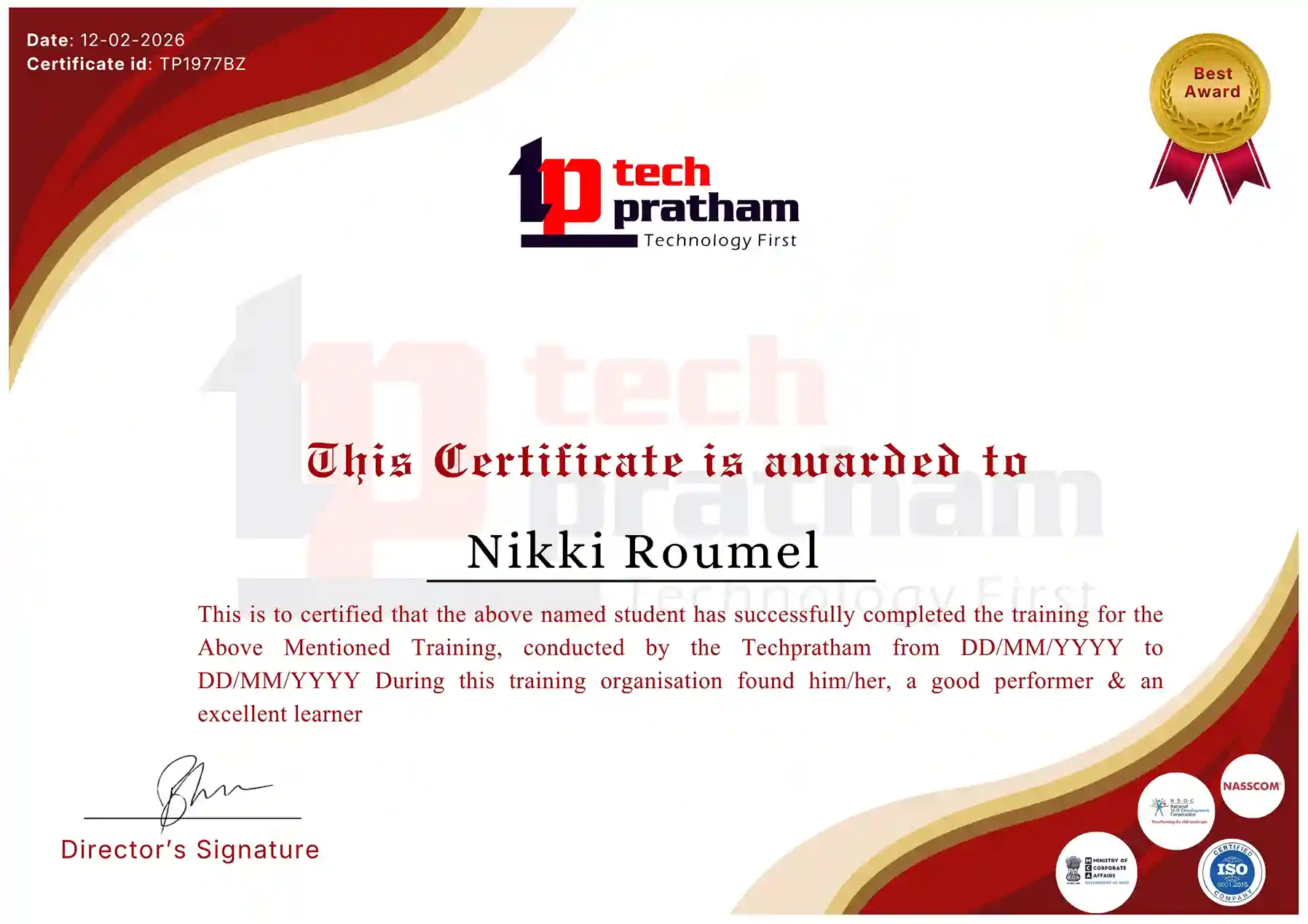
Industry-Recognized Certification

Certificate
Salesforce MuleSoft

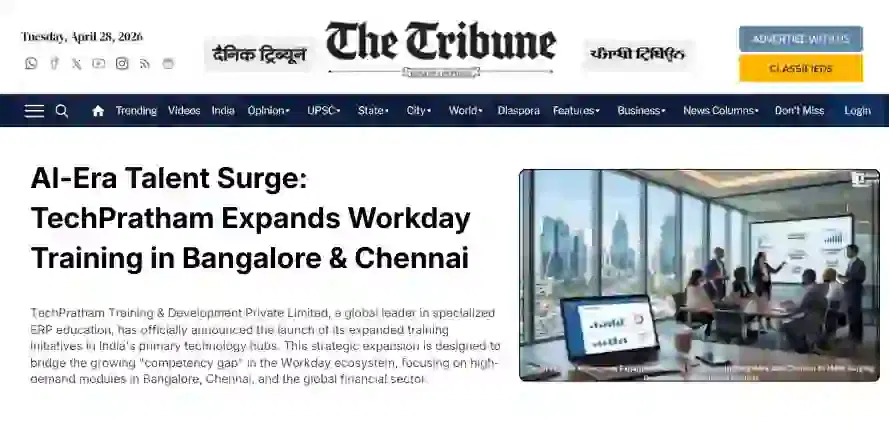
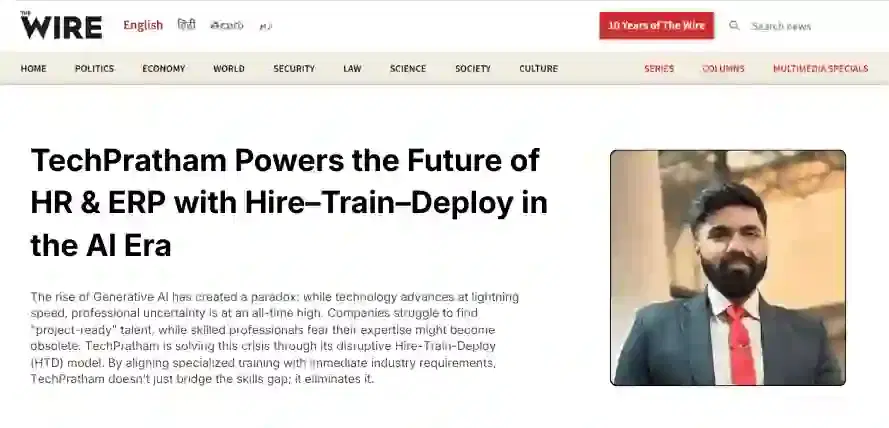
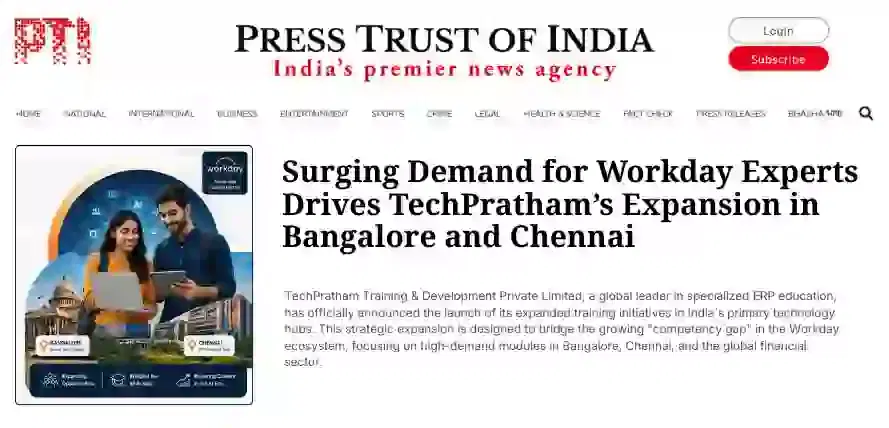
News Highlights

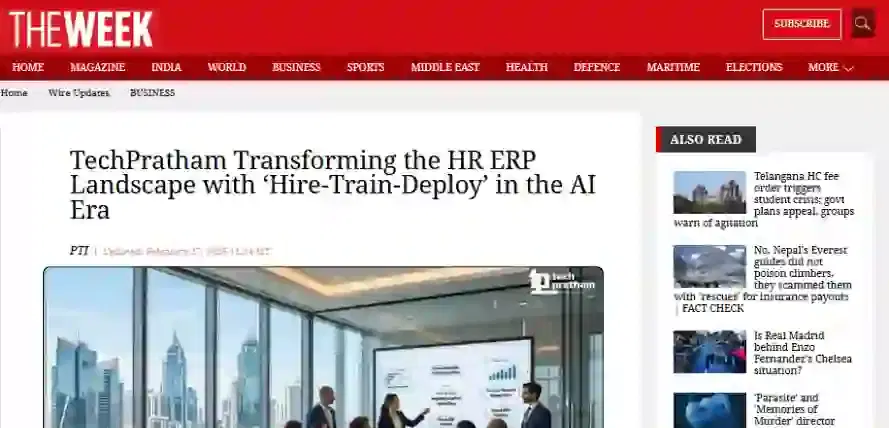
TechPratham Introduces Hire-Train-Deploy Model to Transform HR & ERP Talent in the AI Era
TechPratham Empowering Future Professionals Through AI-Focused HR & ERP Training

Featured In

Featured Logo 1Featured Logo 2Featured Logo 3Featured Logo 4Featured Logo 5Featured Logo 6Featured Logo 7Featured Logo 8Featured Logo 9Featured Logo 10Featured Logo 11Featured Logo 12
TechPratham Gains Recognition for Bridging the HR & ERP Skills Gap with Hire-Train-Deploy
TechPratham's Hire-Train-Deploy Approach Reshaping HR & ERP Careers in the AI-Driven Industry