Start typing to search courses...

Type in the search box to find courses
CoursesHigh Demanding
Selenium Testing Training in Noida
High Demanding

Selenium Testing Training in Noida

Selenium Testing Training in Noida helps beginners and professionals learn WebDriver, automation frameworks, scripting, test execution, and real-time projects.

5/5(4,890 Reviews)

Level

Advanced

Duration

8 Weeks

Enquire This Course

About
Training Plan
Course Curriculum
New Batch
Projects
Certificate
Testimonials
FAQ
Interview FAQ

Placement Client

Accenture Logo
AWS Logo
Capgemini Logo
Deloitte Logo
Genpact Logo
HP Logo
Intel Logo
Microsoft Logo
Infosys Logo
Zoho Logo
Zelis Logo
Wipro Logo
Saint Gobain Logo
ONX Logo
Nava Logo
Infosys Logo
HCL Logo
Egon Zehnder Logo
Cognizant Logo
Bosch Logo
Bank of America Logo
Accenture Logo
AWS Logo
Capgemini Logo
Deloitte Logo
Genpact Logo
HP Logo
Intel Logo
Microsoft Logo
Infosys Logo
Zoho Logo
Zelis Logo
Wipro Logo
Saint Gobain Logo
ONX Logo
Nava Logo
Infosys Logo
HCL Logo
Egon Zehnder Logo
Cognizant Logo
Bosch Logo
Bank of America Logo

About Selenium Testing Training in Noida

Selenium Testing Training in Noida offers practical learning for beginners, freshers, and working professionals looking to develop skills in web automation testing. The course covers Selenium WebDriver, locators, web elements, browser automation, waits, handling alerts and windows, test scripts, and automation frameworks. Learners also get exposure to test execution, debugging, reporting, and real-time project scenarios to understand how Selenium is used in professional QA environments.

With hands-on practice and guidance from experienced trainers, this training helps participants strengthen their automation testing knowledge and build a foundation for automation-focused software testing roles. The course focuses on hands-on learning and helps you understand automation concepts required to work effectively in software testing and QA environments.

Video Thumbnail

Training Plan

01
About trainer

About trainer

Working professional who is carrying more than 10 years of industry experience.

02
Decks & Updated Content

Decks & Updated Content

Access to updated presentation decks shared during live training sessions.

03
e-Book

e-Book

E-book provided by TechPratham. All rights reserved.

04
Assignments & MCQs

Assignments & MCQs

Module-wise assignments and MCQs provided for practice.

05
Video Recording

Video Recording

Daily Session would be recorded and shared to the candidate.

06
Projects

Projects

Live projects will be provided for hands-on practice.

07
Resume Building

Resume Building

Expert-guided resume building with industry-focused content support.

08
Interview Preparation

Interview Preparation

Comprehensive interview preparation with real-time scenario practice.

Course Curriculum

Introduction to Software Testing

Understand the fundamentals of software testing, QA processes, and the role of automation testing in the software development lifecycle.

Introduction to Software Testing
QA vs Testing
Software Testing Life Cycle
SDLC and STLC
Manual Testing Basics
Functional and Non-Functional Testing
Defect Life Cycle
Test Case and Test Scenario
Introduction to Automation Testing

Selenium Introduction and Setup

Get familiar with Selenium and learn how to set up the automation testing environment for creating and executing test scripts.

Introduction to Selenium
Selenium Components
Selenium WebDriver Architecture
Selenium WebDriver Features
Selenium IDE Overview
Selenium Grid Introduction
Browser and Driver Setup
Selenium Environment Configuration

Programming Fundamentals for Selenium

Learn the programming concepts required to create effective and maintainable Selenium automation scripts.

Programming Basics
Variables and Data Types
Operators
Conditional Statements
Loops
Arrays and Collections
Functions and Methods
Classes and Objects
Inheritance
Exception Handling

Selenium WebDriver

Learn how Selenium WebDriver interacts with web browsers and how to automate common browser actions.

WebDriver Commands
Browser Navigation
Browser Windows
Web Page Elements
Finding Web Elements
Text and Attribute Validation
Get and Set Methods
Browser Cookies
Refresh and Navigation Commands

Locators and Web Elements

Develop practical skills for identifying and interacting with different web elements using Selenium locators.

Introduction to Locators
ID
Names
Class Name
Tag Name
Link Text
Partial Link Text
CSS Selectors
XPath
Absolute and Relative XPath
Dynamic XPath

Handling Web Elements and Browser Components

Learn how to automate commonly used web components and complex browser interactions.

Dropdowns
Radio Buttons
Checkboxes
Alerts
Confirmation Pop-ups
JavaScript Alerts
Frames and iFrames
Multiple Windows
Tabs
Mouse Actions
Keyboard Actions

Synchronization and Waits

Understand synchronization techniques to create stable automation scripts that work reliably with dynamic web applications.

Synchronization in Selenium
Implicit Wait
Explicit Wait
Fluent Wait
Expected Conditions
Handling Dynamic Elements
Page Load Synchronization
Common Synchronization Issues

TestNG Framework

Learn TestNG for organizing, executing, and managing Selenium test cases efficiently.

Introduction to TestNG
Test Annotations
Test Methods
Test Suites
Test Groups
Assertions
Test Dependencies
Parameterization
TestNG XML
Parallel Test Execution

Page Object Model and Automation Framework

Learn how to design a structured and maintainable Selenium automation framework using industry-standard approaches.

Introduction to Automation Frameworks
Framework Types
Page Object Model
Reusable Methods
Base Classes
Utility Classes
Properties Files
Test Data Management
Data-Driven Framework

Maven and Git

Understand essential development and version-control tools used to manage Selenium automation projects.

Introduction to Maven
Maven Project Structure
pom.xml
Maven Dependencies
Maven Build Lifecycle
Running Tests with Maven
Introduction to Git
Git Repository
Commit and Push

Selenium Grid and Cross-Browser Testing

Learn how to execute Selenium tests across different browsers and environments using Selenium Grid.

Introduction to Selenium Grid
Grid Architecture
Hub and Node Concept
Remote WebDriver
Parallel Testing
Cross-Browser Testing
Browser Compatibility Testing
Remote Test Execution

Real Time Selenium Automation Project

Apply the concepts learned throughout the course by developing and executing an end-to-end Selenium automation testing project.

Understanding Project Requirements
Preparing Test Scenarios
Test Case Creation
Identifying Web Elements
Developing Automation Scripts
Test Data Management
Test Execution
Test Reports

Interview Preparation and Career Guidance

Prepare for Selenium and automation testing interviews with practical questions, mock interviews, and resume-focused guidance.

Selenium Interview Questions
TestNG Interview Questions
Framework-Based Questions
Scenario-Based Questions
Coding Questions
Resume Preparation
Technical Interview Preparation
Automation Testing Career Guidance

High Demanding Courses

No related courses found

Additional Program Highlights

Learning Materials

Comprehensive study materials and resources

HD
Resume Writing

Professional resume building session

HD
Interview Preparation

Master your interview skills

HD
Live Project Demo

Real-world project demonstrations

HD

Upcoming Batches

Can't find a batch you were looking for?

Eligible Candidates for this Training

IT Professionals

Non-IT Career Switchers

Fresh Graduates

Career Opportunities

Selenium Automation Tester

Automation Test Engineer

QA Automation Engineer

Key Projects

Industry oriented Projects

Deloitte

DeloitteEmployee Portal Automation


Scenario: Automate an employee portal for Deloitte’s Bengaluru operations, covering login, employee details, leave requests, document access, and portal navigation.

Live Work:

  • Automate employee portal login
  • Validate leave request workflows
  • Test forms and dynamic elements
Outcome: Automated key employee portal workflows.
Zomato

ZomatoFood Ordering Automation


Scenario: Automate food ordering workflows for Zomato’s Gurugram market, including restaurant search, menu selection, cart management, address details, and order validation.

Live Work:

  • Automate restaurant and food searches
  • Validate cart and order workflows
  • Handle dynamic menus and elements
Outcome: Built an automated food ordering suite.
BookMyShow

BookMyShowTravel Booking Automation


Scenario: Automate travel booking workflows for BookMyShow’s Gurugram operations, covering destination search, date selection, filters, traveller details, and booking validation.

Live Work:

  • Automate flight and hotel searches
  • Handle calendars and dynamic elements
  • Validate booking information
Outcome: Created automated travel booking tests.
KPMG

KPMGBusiness Portal Automation


Scenario: Automate a business portal for KPMG’s Mumbai operations, covering secure login, dashboard navigation, report access, form validation, and document workflows.

Live Work:

  • Automate secure portal login
  • Validate dashboard workflows
  • Test forms and report navigation
Outcome: Developed a reusable portal test suite.
Mobile Banner

Latest HiringNEW

No hiring posts

Recently Placed Candidates

No placements available

Latest HiringNEW

No hiring posts

Our Success Mantra

Commitment Icon
Commitment

  • Ensuring quality training every day

Commitment Icon
Fulfillment

  • Meeting learning goals with confidence

Commitment Icon
Accomplishment

  • Students achieving industry-ready expertise

Our Learner Voice

Loading reviews...

Beyond Courses:

Additional Support We Provide

24/7 Support

LinkedIn Profile

Resume Writing

Alumni Sessions

Interview Preparation

Live Projects

Can I learn Selenium if I have only worked on manual testing?

How much Selenium practice is needed to become job-ready?

Can Selenium automate dynamic websites and changing web elements?

How do I choose between XPath and CSS Selector in Selenium?

How are Selenium test cases maintained when the application keeps changing?

Can Selenium tests run automatically after every code deployment?

How would you handle a dynamic element in Selenium when its locator keeps changing?

What would you do if a Selenium test works locally but fails on another machine?

How would you handle a StaleElementReferenceException in Selenium?

How would you automate a web application where elements load at different times?

How would you create a maintainable Selenium automation framework?

How would you handle multiple browser windows in Selenium?

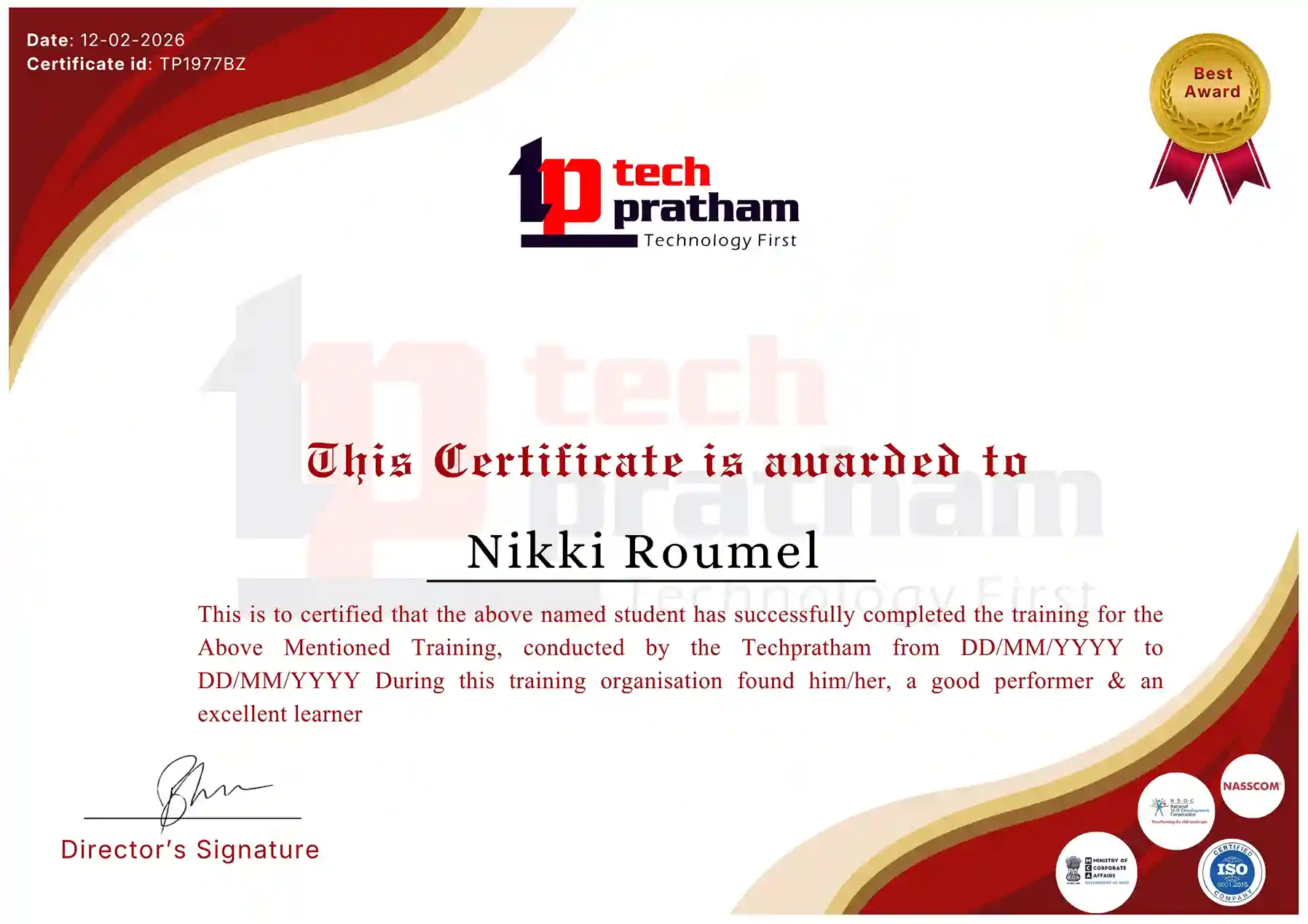
About Selenium Certification

The Selenium Testing Certification is an assessment designed to validate a learner’s understanding of Selenium WebDriver, web automation, test scripting, locators, synchronization, test frameworks, and practical automation concepts. The assessment evaluates both theoretical knowledge and the learner’s understanding of Selenium-based testing practices.

This certification assessment focuses on important automation testing concepts, including browser automation, WebElement handling, XPath and CSS Selectors, waits, alerts, frames, TestNG, Page Object Model, framework development, and debugging. It provides learners with an opportunity to demonstrate their understanding of Selenium automation after completing the training.

Exam Details

Exam Name: Selenium Testing Certification Assessment

Exam Duration: 60 Minutes

Total Questions: 50

Total Marks: 100

Question Format: Multiple Choice Questions (MCQ)

Practical Assessment: Included

Passing Score: 70%

Exam Mode: Online

Certification: Issued upon successful completion of the assessment

Exam Pattern

The assessment includes questions covering Selenium WebDriver, locators, web elements, synchronization, browser handling, TestNG, automation frameworks, and real-time testing scenarios. Practical or scenario-based questions may also be included to evaluate the learner’s ability to apply Selenium concepts in automation projects.

Who Should Take This Certification?

This certification assessment is suitable for freshers, manual testers, QA professionals, automation testers, software testing professionals, and working professionals who have completed Selenium training. It can help learners demonstrate their knowledge of Selenium automation concepts and practical testing approaches.

Important Note

The exam pattern, number of questions, duration, passing score, and assessment format mentioned above should be treated as the training provider’s certification assessment details, not as an official Selenium project certification. Selenium itself does not operate a single standardized global certification exam.


Industry-Recognized Certification

Certificate
Selenium Testing Training Certification

News Highlights

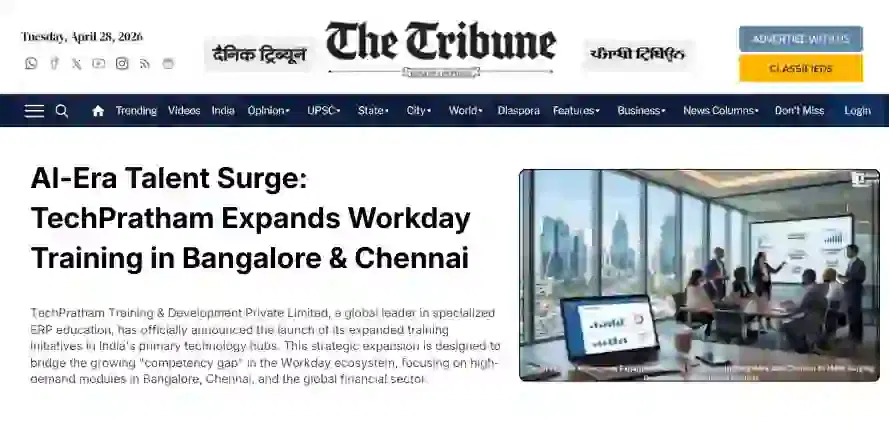
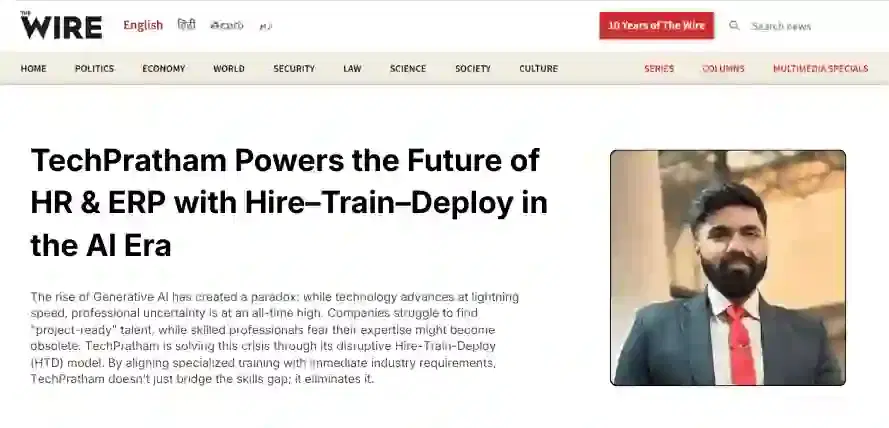
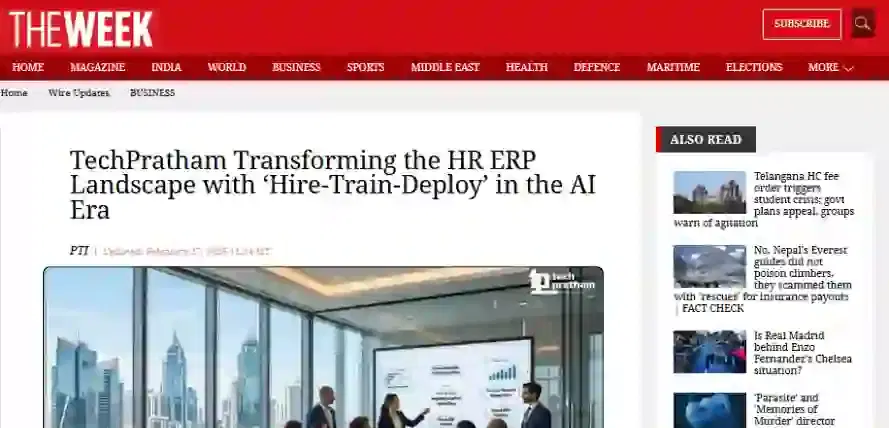
TechPratham Introduces Hire-Train-Deploy Model to Transform HR & ERP Talent in the AI Era
TechPratham Empowering Future Professionals Through AI-Focused HR & ERP Training

Featured In

Featured Logo 1Featured Logo 2Featured Logo 3Featured Logo 4Featured Logo 5Featured Logo 6Featured Logo 7Featured Logo 8Featured Logo 9Featured Logo 10Featured Logo 11Featured Logo 12
TechPratham Gains Recognition for Bridging the HR & ERP Skills Gap with Hire-Train-Deploy
TechPratham's Hire-Train-Deploy Approach Reshaping HR & ERP Careers in the AI-Driven Industry