Start typing to search courses...

Type in the search box to find courses
CoursesCivil And MechanicalSp3D Mechanical Training
Civil And Mechanical
Sp3D Mechanical Training
Sp3D Mechanical Training gives professionals advanced skills in 3D modeling, design, and drafting for mechanical engineering projects. Learn how to make the best use of your time when designing plants, piping, equipment, and structures.
5/5(4,890 Reviews)

Level

Advanced

Duration

8 Weeks

What is Sp3D Mechanical Training?
This training covers the basics of SmartPlant 3D (Sp3D), with a focus on modeling and designing mechanical parts for industrial projects. Participants will learn how to make equipment, pipe layouts, and structural elements. The course focuses on how things work in the industry, how to follow standards, and how to combine project data. By the end, students will be able to make accurate 3D mechanical models that are used in the oil, gas, and engineering fields.
Training Plan

About trainer

Working professional who is carrying more then 10 years of industry experience.

Decks

The candidate will get access to the presentation taken-up during the session.

Notes

Consolidated notes in word document.

Assignments

Assignments for every module will be covered.

MCQs

MCQs for every module covered in the session would be provided.

Video Recording

Daily Session would be recorded and shared to the candidate.

Dumps for Certification

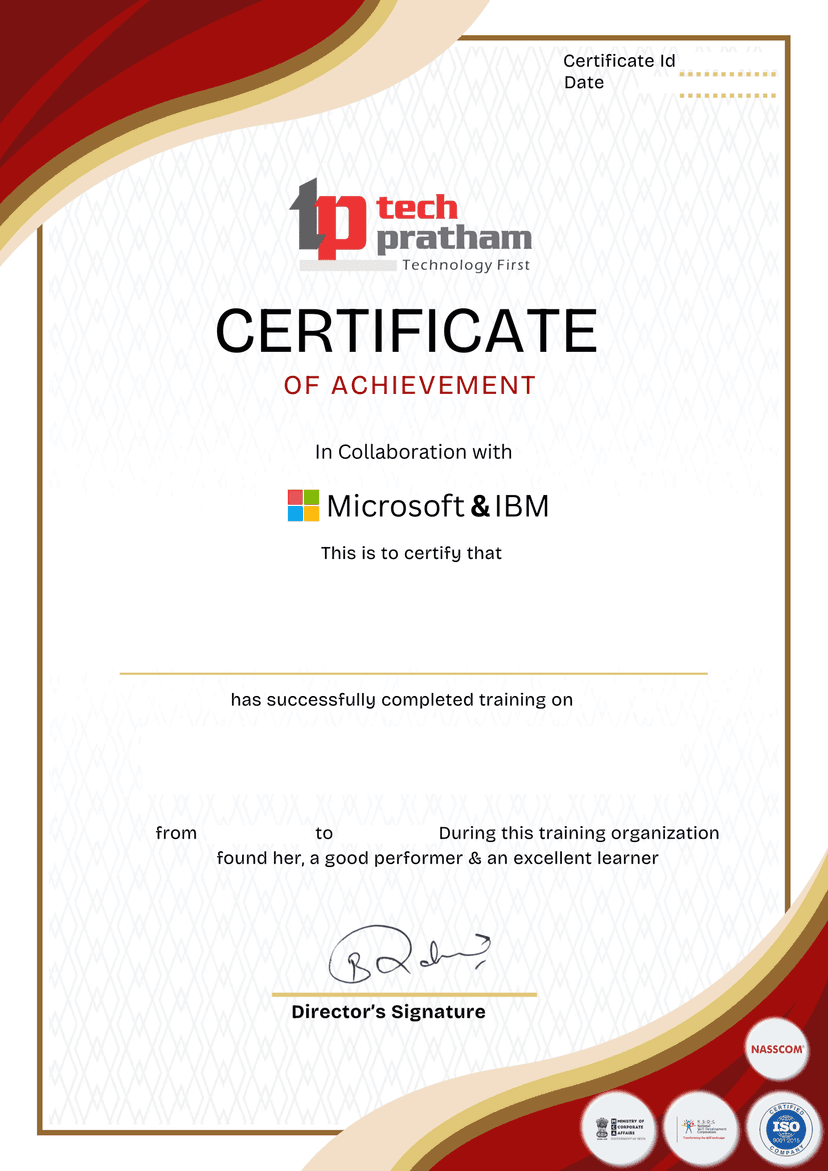
We will provide dumps for the certification exam, which will help you to prepare for the exam.

Updated Content

We provide Generative AI Driven content By experts.

Projects

3 Live Projects will be provided for practice.

Sp3D Mechanical Training Course Curriculum
.

Introduction to Sp3D Mechanical
Section 1

Learn the basics of Sp3D and its applications in mechanical design.
Sp3D overview
Mechanical design scope
Interface navigation
Project setup
.

SP3D Interface and Navigation
Section 2

Covers the software interface, environment setup, and essential tools required for smooth navigation and modeling.
User interface basics
Toolbars & menus
Workspace navigation
Model hierarchy
.

Equipment Modeling
Section 3

Explains how to create and configure static and rotating equipment models in SP3D.
Equipment templates
Static equipment modeling
Rotating equipment modeling
Equipment positioning
.

Piping and Nozzle Connections
Section 4

Focuses on designing nozzle orientations, nozzle connections, and interfacing with piping systems.
Nozzle placement
Nozzle orientation
Piping connections
Interference checks
.

Structural and Mechanical Supports
Section 5

Covers creation of mechanical supports, frames, and foundations for equipment.
Structural frames
Base supports
Foundation design
Support standards
.

Assemblies and Sub-Assemblies
Section 6

Explains grouping equipment, supports, and parts into assemblies for better project organization.
Assembly creation
Sub-assembly hierarchy
Model grouping
Equipment clusters
.

Clash Detection and Interference Checking
Section 7

Teaches how to run clash detection to identify design conflicts between mechanical and other disciplines.
Clash setup
Interference rules
Clash reports
Resolution methods
.

Drawings and Isometrics Generation
Section 8

Covers creating fabrication drawings, general arrangement drawings, and isometric views in SP3D.
2D drawing extraction
Isometric generation
Dimensioning tools
Fabrication drawings
.

Data Management and Reports
Section 9

Explains report generation, material take-offs (MTO), and BOM creation for project deliverables.
Material take-off (MTO)
Bill of Materials (BOM)
Report customization
Data validation
.

Best Practices and Project Standards
Section 10

Provides guidelines for working with project-specific standards, optimizing workflows, and maintaining data consistency.
Project setup
Standards compliance
Workflow optimization
Model accuracy
Key Projects
Sp3D Mechanical Training
Process Plant Equipment & Piping Design
In a process plant, design and model big pieces of equipment like pumps, vessels, and heat exchangers. Plan the routes for pipelines with supports and fittings, and make isometric and orthographic drawings for building.
Utility Area Structural & Mechanical Integration
Create a utility area by putting together structural steel, platforms, and mechanical equipment. Make sure that the pipes are lined up correctly with the structural members and make BOMs and GA drawings.
Oil & Gas Skid Package 3D Modeling
Make a full modular skid package with pumps, filters, and pipes that connect them. Make isometric drawings that are ready for fabrication and detailed material reports for buying.

Sp3D Mechanical Training – Associate Training Program

Category
Associate
Exam Name:
Sp3D Mechanical Training – Associate
Exam Code:
N.A.
Exam Duration:
N.A.
Exam Format:
N.A.
Passing Score:
N.A.
Our Testimonials
K
Khyati Sharma
2 months ago
★ ★ ★ ★ ★ (5/5)
Google Review
"I had a great experience learning at Tech Pratham. The courses were well-structured, up-to-date with the latest industry standards, and the instructors were extremely knowledgeable and supportive throughout my journey. Thanks to Tech Pratham, I was able to build a strong foundation in my technical skills!"
R
Ritika
2 months ago
★ ★ ★ ★ ★ (5/5)
Google Review
"My experience with Tech Pratham Institute has been excellent. The course content is well-updated according to industry standards, with a strong focus on practical learning. The faculty members are knowledgeable and very supportive, always clearing doubts with patience."
I
Ivan Silvester
2 months ago
★ ★ ★ ★ ★ (5/5)
Google Review
"As a student diving into the world of technology, discovering Tech Pratham has been a total game-changer for me. The way they break down complex topics into simple, easy-to-understand lessons is incredibly helpful, especially for someone who's just starting out."
S
Shubham Sinha
2 months ago
★ ★ ★ ★ ★ (5/5)
Google Review
"I enrolled in the AWS Certification Program at Tech Pratham, and it was one of the best decisions for my career. The training was completely hands-on with real-time projects, and the instructors explained even complex cloud concepts in a very simple and practical way."
N
Neha Singh
2 months ago
★ ★ ★ ★ ★ (5/5)
Google Review
"I joined Tech Pratham for the Workday Consultant Program 5 months ago. From day one till the completion of the course, I received full support from all the faculty members. Thanks to Tech Pratham, I have now successfully got placed and started my professional journey."
C
Chauhan Deco
3 weeks ago
★ ★ ★ ★ ★ (5/5)
Google Review
"I had an excellent experience with Tech Pratham's data analytics training program. The course content was well-structured, up-to-date, and highly practical, covering tools like Excel, SQL, Python, and Power BI. Thanks to Tech Pratham, I now feel confident in my data analytics skills and have even landed my first job in the field."
D
Dimpy
2 months ago
★ ★ ★ ★ ★ (5/5)
Google Review
"Joining Tech Pratham Institute has been a life-changing decision for me. The support and encouragement I received from the faculty gave me the confidence to believe in myself. The environment here feels more like a family than just a classroom."
A
Amarjeet Kumar
2 months ago
★ ★ ★ ★ ★ (5/5)
Google Review
"I joined Tech Pratham's SAP HCM course and it was a fantastic experience! The trainers explained complex HR modules in a very simple way, and the hands-on sessions helped me build real skills. Highly recommended for anyone looking to build a career in SAP HCM!"
S
Shashi Ranjan
2 months ago
★ ★ ★ ★ ★ (5/5)
Google Review
"I had a wonderful learning experience with the Workday HCM course at Tech Pratham under Roy Sir's guidance. His teaching style is very clear, practical, and easy to understand even for beginners. The real-time examples and assignments made concepts crystal clear."
A
Akash Solanki
2 months ago
★ ★ ★ ★ ★ (5/5)
Google Review
"My experience with the Ethical Hacking training session from Tech Pratham located in Noida was excellent. The trainers ensured we understood every concept thoroughly. The placement support was remarkable, leading to my successful employment. Choosing Tech Pratham was a life-changing decision for me."
A
Ajay Kumar Verma
2 months ago
★ ★ ★ ★ ★ (5/5)
Google Review
"I enrolled in the Data Analytics & Generative AI course at Tech Pratham and had a great learning experience. The curriculum is industry-relevant, and the trainers explain concepts clearly. The practical projects and tools like Python, SQL, Power BI, and AI models were especially helpful."
S
Shivshankar Singh
2 months ago
★ ★ ★ ★ (4/5)
Google Review
"I had a decent experience with Tech Pratham. The course content was strong, but there were a few delays in project support and doubt sessions. Faculty was knowledgeable, though response time could be improved. Overall, a good place to learn if you're patient and proactive."
L
Laxman Thakur
2 months ago
★ ★ ★ ★ ★ (5/5)
Google Review
"I recently completed the Workday certification from Tech Pratham, and I must say it's one of the best IT training institutes in India. The trainers were industry experts, and the content was up-to-date. Highly recommend it for anyone serious about their tech career!"
S
S Vall
2 months ago
★ ★ ★ ★ ★ (5/5)
Google Review
"The sessions were very well-structured, covering both the functional and technical aspects in a clear and practical way. The trainer was incredibly knowledgeable, patient, and always willing to answer questions with real-world examples. The hands-on exercises helped me build confidence in navigating Workday."
A
Abdur Razzak Shaikh
2 months ago
★ ★ ★ ★ ★ (5/5)
Google Review
"I joined TechPratham three months ago for the Odoo ERP course, and my experience so far has been excellent. The faculty is highly knowledgeable and supportive. They focus on practical learning by providing real-time projects, which has really helped me understand industry requirements."
P
Panchsheel Gautam
a month ago
★ ★ ★ ★ ★ (5/5)
Google Review
"Tech Pratham is very well planned and organised. The staff takes keen interest in parting the knowledge. Also the staff very hardworking and meticulous. I have gained a lot from tech Pratham. I wish all the luck to the tech Pratham for their good work."

Frequently Asked Questions (FAQs)

What is Sp3D Mechanical Training, and who should take it?

Intergraph SmartPlant 3D is the main tool used in Sp3D Mechanical Training to make 3D models of mechanical equipment, piping, and structures. It is perfect for professionals in the oil and gas, petrochemical, and power plant industries, as well as mechanical engineers, piping engineers, and designers.

Who should join SP3D Mechanical Training?

Mechanical engineers, piping engineers, CAD designers, and professionals in the oil & gas, power, and construction industries can join. TechPratham makes the course suitable for both beginners and working professionals.

What skills will I gain in this training?

You’ll learn equipment modeling, piping layouts, structural integration, isometric generation, and project data management. TechPratham ensures hands-on training with industry-specific case studies.

Does the training provide practical exposure?

Yes, TechPratham provides real-time projects, design exercises, and practical case studies to build strong SP3D mechanical design skills.

How long does the SP3D Mechanical Training take?

The course typically takes 6–8 weeks, with TechPratham offering flexible learning options such as instructor-led sessions and self-paced study.

Will this training help in career growth?

Absolutely. TechPratham prepares you for roles such as SP3D Designer, Mechanical Engineer, CAD Engineer, and Piping Design Engineer in top industries.

What is the expected salary after SP3D Mechanical Training?

Entry-level professionals can earn ₹3–6 LPA, while experienced SP3D mechanical designers can earn ₹8–15 LPA+. TechPratham helps learners acquire job-ready design skills for better opportunities.

What industries hire SP3D Mechanical professionals?

Industries like oil & gas, petrochemical, energy, construction, and manufacturing hire SP3D experts. TechPratham gives exposure to industry-based projects to boost employability.

Why should I choose this training provider?

TechPratham offers expert trainers, real-world projects, updated SP3D curriculum, flexible learning, and placement assistance, making it a trusted choice for SP3D training.

Do I need prior SP3D or CAD knowledge to join?

No prior SP3D knowledge is required. TechPratham starts from the basics and gradually advances to complex SP3D mechanical modeling concepts, making it beginner-friendly.

ERP Partners
Accenture Logo
AWS Logo
Capgemini Logo
Deloitte Logo
Genpact Logo
HP Logo
Intel Logo
Microsoft Logo
TCS Logo
Tech Mahindra Logo
Wipro Logo
Zoho Logo

Other Civil And Mechanical Courses

📚

No Related Courses Found

We couldn't find any other courses in the "Civil And Mechanical" category at the moment.

© 2025 TechPratham. All rights reserved.An ISO 9001:2015 Certified Company