
















TechPratham

Start typing to search courses...

Type in the search box to find courses
CoursesSoftware Testing
Tosca - SAP Testing Training
Software Testing

Tosca - SAP Testing Training

Learn Tosca SAP Training with practical knowledge of Tricentis Tosca, SAP test automation, model-based testing, end-to-end business process testing, and automation of SAP applications.

5/5(4,890 Reviews)

Level

Advanced

Duration

8 Weeks

Enquire This Course

About
Training Plan
Course Curriculum
New Batch
Projects
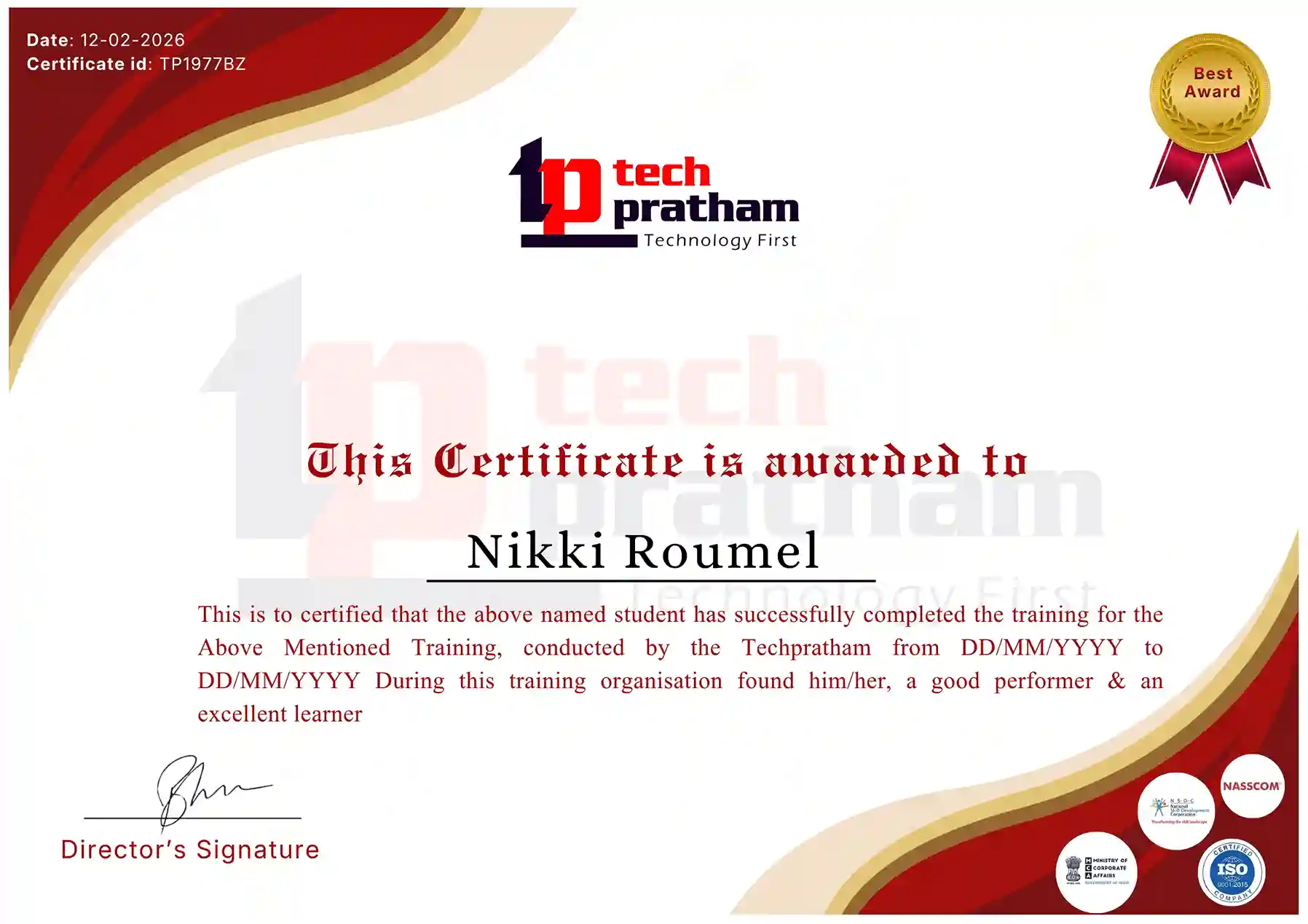
Certificate
Testimonials
FAQ
Interview FAQ

Placement Client

Accenture Logo
AWS Logo
Capgemini Logo
Deloitte Logo
Genpact Logo
HP Logo
Intel Logo
Microsoft Logo
Infosys Logo
Zoho Logo
Zelis Logo
Wipro Logo
Saint Gobain Logo
ONX Logo
Nava Logo
Infosys Logo
HCL Logo
Egon Zehnder Logo
Cognizant Logo
Bosch Logo
Bank of America Logo
Accenture Logo
AWS Logo
Capgemini Logo
Deloitte Logo
Genpact Logo
HP Logo
Intel Logo
Microsoft Logo
Infosys Logo
Zoho Logo
Zelis Logo
Wipro Logo
Saint Gobain Logo
ONX Logo
Nava Logo
Infosys Logo
HCL Logo
Egon Zehnder Logo
Cognizant Logo
Bosch Logo
Bank of America Logo

About Tosca - SAP Testing Training

Tosca SAP Training helps learners understand how to automate SAP application testing using Tricentis Tosca. The course covers SAP testing fundamentals, Tosca installation, workspace configuration, modules, test cases, test data management, and automation techniques. Learners explore SAP GUI and web-based application testing, reusable test components, synchronization, execution lists, and reporting.

Practical exercises introduce automation of common SAP business processes, including sales, procurement, inventory, and finance. The program also covers API testing, regression testing, troubleshooting, and test automation maintenance. Through instructor-led sessions, assignments, and project-based practice, learners develop skills relevant to SAP test automation and quality assurance roles.
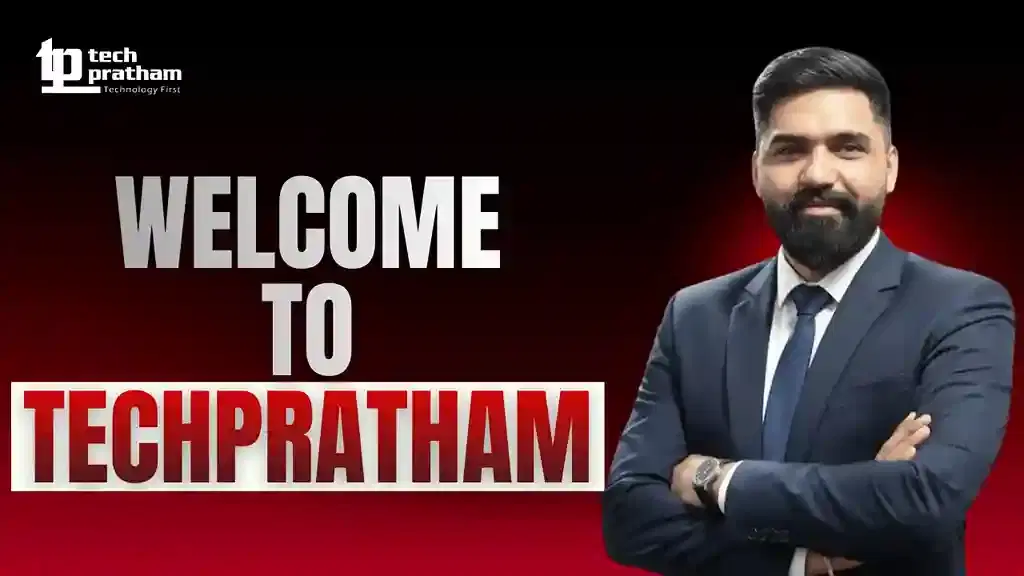
Video Thumbnail

Training Plan

01
About trainer

About trainer

Working professional who is carrying more than 10 years of industry experience.

02
Decks & Updated Content

Decks & Updated Content

Access to updated presentation decks shared during live training sessions.

03
e-Book

e-Book

E-book provided by TechPratham. All rights reserved.

04
Assignments & MCQs

Assignments & MCQs

Module-wise assignments and MCQs provided for practice.

05
Video Recording

Video Recording

Daily Session would be recorded and shared to the candidate.

06
Projects

Projects

Live projects will be provided for hands-on practice.

07
Resume Building

Resume Building

Expert-guided resume building with industry-focused content support.

08
Interview Preparation

Interview Preparation

Comprehensive interview preparation with real-time scenario practice.

Course Curriculum

Introduction to SAP Testing

Understand SAP applications and the importance of software testing in enterprise environments. Learn how testing helps verify business processes, data accuracy, application functionality, and system performance across SAP modules.
Introduction to SAP ERP
Overview of SAP S/4HANA
Common SAP business processes
SAP application architecture
Introduction to SAP testing
Functional and regression testing
Manual versus automated SAP testing
Role of automation in SAP projects

Introduction to Tricentis Tosca

Learn about Tricentis Tosca and its role in automating enterprise applications. Understand its model-based testing approach and how it supports SAP test automation across different application environments.

Introduction to Tricentis Tosca
Tosca testing architecture
Model-based test automation
Tosca Commander overview
Main Tosca components
Tosca workspace concepts
Benefits of Tosca for SAP testing

Tosca Installation and Workspace Configuration

Learn how to prepare the Tosca environment and configure a workspace for automation activities. Understand the basic setup and organisation required before creating SAP automation tests.

Tosca installation overview
System requirements
Tosca Commander setup
Workspace creation
Workspace configuration
User interface navigation
Project structure
Basic environment troubleshooting

SAP Application Architecture and Modules

Explore common SAP modules and understand how business activities are connected. Learn the purpose of different SAP functional areas and identify suitable processes for test automation.

SAP system landscape
SAP GUI overview
SAP Fiori overview
SAP S/4HANA fundamentals
SAP SD – Sales and Distribution
SAP MM – Materials Management
SAP FI – Financial Accounting
SAP PP – Production Planning
SAP HR and HCM overview

Tosca Modules and XScan

Understand how Tosca identifies application controls and converts them into reusable automation modules. Learn to scan SAP application screens and work with the technical properties of identified controls.

Introduction to Tosca Modules
XScan overview
Scanning SAP GUI screens
Identifying application controls
Creating reusable modules
Module attributes
Technical identification
Updating scanned modules
Managing module structures

 Creating Test Cases in Tosca

Learn how to build automated test cases using Tosca modules and reusable test steps. Understand how to organise test cases according to SAP business requirements.

Test case structure
Creating test cases
Test step configuration
Adding modules to test cases
Action modes
Input and verification values
Reusable test components
Test case organisation
Maintaining test cases

SAP GUI Test Automation

Learn how to automate SAP GUI operations using Tosca. Practise interacting with SAP screens, entering data, navigating transactions, and validating application responses.

SAP GUI automation basics
SAP login and navigation
Working with SAP transactions
Automating input fields
Buttons, menus, and tables
Handling SAP screens
Validating transaction results
Automating business workflows
SAP GUI synchronization

SAP Fiori and Web Application Testing

Understand how Tosca can support testing of SAP Fiori and browser-based applications. Learn to identify web controls, automate user interactions, and verify application behaviour.

SAP Fiori overview
Browser configuration
Web application automation
Scanning web controls
Automating forms and tables
Handling dynamic elements
Navigation and page validation
Cross-browser testing concepts
SAP Fiori workflow automation

Test Data Management

Learn how to manage input data and reusable test information for SAP automation. Understand how structured test data supports repeatable execution and reduces manual effort.

Test data fundamentals
Test data organisation
Test data services overview
Parameterisation
Data-driven testing
Reusable test data
Managing test inputs
Data validation
Test data maintenance

Advanced Tosca Automation Techniques

Explore advanced automation concepts that help improve the reliability and maintainability of SAP test cases. Learn to work with reusable components, dynamic controls, and complex business workflows.

Reusable test steps
Dynamic application controls
Synchronization techniques
Conditional execution
Loops and repetitions
Error handling
Recovery scenarios
Test case design
Automation maintenance

SAP End-to-End Business Process Testing

Understand how different SAP modules work together during business operations. Learn to automate complete workflows that involve multiple departments and application transactions.

Order-to-cash process
Procure-to-pay process
Record-to-report process
Inventory management workflow
Sales order processing
Purchase order validation
Invoice and payment verification
Cross-module data validation

Regression Testing and Test Execution

Learn how to execute SAP automation tests and use them for regression testing. Understand how execution results help teams identify issues after application changes and updates.

Regression testing fundamentals
Creating execution lists
Test execution process
Execution settings
Test result analysis
Defect identification
Failed test investigation
Reusable regression suites
Test execution reporting

Software Testing Courses

No related courses found

Additional Program Highlights

Learning Materials

Comprehensive study materials and resources

Resume Writing

Professional resume building session

Interview Preparation

Master your interview skills

Live Project Demo

Real-world project demonstrations

Upcoming Batches

Can't find a batch you were looking for?

Eligible Candidates for this Training

IT Professionals

Non-IT Career Switchers

Fresh Graduates

Job Roles After Tosca SAP Training

SAP Automation Tester

Tricentis Tosca Automation Engineer

SAP Test Automation Engineer

Key Projects

Industry oriented Projects

Deloitte

Deloitte – SAP Sales Order Automation


Scenario: A consulting business needs to validate its sales order process, from customer details and order creation to delivery and billing verification.

Live Work:

  • Scan supported SAP sales screens.
  • Automate order creation and data entry.
  • Verify delivery and billing information.
Outcome: Automated sales workflow validation.
Amazon

Amazon – SAP Procurement and Inventory Testing


Scenario: An e-commerce operation needs to verify purchase orders, goods receipts, stock updates, and inventory movements through connected SAP processes.

Live Work:

  • Automate purchase order creation.
  • Validate goods receipt and stock updates.
  • Verify inventory movement records.
Outcome: Reliable procurement and stock validation.
 Accenture

Accenture – SAP Finance Process Automation


Scenario: A professional services organisation wants to test financial transactions, invoice processing, and payment-related activities through an integrated SAP workflow.

Live Work:

  • Automate supported finance transactions.
  • Validate invoice and payment details.
  • Check accounting document results.
Outcome: Consistent financial process testing.
KPMG

KPMG – SAP Employee Data and HR Testing


Scenario: An enterprise needs to verify employee information, organisational data, and selected HR workflows through its SAP environment.

Live Work:

  • Automate employee data entry.
  • Validate organisational information.
  • Verify selected HR workflow results.
Outcome: Improved HR application validation.

Placement Process

2Assignments
Step 2

Daily Assignment & Weekly Assessments

  • Hands-on practice
  • Concept reinforcement
  • Weekly evaluation
  • Timely feedback

Latest HiringNEW

No hiring posts

Recently Placed Candidates

No placements available

Latest HiringNEW

No hiring posts

Our Success Mantra

Commitment Icon
Commitment

  • Ensuring quality training every day

Commitment Icon
Fulfillment

  • Meeting learning goals with confidence

Commitment Icon
Accomplishment

  • Students achieving industry-ready expertise

Our Learner Voice

Loading reviews...

Beyond Courses:

Additional Support We Provide

24/7 Support

LinkedIn Profile

Resume Writing

Alumni Sessions

Interview Preparation

Live Projects

Where We've Delivered

Corporate training we've delivered for leading companies

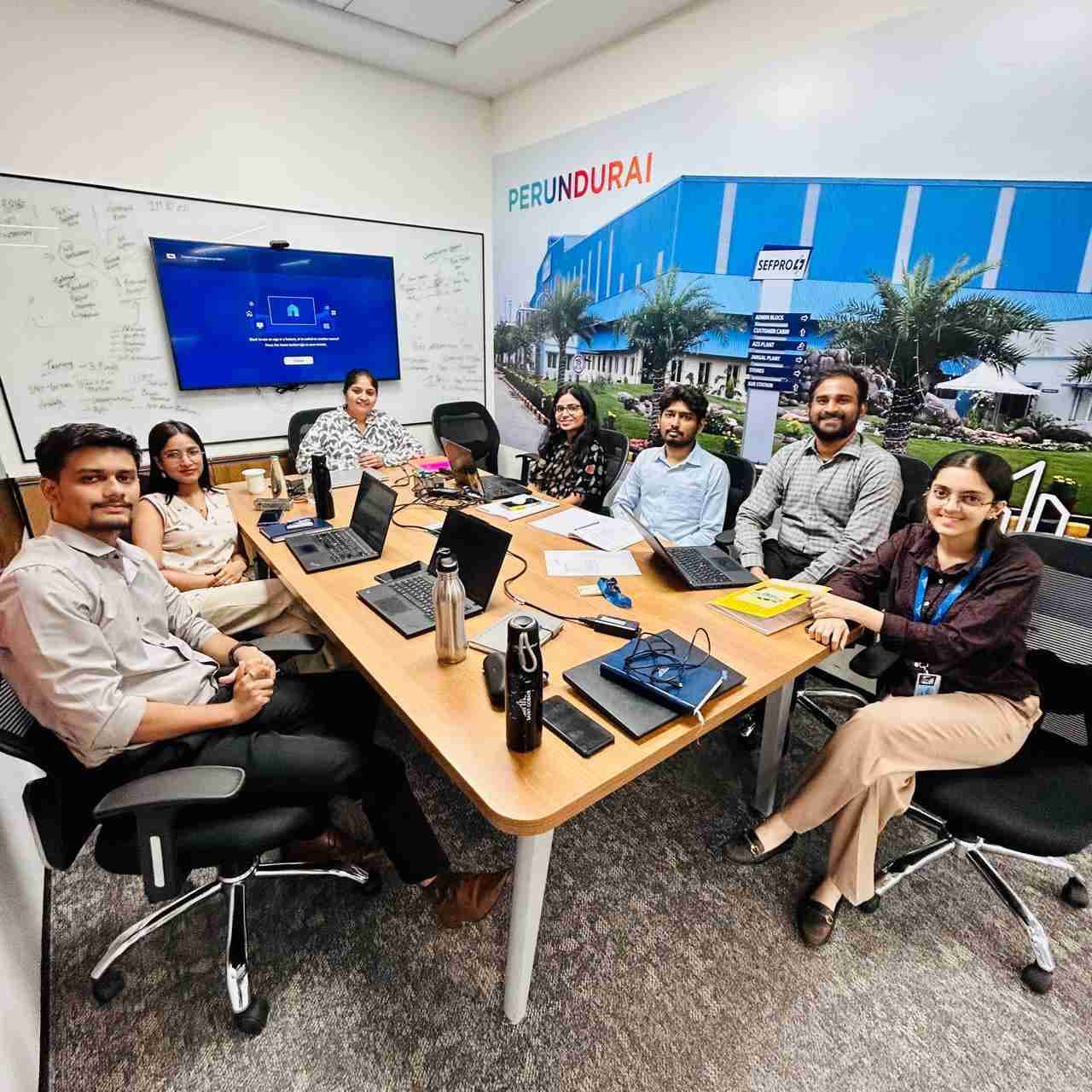
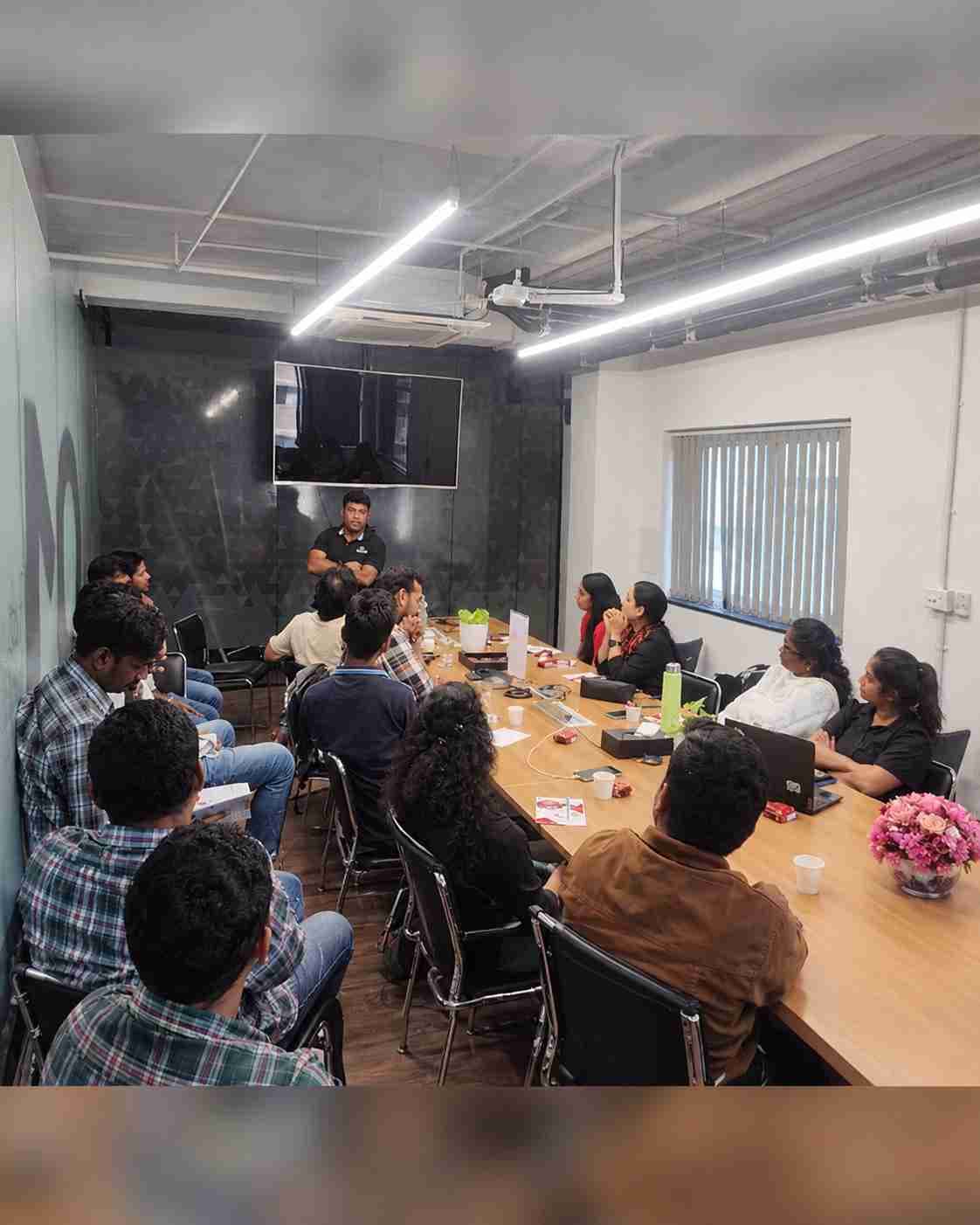
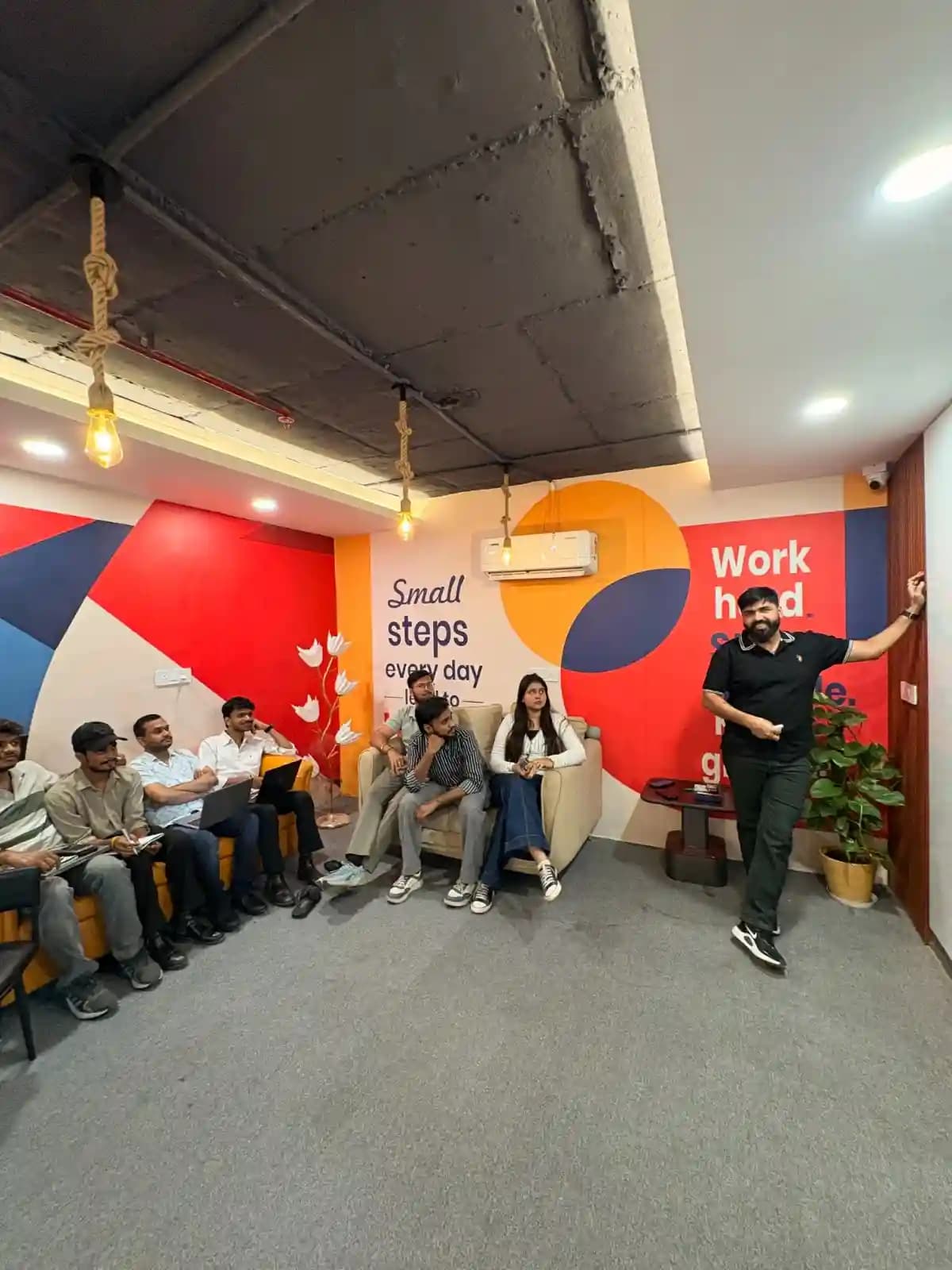
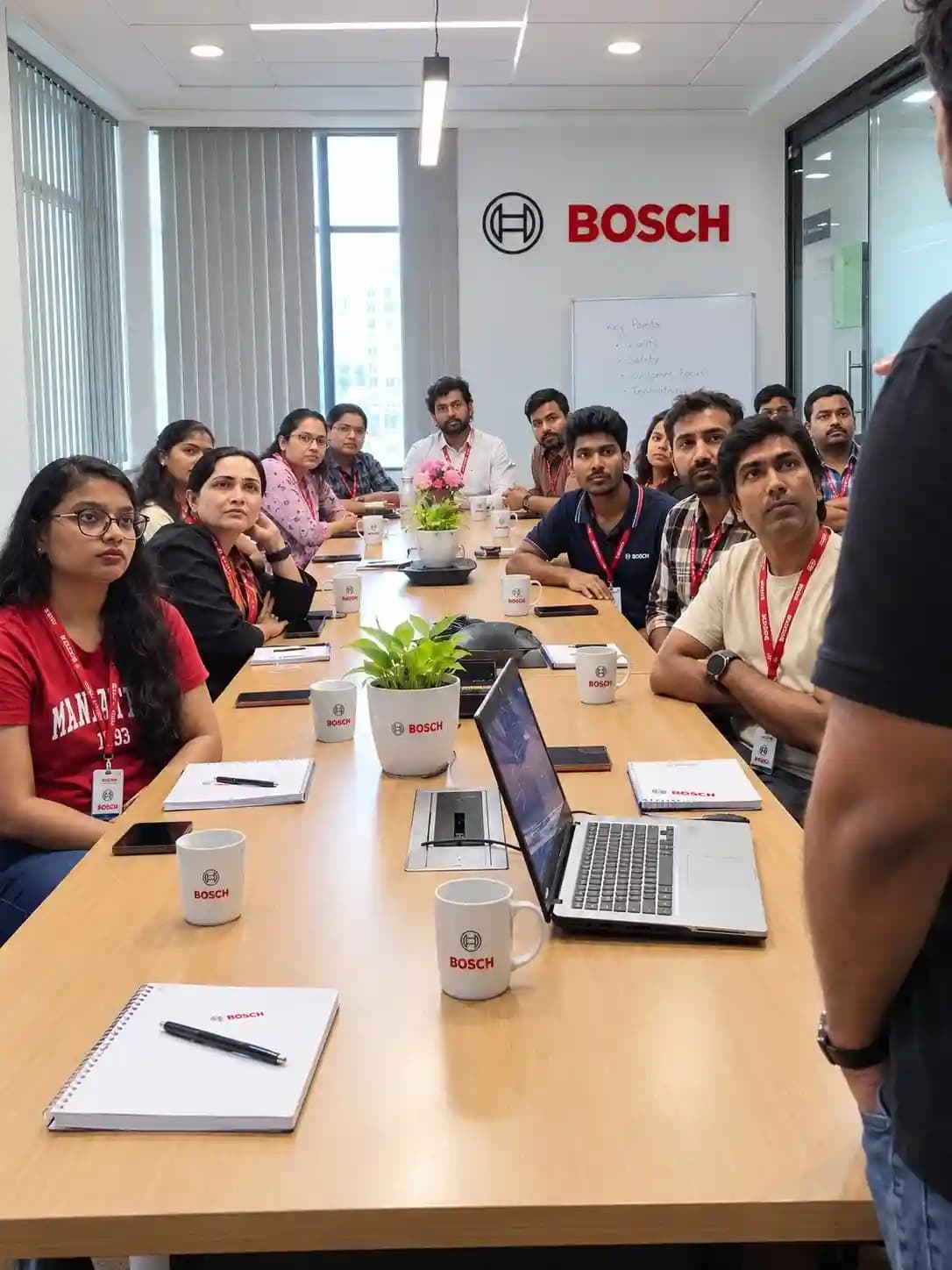
TechPratham has partnered with enterprises and government organizations to upskill their teams. From Balmer Lawrie & Co. Ltd. to other industry leaders, here's a glimpse of the corporate training programs we have successfully delivered.

  • Trusted by enterprises and government organizations
  • Customized to each company’s teams and workflows
  • On-site and online delivery for teams of any size
Saint-Gobain Corporate Training
QualiZeal Corporate Training
College Freshers Training
BOSCH Corporate Training
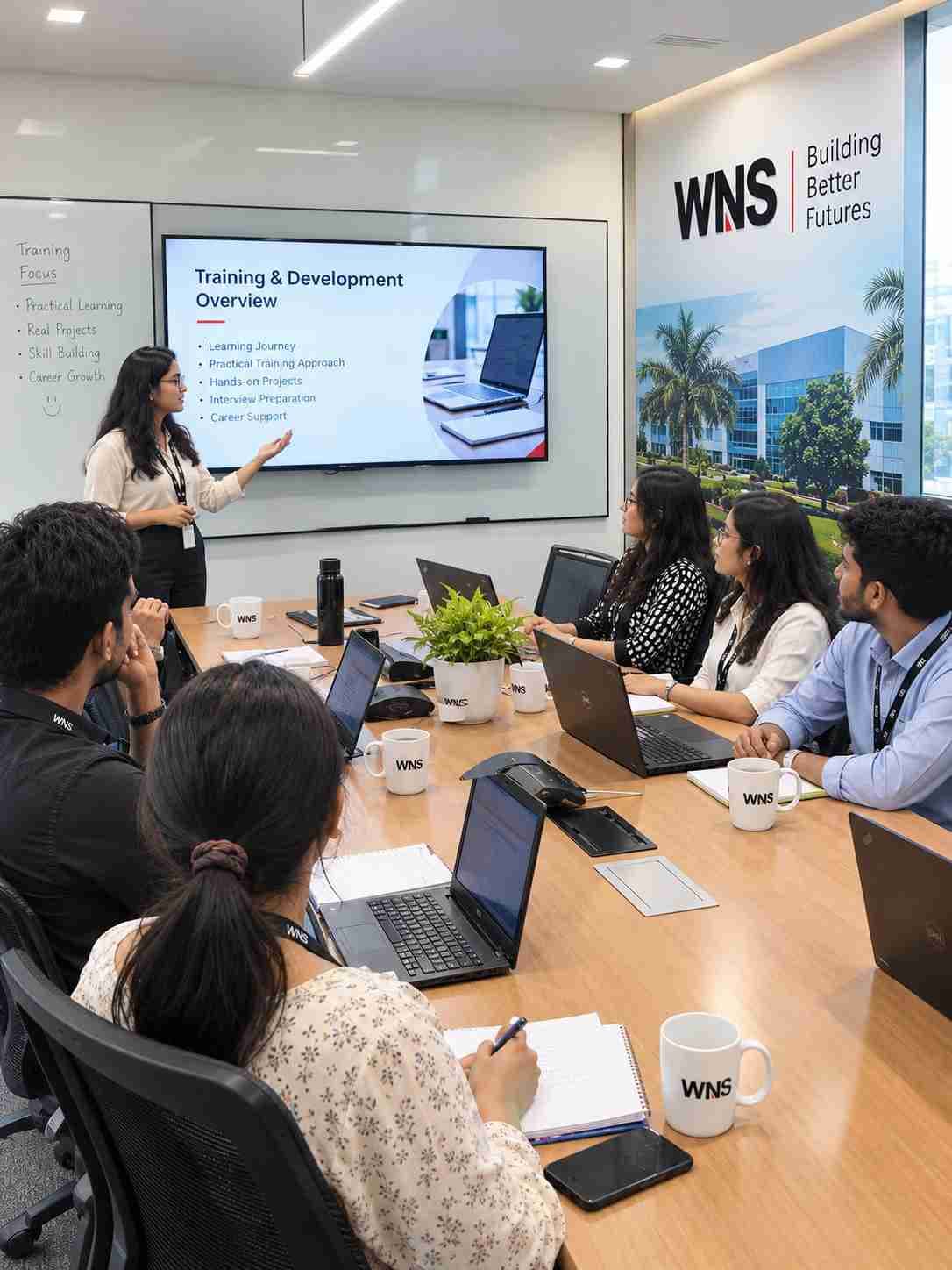
WNS Corporate Training
Central Bank Training
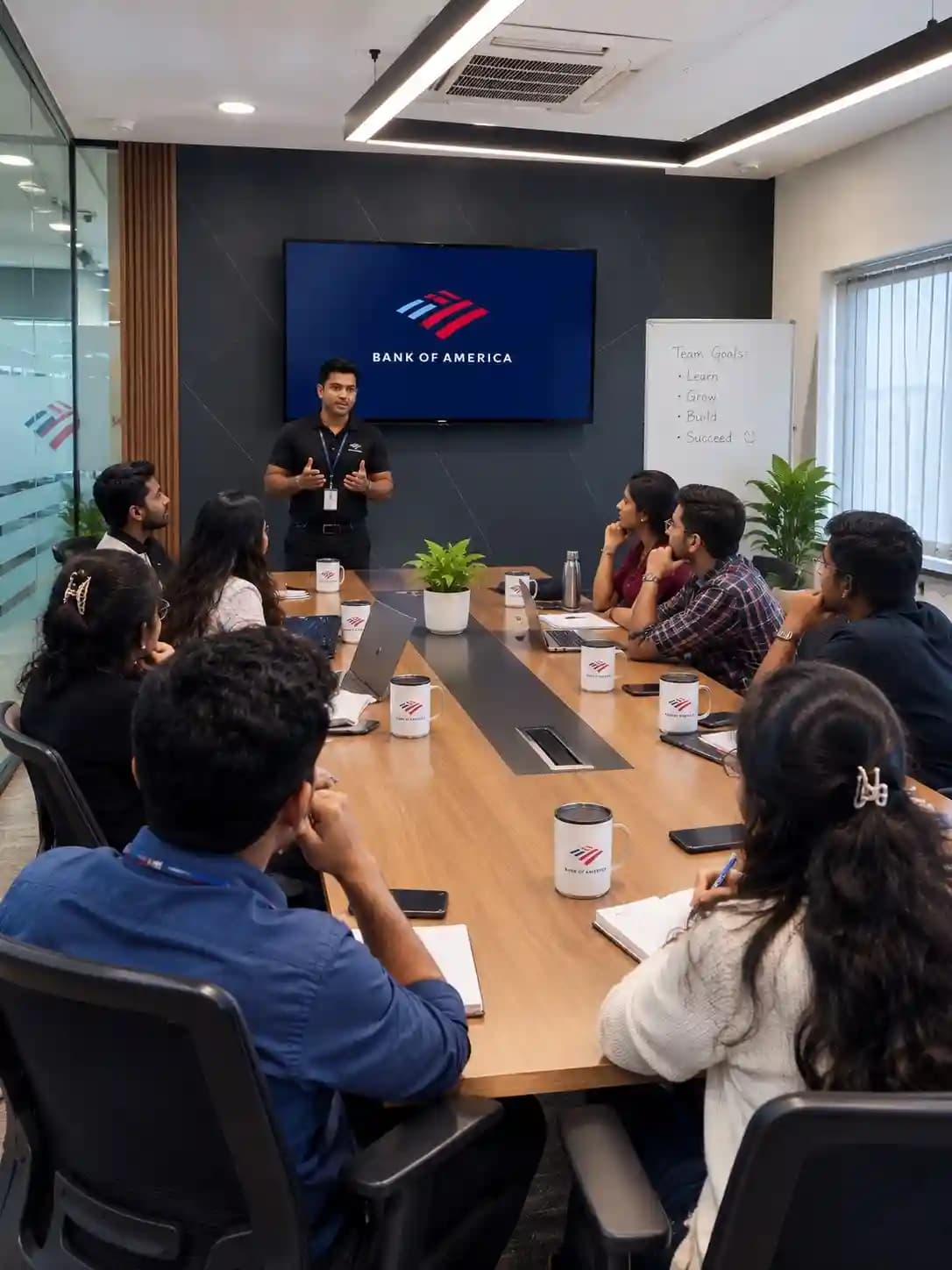
Bank of America Training
Balmer Lawrie Training
Delivery Hero Corporate Training
TechPratham Offline Training
Gravity Corporate Training
On-Site Corporate Training
HARMAN Corporate Training

Saint-Gobain Corporate Training

What is Tosca SAP Training?

What is Tricentis Tosca?

Do I need SAP knowledge before joining Tosca SAP Training?

Is coding required for Tricentis Tosca SAP automation?

Which SAP applications can be tested using Tosca?

What is XScan in Tosca?

What is Tricentis Tosca, and why is it used for SAP testing?


What is model-based test automation in Tosca?


What is Tosca Commander?


What is XScan, and how does it work?


What are modules in Tosca?


What are ActionModes in Tosca?


Tosca SAP Certification Training

Tosca SAP Training can help learners build the knowledge required to work with Tricentis Tosca and automate supported SAP application workflows. Learners can also prepare for relevant Tricentis certification pathways based on their experience, course coverage, and the current official certification requirements.

Certification preparation can cover:

  • Tricentis Tosca fundamentals
  • Tosca Commander and workspace concepts
  • Module creation and XScan
  • Test case design and execution
  • SAP GUI and Fiori automation concepts
  • Test data management
  • Regression and end-to-end testing
  • Automation troubleshooting

Important Certification Note:

Tricentis manages its official certification programs and examinations. Completing Tosca SAP Training at TechPratham does not automatically provide an official Tricentis certification. Any course-completion certificate provided by the training provider is separate from an official vendor credential. Candidates should verify the latest certification levels, eligibility, and examination details through Tricentis.

Industry-Recognized Certification

Certificate
Tosca SAP Testing Training Certification

Our LinkedIn learning hub

Explore our professional communities — tap any card to join and connect with us on LinkedIn.

News Highlights

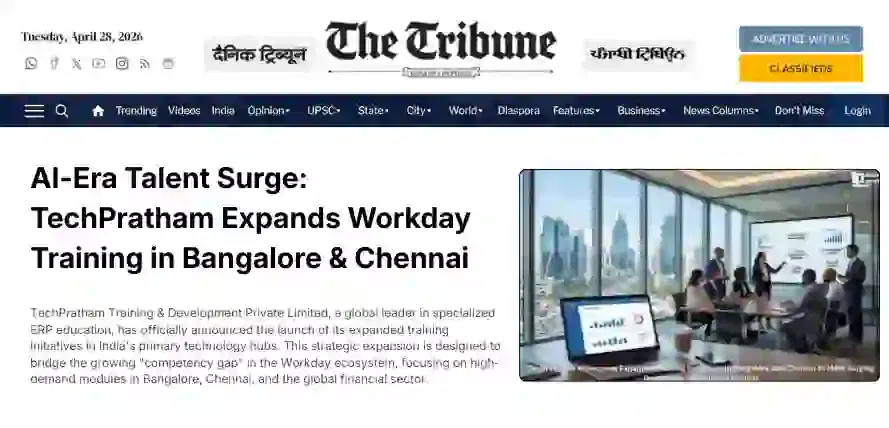
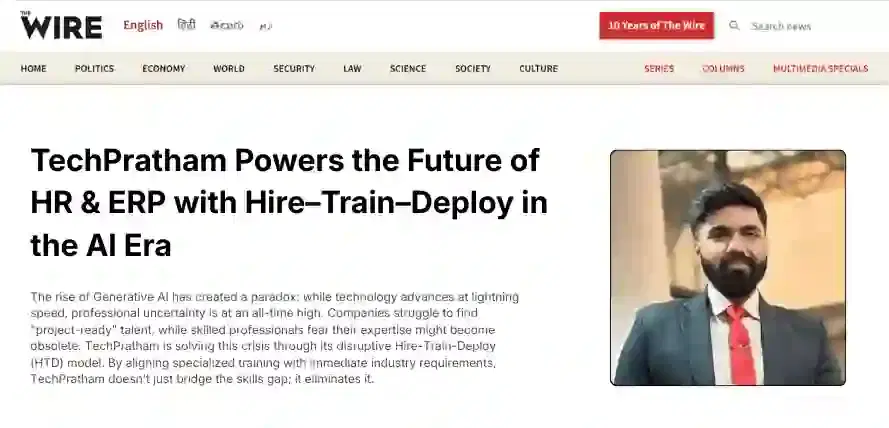
TechPratham Introduces Hire-Train-Deploy Model to Transform HR & ERP Talent in the AI Era
TechPratham Empowering Future Professionals Through AI-Focused HR & ERP Training

Featured In

Featured Logo 1Featured Logo 2Featured Logo 3Featured Logo 4Featured Logo 5Featured Logo 6Featured Logo 7Featured Logo 8Featured Logo 9Featured Logo 10Featured Logo 11Featured Logo 12
TechPratham Gains Recognition for Bridging the HR & ERP Skills Gap with Hire-Train-Deploy
TechPratham's Hire-Train-Deploy Approach Reshaping HR & ERP Careers in the AI-Driven Industry