


Workday Payroll Training is designed for professionals who want to build expertise in modern payroll management and enterprise workforce operations using the Workday platform. This comprehensive course covers key concepts such as payroll processing, payroll configuration, compensation management, tax management, and payroll reporting, helping learners understand how organizations automate and manage payroll activities efficiently. Participants gain hands-on experience with payroll calculations, earnings and deductions setup, payroll compliance, reporting tools, and real-world business scenarios. The training also introduces payroll integrations with other HR and finance systems, enabling seamless data flow across enterprise applications. As a core component of Workday HCM, payroll plays a critical role in workforce management, making these skills highly valuable for HR, payroll, and ERP professionals. Through practical exercises, real-time projects, certification guidance, and industry-focused learning, this course prepares learners for Workday Payroll consultant and implementation roles in leading organizations.
Workday Payroll Training
Workday Payroll Training helps professionals learn payroll processing, compensation, tax management, reporting, and payroll configuration in Workday. Gain hands-on experience through real-time projects, certification guidance, and placement support.
Level
Advanced
Duration
3 weeks
Placement Client


.png)
















About Workday Payroll Training
Training Plan

About trainer
Working professional who is carrying more than 10 years of industry experience.

Decks & Updated Content
Access to updated presentation decks shared during live training sessions.

e-Book
E-book provided by TechPratham. All rights reserved.

Assignments & MCQs
Module-wise assignments and MCQs provided for practice.

Video Recording
Daily Session would be recorded and shared to the candidate.

Projects
Live projects will be provided for hands-on practice.

Resume Building
Expert-guided resume building with industry-focused content support.

Interview Preparation
Comprehensive interview preparation with real-time scenario practice.
Workday Payroll Training Course Curriculum
Workday Courses
Additional Program Highlights

Comprehensive study materials and resources

Professional resume building session

Master your interview skills

Real-world project demonstrations
Upcoming Batches
Can't find a batch you were looking for?
Who Should Learn This Workday Payroll Course?
IT Professionals
Non-IT Career Switchers
Fresh Graduates
Working Professionals
Ops/Administrators/HR
Developers
BA/QA Engineers
Cloud / Infra
IT Professionals
Non-IT Career Switchers
Fresh Graduates
Career Opportunities After Workday Payroll Training
Workday Payroll Specialist
Workday Payroll Consultant (Functional)
Workday Payroll Integration Consultant
Workday Payroll Administrator
Workday Payroll Analyst
Workday Global Payroll Lead
Workday Payroll Implementation Manager
Workday Payroll Systems Engineer
Workday Payroll Solutions Architect
Workday Payroll Reporting Specialist
Workday Payroll Compliance Officer
Workday Payroll Production Support Analyst
Workday Payroll Specialist
Workday Payroll Consultant (Functional)
Workday Payroll Integration Consultant
Key Projects
Included in Workday Payroll Training

Saint-Gobain – Workday Payroll Setup
Scenario: Implemented Workday Payroll to process employee salaries by configuring pay components, deductions, and payroll rules aligned with company policies.
Live Work:
- Supported payroll testing cycles
- Validated payroll results and balances
- Configured earnings and deduction rules

WNS – Payroll Processing Automation
Scenario: Supported payroll automation in Workday by managing payroll calendars, calculations, and reports to ensure timely salary processing.
Live Work:
- Generated payroll summary reports
- Reviewed payroll results and errors
- Maintained payroll schedules and periods
Zelis India – Workday Payroll Compliance
Scenario: Configured Workday Payroll to handle statutory deductions and compliance reporting, ensuring payroll met local legal and audit requirements.
Live Work:
- Supported audit and reconciliation tasks
- Validated compliance calculations
- Configured tax and statutory components

Accenture – Enterprise Payroll Delivery
Scenario: Delivered large-scale Workday Payroll solutions for enterprise clients, supporting high employee volumes and complex payroll structures.
Live Work:
- Supported high-volume payroll processing
- Coordinated UAT and go-live support
- Resolved payroll issues post deployment
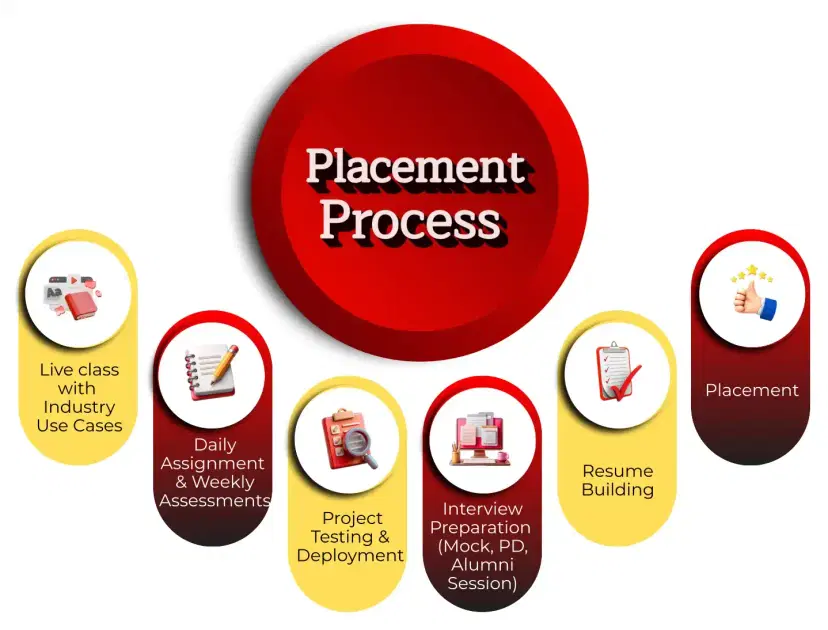
Placement Process

Live Class with Industry Use Cases
- Interactive learning
- Real-world examples
- Expert guidance
- Doubt resolution

Daily Assignment & Weekly Assessments
- Hands-on practice
- Concept reinforcement
- Weekly evaluation
- Timely feedback

Project Testing & Deployment
- Project development
- Testing practice
- Deployment exposure
- Portfolio creation

Interview Preparation (Mock, PD, Alumni Session)
- Mock interviews
- Personal development
- Alumni guidance
- Confidence building

Resume Building
- Resume crafting
- Industry-focused format
- Skills highlighting
- Professional presentation

Placement
- Job assistance
- Interview support
- Career guidance
- Opportunity access
Latest Hiring
Recently Placed Candidates
Latest Hiring
Our Success Mantra
 Commitment
- Ensuring quality training every day
 Fulfillment
- Meeting learning goals with confidence
 Accomplishment
- Students achieving industry-ready expertise
Our Learner Voice
Loading reviews...
Beyond Courses:
Additional Support We Provide
24/7 Support
LinkedIn Profile
Resume Writing
Alumni Sessions
Interview Preparation
Live Projects
What Makes TechPratham Training Different?
Who should take this course?
How to get certified in Workday
how to process payroll in workday ?
What makes Workday Payroll different from traditional systems?
What is the average salary after completing a Workday Payroll Training course?
Is the Workday Payroll Course available for working professionals on weekends?
What are the key components required to set up Workday Payroll?
Explain the difference between a Pay Group and a Payroll Calendar.
What is a "Run Category" and how is it used?
How does "Continuous Calculation" benefit a Payroll Administrator?
What is the difference between "Earnings" and "Deductions"?
Explain "Retroactive Pay" (Retro) functionality.
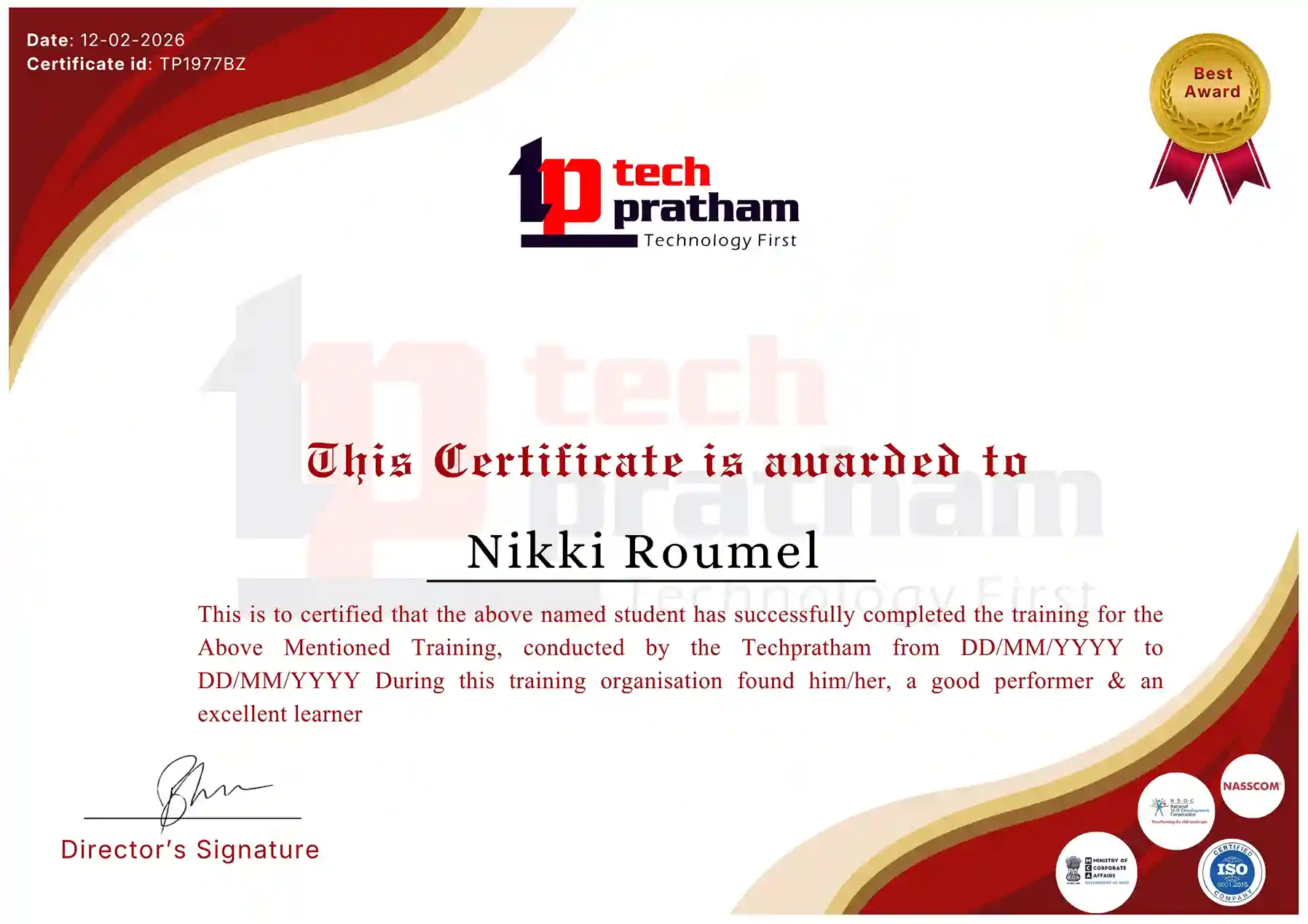
Workday Payroll Certification Guidance
Industry-Recognized Certification
News Highlights
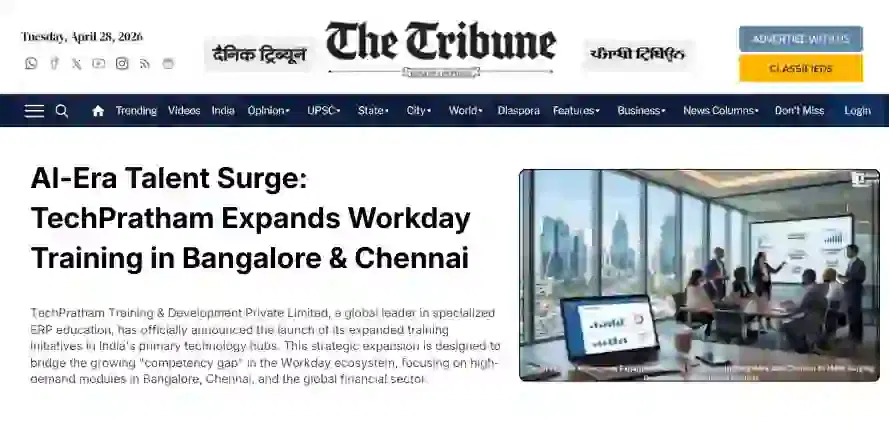
Featured In