Start typing to search courses...

Type in the search box to find courses
CoursesWorkday
Workday Studio Training
Workday

Workday Studio Training

Master Workday Studio Training with Live Tenant Access. Learn to build complex inbound/outbound integrations, XSLT, and RaaS through real-time projects. Updated for 2026. (178 characters)

5/5(4,890 Reviews)

Level

Advanced

Duration

8 Weeks

About
Training Plan
Course Curriculum
New Batch
Projects
Certificate
Testimonials
FAQ
Interview FAQ

Placement Client

Accenture Logo
AWS Logo
Capgemini Logo
Deloitte Logo
Genpact Logo
HP Logo
Intel Logo
Microsoft Logo
Infosys Logo
Zoho Logo
Zelis Logo
Wipro Logo
Saint Gobain Logo
ONX Logo
Nava Logo
Infosys Logo
HCL Logo
Egon Zehnder Logo
Cognizant Logo
Bosch Logo
Bank of America Logo
Accenture Logo
AWS Logo
Capgemini Logo
Deloitte Logo
Genpact Logo
HP Logo
Intel Logo
Microsoft Logo
Infosys Logo
Zoho Logo
Zelis Logo
Wipro Logo
Saint Gobain Logo
ONX Logo
Nava Logo
Infosys Logo
HCL Logo
Egon Zehnder Logo
Cognizant Logo
Bosch Logo
Bank of America Logo

About Workday Studio Training

Master the Workday Studio Course with Tech Pratham’s 2026 Certification-focused curriculum. This advanced training program covers the Eclipse-based IDE, teaching you to design and deploy complex inbound/outbound integrations. Gain hands-on expertise in XSLT transformations, MVEL, and Workday Web Services (SOAP/REST) through real-world enterprise projects.

Unlike basic tutorials, our professional course includes 24/7 Live Tenant Access and in-depth modules on Assembly components and RaaS. Whether you are seeking Workday Studio training in Hyderabad, Bangalore, or the USA, our sessions provide the certification guidance and placement support needed to excel as a developer. Enroll today in the most comprehensive Workday Studio training to master integration orchestration and Workday Illuminate AI features.

Video Thumbnail

Training Plan

01
About trainer

About trainer

Working professional who is carrying more then 10 years of industry experience.

02
Decks & Updated Content

Decks & Updated Content

Access to updated presentation decks shared during live training sessions.

03
e-Book

e-Book

E-book provided by TechPratham. All rights reserved.

04
Assignments & MCQs

Assignments & MCQs

Module-wise assignments and MCQs provided for practice.

05
Video Recording

Video Recording

Daily Session would be recorded and shared to the candidate.

06
Projects

Projects

Live projects will be provided for hands-on practice.

07
Resume Building

Resume Building

Expert-guided resume building with industry-focused content support.

08
Interview Preparation

Interview Preparation

Comprehensive interview preparation with real-time scenario practice.

Workday Studio Course Syllabus

Module 01: Organizations In Workday 

Organizations in Workday define how a business is structured—managing teams, roles, cost centers, and reporting hierarchies across the enterprise.

Organization Types
Re-Organizations
Location Hierarchy
Create company
Cost Center
Additional Organization types
Setup supervisory organization
Create subordinate
Divide organization
Matrix organization
Organization Location

Module 02: Staffing Models 

 Staffing Models explains how to design and manage worker types, positions, and hiring structures in Workday to support business needs.

Types Of Staffing Models
maintaining Staffing model
configuring staffing model
Difference between staffing model & position & Jobs
Hiring Restrictions
Position management
Job management

Module 03: Security

Security in Workday controls user access and data visibility through role-based permissions, domains, and business process security.

Security Group Types
Configurable Security
Functional Areas, Securable Items And Security Policies

Module 04: Reporting

Reporting covers creating, customizing, and analyzing standard and advanced reports in Workday for data-driven decisions.

Workday Overview
Report Writer
Business Objects
Business Object data
Create custom report, edit custom report
Advanced reports
Maintain calculated fields
Calculated fields
Overview on data difference calculated fields
Evaluating conditions
Lookup related value

Module 05: Introductions to Workday Integrations 

 Introduction to Workday Integrations provides an overview of connecting Workday with external systems using core integration concepts and tools.

Workday integration landscape
Types of Workday integrations
When to use Studio vs EIB vs Core Connectors
Workday integration architecture
Integration security basics

Module 06: Workday Studio Environment Setup

Workday Studio Environment Setup guides you through installing, configuring, and preparing the Studio tools for building and testing integrations.

Workday Studio installation and configuration
Workspace and project structure
Studio navigation and perspectives
Assembly projects and components
Version control concepts

Workday Courses

No related courses found

Additional Program Highlights

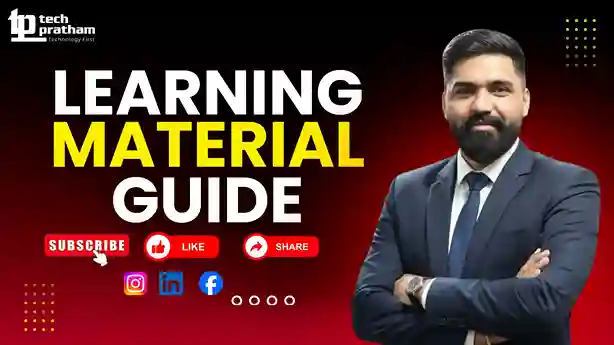
Learning Materials

Comprehensive study materials and resources

HD
Resume Writing

Professional resume building session

HD
Interview Preparation

Master your interview skills

HD
Live Project Demo

Real-world project demonstrations

HD

Upcoming Batches

Can't find a batch you were looking for?

Professionals Who Can Learn Workday Studio Course

IT Professionals

Non-IT Career Switchers

Fresh Graduates

Best Job Roles After Workday Studio Training

Workday Studio Developer

Workday Studio Integration Engineer

Workday Studio Solution Architect

Key Projects

Real-Time Projects Included in Training

Saint Gobain

Saint GobainWorkday Studio Payroll Sync


Scenario: Developed Workday Studio integrations to sync payroll data between Workday and third-party systems, ensuring accurate employee pay processing.

Live Work:

  • Monitored errors and integration logs
  • Handled inbound and outbound payroll files
  • Built Studio integrations using XML & XSLT
Outcome: Accurate and timely payroll processing
WNS

WNSStudio Worker Data Interface


Scenario: Created Workday Studio interfaces to exchange worker and job data with external vendor systems, supporting seamless HR operations.

Live Work:

  • Designed inbound worker integrations
  • Validated data using Studio logic
  • Scheduled and tested integrations
Outcome: Reliable worker data across systems
Zelis India

Zelis IndiaStudio Benefits Integration


Scenario: Implemented Workday Studio solutions to transfer employee benefits data to external providers, ensuring accurate enrollment and coverage updates.

Live Work:

  • Supported testing and production moves
  • Applied transformation and validations
  • Built outbound benefits integrations
Outcome: Smooth benefits data transmission
Accenture

AccentureEnterprise Studio Integrations


Scenario: Delivered large-scale Workday Studio integrations connecting HR, finance, and external systems to support enterprise-level business processes.

Live Work:

  • Provided post-go-live support
  • Optimized performance and error handling
  • Developed complex Studio orchestration
Outcome: Scalable and stable integrations delivered
Mobile Banner

Latest HiringNEW

No hiring posts

Recently Placed Candidates

No placements available

Latest HiringNEW

No hiring posts

Our Success Mantra

Commitment Icon
Commitment

  • Ensuring quality training every day

Commitment Icon
Fulfillment

  • Meeting learning goals with confidence

Commitment Icon
Accomplishment

  • Students achieving industry-ready expertise

Our Learner Voice

Loading reviews...

Student review testimonial

Beyond Courses:

Additional Support We Provide

24/7 Support

LinkedIn Profile

Resume Writing

Alumni Sessions

Interview Preparation

Live Projects

What is Workday Studio and how does it work?

What are the key features of Workday Studio?

Is Workday Studio difficult to learn for beginners?

What programming languages are used in Workday Studio?

How is Workday Studio different from Workday Core Connectors?

Can I use Workday Studio for real-time integrations?

What is Workday Studio and when is it preferred over EIB or Core Connectors?

What are the primary components of a Workday Studio "Assembly"?

Explain the role of the "Mediation Context" in Studio.

What is the difference between a "Splitter" and an "Aggregator"?

What are "Launch Parameters" and how are they used?

Explain "Workday-Out-Rest" vs. "Workday-Out-SOAP."

About Workday Studio Certification

Workday Studio Certification is an important credential for professionals who want to demonstrate their expertise in Workday integrations and enterprise application connectivity. It validates your ability to design, develop, test, deploy, and troubleshoot integrations using Workday Studio. The certification is highly valuable for Workday Integration Consultants, Workday Studio Developers, Technical Consultants, and IT professionals working with Workday implementations.


Workday Studio Certification Exam Overview


The certification focuses on the core concepts and practical skills required to build integrations within the Workday ecosystem. During preparation, candidates typically learn topics such as:


  • Workday Studio Fundamentals
  • Integration Architecture and Design
  • XML and XSLT Processing
  • Web Services
  • SOAP and REST API Integrations
  • Workday Web Services (WWS)
  • Enterprise Interface Builder (EIB)
  • Workday Studio Inbound Integration
  • Outbound Integration Development
  • Data Transformation Techniques
  • Error Handling and Debugging
  • Integration Deployment and Monitoring
  • Security and Authentication Concepts
  • Real-Time Business Scenarios


The exam evaluates both conceptual understanding and practical integration knowledge, making hands-on training an essential part of preparation.


Importance of Workday Studio Certification


Earning a Workday Studio Certification can significantly enhance your professional profile and career opportunities. It demonstrates that you possess the technical skills required to work on complex Workday integration projects and enterprise implementations.


Key benefits include:


  • Validates your Workday integration expertise
  • Improves credibility among employers and clients
  • Increases opportunities for Workday integration roles
  • Strengthens technical and problem-solving skills
  • Enhances career growth and promotion prospects
  • Helps professionals stand out in a competitive job market
  • Supports higher salary potential
  • Builds confidence in handling real-world integration projects


As organizations continue adopting Workday HCM, Finance, Payroll, and other cloud-based solutions, the demand for certified Workday integration professionals continues to rise. Completing Workday Studio Training and preparing for certification can help learners develop industry-relevant skills and establish a successful long-term career in the Workday ecosystem.

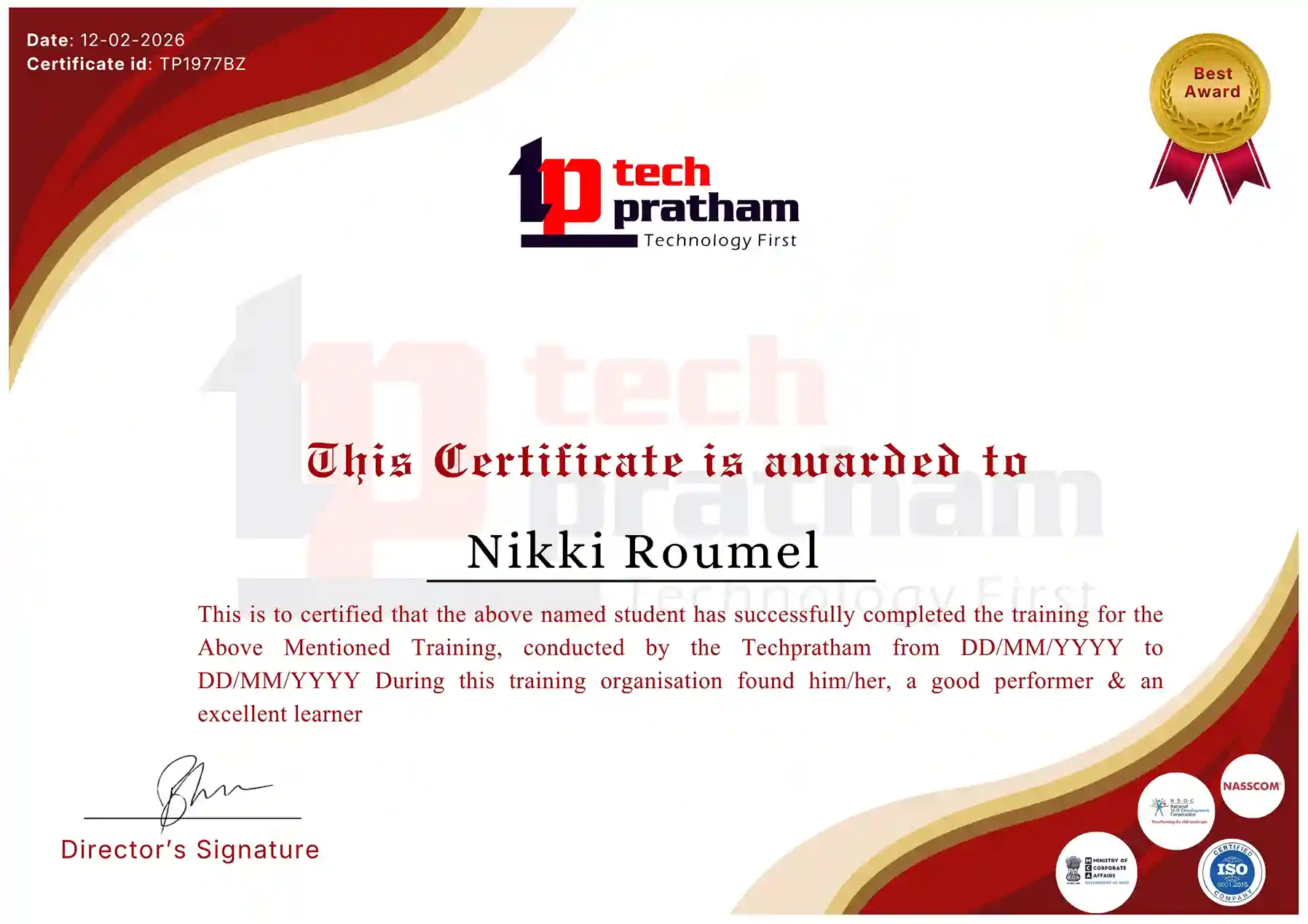
Industry-Recognized Certification

Certificate
Workday Studio Certificate

News Highlights

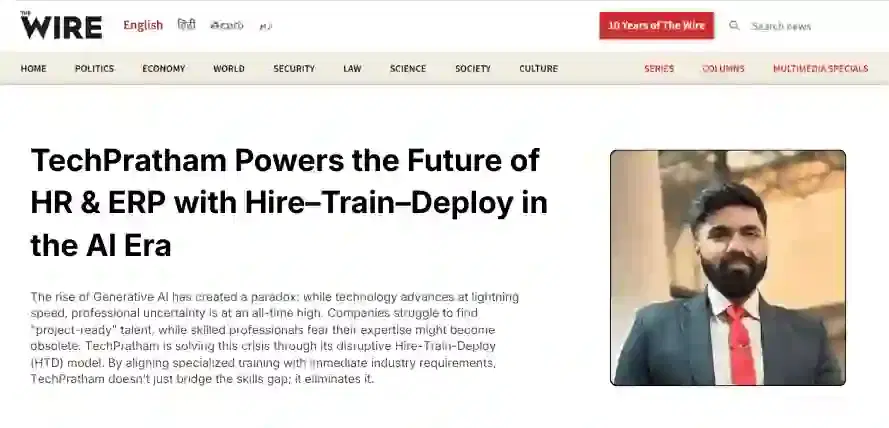
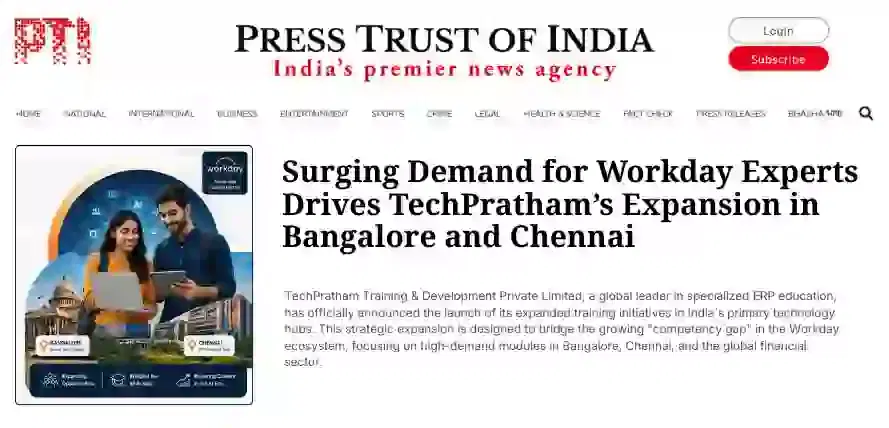
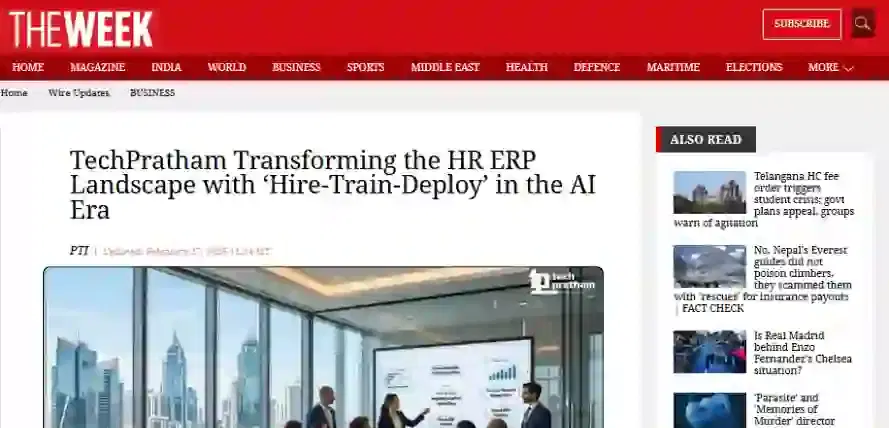
TechPratham Introduces Hire-Train-Deploy Model to Transform HR & ERP Talent in the AI Era
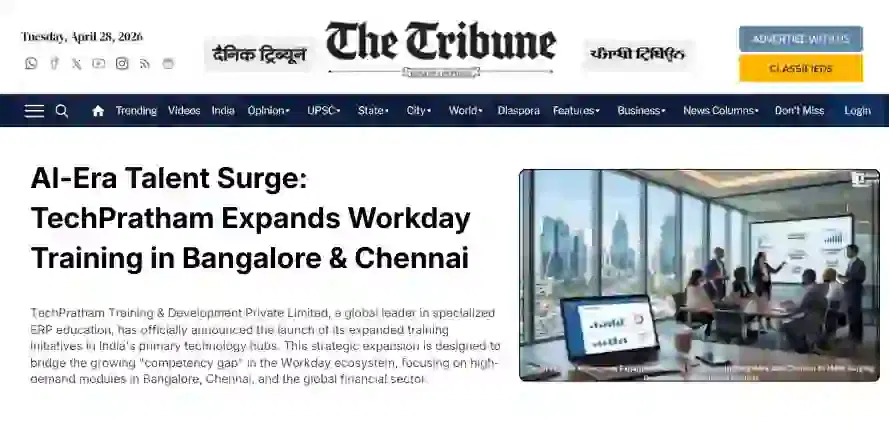
TechPratham Empowering Future Professionals Through AI-Focused HR & ERP Training

Featured In

Featured Logo 1Featured Logo 2Featured Logo 3Featured Logo 4Featured Logo 5Featured Logo 6Featured Logo 7Featured Logo 8Featured Logo 9Featured Logo 10Featured Logo 11Featured Logo 12
TechPratham Gains Recognition for Bridging the HR & ERP Skills Gap with Hire-Train-Deploy
TechPratham's Hire-Train-Deploy Approach Reshaping HR & ERP Careers in the AI-Driven Industry
India Flag

India

Head Office

G-31, 1st Floor, Sector-3, Noida - 201301

India Flag+91-8882178896
WhatsApp
USA Flag+1 (343) 477-0926
WhatsApp
India Flag

India

Noida Office

C-2, Sector-1, Noida, Uttar Pradesh - 201301

India Flag+91-8882178896
WhatsApp
USA Flag+1 (343) 477-0926
WhatsApp
India Flag

India

Hyderabad Office

LVS Arcade, 6th Floor, Hitech City, Hyderabad

India Flag+91-8383058741
WhatsApp
USA Flag+1 (343) 477-0926
WhatsApp
© 2026 TechPratham. All rights reserved.An ISO 9001:2015 Certified Company