

Start typing to search courses...

Type in the search box to find courses
CoursesWorkday
Workday Time Tracking and Absence Management Training
Workday

Workday Time Tracking and Absence Management Training

Workday Time Tracking and Absence Management Training teaches time tracking, leave management, approvals, scheduling, and workforce planning in Workday through practical, hands-on learning.

5/5(4,890 Reviews)

Level

Advanced

Duration

3 weeks

Enquire This Course

About
Training Plan
Course Curriculum
New Batch
Projects
Certificate
Testimonials
FAQ
Interview FAQ

Placement Client

Accenture Logo
AWS Logo
Capgemini Logo
Deloitte Logo
Genpact Logo
HP Logo
Intel Logo
Microsoft Logo
Infosys Logo
Zoho Logo
Zelis Logo
Wipro Logo
Saint Gobain Logo
ONX Logo
Nava Logo
Infosys Logo
HCL Logo
Egon Zehnder Logo
Cognizant Logo
Bosch Logo
Bank of America Logo
Accenture Logo
AWS Logo
Capgemini Logo
Deloitte Logo
Genpact Logo
HP Logo
Intel Logo
Microsoft Logo
Infosys Logo
Zoho Logo
Zelis Logo
Wipro Logo
Saint Gobain Logo
ONX Logo
Nava Logo
Infosys Logo
HCL Logo
Egon Zehnder Logo
Cognizant Logo
Bosch Logo
Bank of America Logo

About Workday Time Tracking and Absence Management Training

Workday Time Tracking and Absence Management Training is a comprehensive program designed to help professionals gain practical expertise in managing employee attendance, work schedules, leave requests, and workforce planning using the Workday platform. This training covers essential concepts such as time entry, time approvals, absence management, leave plans, accrual calculations, holiday calendars, and reporting. Learners will understand how organizations use Workday to streamline time and attendance processes, improve workforce productivity, and ensure policy compliance. The course also includes hands-on exposure to Workday Time Tracking Training, Workday Absence Management Training, and real-world business scenarios. Participants will learn to configure absence types, manage employee leave balances, generate workforce reports, and support HR operations effectively. Ideal for HR professionals, consultants, administrators, and beginners, this Workday Time and Attendance Training helps build in-demand skills and prepares learners for advanced Workday HCM Training and certification opportunities.

Video Thumbnail

Training Plan

01
About trainer

About trainer

Working professional who is carrying more than 10 years of industry experience.

02
Decks & Updated Content

Decks & Updated Content

Access to updated presentation decks shared during live training sessions.

03
e-Book

e-Book

E-book provided by TechPratham. All rights reserved.

04
Assignments & MCQs

Assignments & MCQs

Module-wise assignments and MCQs provided for practice.

05
Video Recording

Video Recording

Daily Session would be recorded and shared to the candidate.

06
Projects

Projects

Live projects will be provided for hands-on practice.

07
Resume Building

Resume Building

Expert-guided resume building with industry-focused content support.

08
Interview Preparation

Interview Preparation

Comprehensive interview preparation with real-time scenario practice.

Workday Time Tracking and Absence Management Course Modules

Module 1: Introduction to Workday HCM

Workday HCM (Human Capital Management) is a cloud-based HR solution that helps organizations manage employee data, workforce planning, payroll, talent management, and business processes. It enables companies to streamline HR operations, improve employee experiences, and support data-driven decision-making.

Overview of Workday HCM
Workday architecture
Workday navigation
Workday business process framework
Role based security

Module 2: Introduction to Time Tracking

Time Tracking in Workday enables organizations to record employee work hours, attendance, shifts, and schedules efficiently. It helps streamline time entry, approvals, payroll processing, and workforce management while improving productivity, compliance, and operational accuracy.

Workday Time Tracking overview
Time entry methods
Time entry templates
Time calculation rules
Time tracking security groups

Module 3: Time Entry and Time Tracking Setup 

Learn how to configure time entry methods, timesheets, work schedules, and attendance tracking within Workday. This module covers time validation rules, approval workflows, and employee time management processes used in real-world business environments.

Configuring time entry codes
Configuring time entry templates
Time calculation tags
Time entry validation rules
Time tracking calendar setup

Module 4: Work Schedules and Shifts 

Learn how to create and manage work schedules, shift patterns, and employee calendars in Workday. This module covers shift assignments, scheduling rules, workforce availability, and schedule management to support efficient workforce planning and attendance tracking.

Work schedule configuration
Shift configuration
Flexible work schedules
Overtime rules
Time blocking

Module 5: Time Approval Process  

Learn how to configure and manage time approval workflows in Workday. This module covers manager approvals, validation rules, exception handling, notifications, and escalation processes to ensure accurate time tracking, compliance, and efficient workforce management.

Time entry approval workflow
Manager approval configuration
Escalation rules
Correcting time entries
Time tracking reports

Module 6: Absence Management Overview

Understand the fundamentals of Workday Absence Management, including leave types, absence plans, employee leave requests, accruals, and approval workflows. Learn how organizations manage time-off policies and maintain compliance through automated absence tracking.

Absence management concepts
Types of leave plans
Absence request process
Absence balance tracking

Module 7: Absence Plans Configuration 

Learn how to create and configure absence plans in Workday, including leave policies, accrual rules, eligibility criteria, carryover settings, and employee leave balances. Gain practical experience in managing and maintaining absence programs effectively.

Creating absence plans
Leave types configuration
Eligibility rules
Waiting period configuration
Carry forward policies

Module 8: Absence Accrual Configuration

Learn how to configure absence accruals in Workday, including accrual calculations, earning schedules, carryover limits, and balance tracking. Understand how organizations automate leave accumulation and manage employee entitlement policies efficiently.

Accrual calculation methods
Accrual frequency setup
Accrual based on service period
Maximum accrual limits

Module 9: Leave Request and Approval

Learn how employees submit leave requests and how managers review, approve, reject, or modify requests in Workday. This module covers approval workflows, notifications, leave tracking, and automated processes that ensure efficient absence management and policy compliance.

Employee leave request process
Manager approval process
Leave cancellation and modification
Absence calendar view

Workday Courses

No related courses found

Additional Program Highlights

Learning Materials

Comprehensive study materials and resources

HD
Resume Writing

Professional resume building session

HD
Interview Preparation

Master your interview skills

HD
Live Project Demo

Real-world project demonstrations

HD

Upcoming Batches

Can't find a batch you were looking for?

Who Should Enroll?

IT Professionals

Non-IT Career Switchers

Fresh Graduates

Career Opportunities After Training

Workday Time Tracking Consultant

Workday Absence Management Consultant

Workday HCM Consultant

Key Projects

Real-World Workday Projects You Will Work On

Saint-Gobain

Saint-GobainWorkday Time Tracking Setup


Scenario: Implemented Workday Time Tracking to capture employee work hours, shifts, and overtime, ensuring accurate time approval and payroll readiness.

Live Work:

  • Supported manager time approvals
  • Set up time schedules and rules
  • Configured time entry and validations
Outcome: Accurate time capture and payroll input
WNS

WNSTime Tracking Process Automation


Scenario: Automated time tracking workflows in Workday to improve employee time entry, reduce manual corrections, and ensure timely approvals.

Live Work:

  • Configured time calculation rules
  • Automated approval workflows
  • Resolved time entry exceptions
Outcome: Reduced errors and faster approvals
Zelis India

Zelis IndiaGlobal Time Tracking Support


Scenario: Supported global Workday Time Tracking by managing country-specific time rules, holidays, and overtime policies across multiple locations.

Live Work:

  • Maintained country time configurations
  • Managed holiday and overtime rules
  • Tested time tracking scenarios
Outcome: Consistent global time management
Accenture

AccentureTime Tracking Optimization


Scenario: Optimized Workday Time Tracking processes to improve compliance, enhance reporting accuracy, and support seamless payroll integration.

Live Work:

  • Assisted audit and compliance checks
  • Supported payroll time integration
  • Optimized time rules and validations
Outcome: Improved compliance and reporting accuracy
Mobile Banner

Latest HiringNEW

No hiring posts

Recently Placed Candidates

No placements available

Latest HiringNEW

No hiring posts

Our Success Mantra

Commitment Icon
Commitment

  • Ensuring quality training every day

Commitment Icon
Fulfillment

  • Meeting learning goals with confidence

Commitment Icon
Accomplishment

  • Students achieving industry-ready expertise

Our Learner Voice

Loading reviews...

Student review testimonial

Beyond Courses:

Additional Support We Provide

24/7 Support

LinkedIn Profile

Resume Writing

Alumni Sessions

Interview Preparation

Live Projects

What is Workday Time Tracking?

What is Workday Absence Management?

How does Workday Absence Management work?

What will I learn in this Workday Time Tracking and Absence Management Training?

Who can enroll in this course?

Do I need coding knowledge to learn Workday Time Tracking?

What is Workday Time Tracking and why is it important?

How does Workday Absence Management work?

What is the difference between Time Tracking and Absence Management in Workday?

What are Time Entry Codes in Workday?

What is a Time Calculation in Workday?

What is an Absence Plan in Workday?

About Workday Certification

Workday Certifications Complete Guide 


The Workday Pro Certification follows a largely common exam framework across different certification tracks, including HCM Entry, Finance Entry, Speciality, and Implementer ID certifications (such as HCM Core, Compensation, Benefits, Recruiting, Finance modules, Accounting Center, Projects, Integrations, Workday Studio, etc.).


Across these certifications, the exam structure is generally consistent:


Exam Cost: Approximately USD 800 per attempt


Exam Duration: 2 hours


Passing Score: 80%


Exam Format: MCQ (Multiple Choice Questions)


This common exam framework ensures a consistent and fair evaluation standard across multiple Workday certification tracks, covering both functional and technical domains.


Note : (Speciality Certification Pathway):

For the Workday HCM / Finance Speciality Certification Pathway, candidates must complete the relevant Entry/Core prerequisite certifications before enrolling in any Speciality Certification program.


Note : (Implementer ID Certifications):

Implementer ID certifications (e.g., Integrations, Workday Studio, Payroll Connectors) are part of the advanced technical pathway and are typically pursued after gaining foundational (Entry/Core) and relevant domain experience. Specific prerequisites may vary by certification.

Industry-Recognized Certification

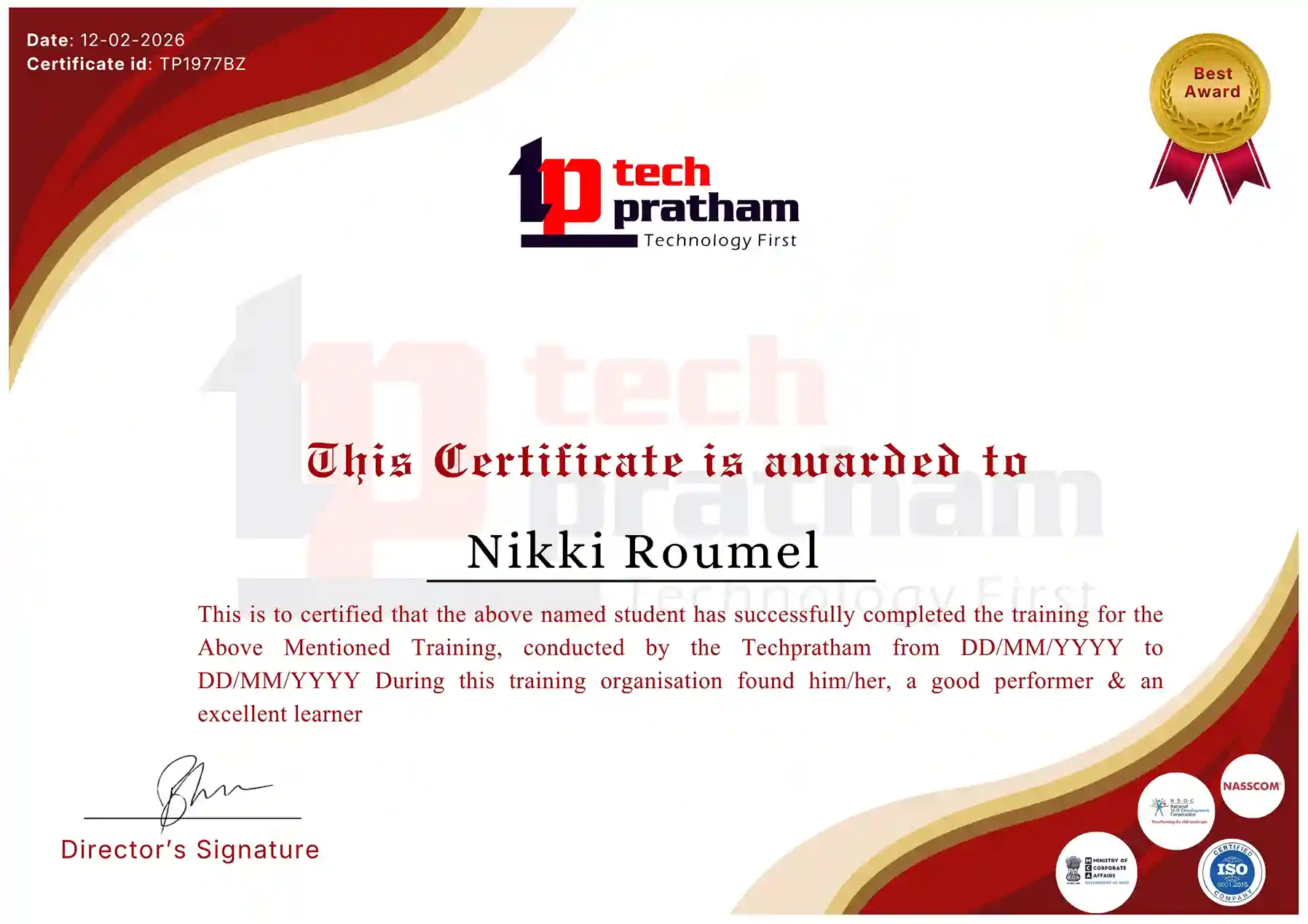
Certificate
Workday Time Tracking Certification

News Highlights

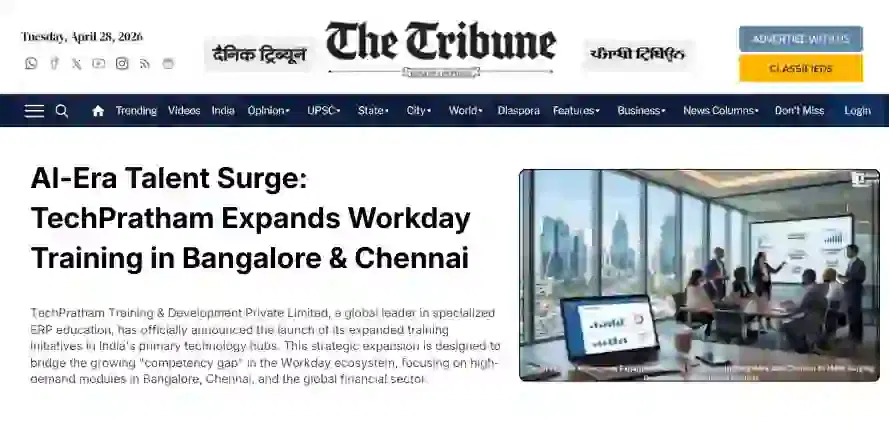
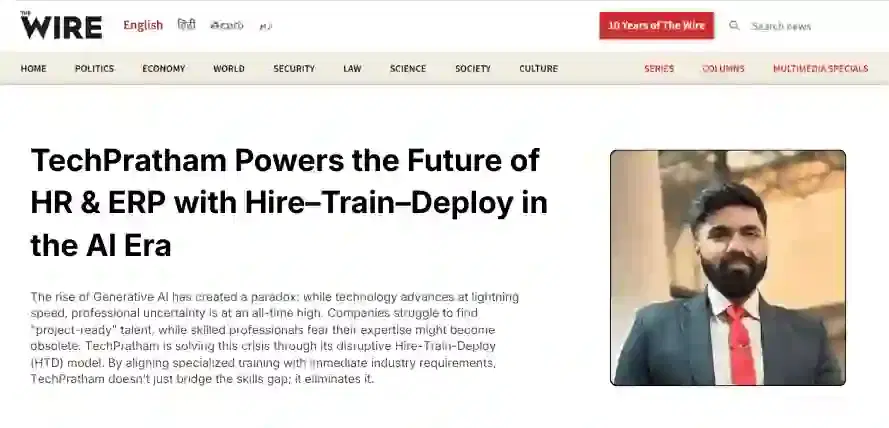
TechPratham Introduces Hire-Train-Deploy Model to Transform HR & ERP Talent in the AI Era
TechPratham Empowering Future Professionals Through AI-Focused HR & ERP Training

Featured In

Featured Logo 1Featured Logo 2Featured Logo 3Featured Logo 4Featured Logo 5Featured Logo 6Featured Logo 7Featured Logo 8Featured Logo 9Featured Logo 10Featured Logo 11Featured Logo 12
TechPratham Gains Recognition for Bridging the HR & ERP Skills Gap with Hire-Train-Deploy
TechPratham's Hire-Train-Deploy Approach Reshaping HR & ERP Careers in the AI-Driven Industry
India Flag

India

Head Office

G-31, 1st Floor, Sector-3, Noida - 201301

India Flag+91-8882178896
WhatsApp
USA Flag+1 (343) 477-0926
WhatsApp
India Flag

India

Noida Office

C-2, Sector-1, Noida, Uttar Pradesh - 201301

India Flag+91-8882178896
WhatsApp
USA Flag+1 (343) 477-0926
WhatsApp
India Flag

India

Hyderabad Office

LVS Arcade, 6th Floor, Hitech City, Hyderabad

India Flag+91-8383058741
WhatsApp
USA Flag+1 (343) 477-0926
WhatsApp
© 2026 TechPratham. All rights reserved.An ISO 9001:2015 Certified Company