
















Start typing to search courses...

Type in the search box to find courses
CoursesMicrosoft Dynamics
MS Dynamics 365 Business Central Functional Training
Microsoft Dynamics

MS Dynamics 365 Business Central Functional Training

Start your career with MS Dynamics 365 Business Central Functional Training. Learn ERP modules, reporting, implementation, and business workflows through live online sessions.

5/5(4,890 Reviews)

Level

Advanced

Duration

8 Weeks

Enquire This Course

About
Training Plan
Course Curriculum
New Batch
Projects
Certificate
Testimonials
FAQ
Interview FAQ

Placement Client

Accenture Logo
AWS Logo
Capgemini Logo
Deloitte Logo
Genpact Logo
HP Logo
Intel Logo
Microsoft Logo
Infosys Logo
Zoho Logo
Zelis Logo
Wipro Logo
Saint Gobain Logo
ONX Logo
Nava Logo
Infosys Logo
HCL Logo
Egon Zehnder Logo
Cognizant Logo
Bosch Logo
Bank of America Logo
Accenture Logo
AWS Logo
Capgemini Logo
Deloitte Logo
Genpact Logo
HP Logo
Intel Logo
Microsoft Logo
Infosys Logo
Zoho Logo
Zelis Logo
Wipro Logo
Saint Gobain Logo
ONX Logo
Nava Logo
Infosys Logo
HCL Logo
Egon Zehnder Logo
Cognizant Logo
Bosch Logo
Bank of America Logo

About MS Dynamics 365 Business Central Functional Training

MS Dynamics 365 Business Central Functional Training in India is designed for professionals who want to master Microsoft's cloud-based ERP solution for managing finance, sales, purchasing, and inventory. This Microsoft Dynamics 365 Business Central Training provides hands-on learning through real-world business scenarios, helping you understand core functional modules and business processes. Our Dynamics 365 Business Central Training equips you with practical skills in reporting, workflow automation, and ERP implementation.

With the growing demand for ERP software training in India, this program prepares you for roles like Functional Consultant and ERP Analyst. Whether you're looking for Business Central Training or Business Central Functional Training, this course prepares you for in-demand roles such as Functional Consultant and ERP Analyst with industry-relevant, job-ready expertise.
Video Thumbnail

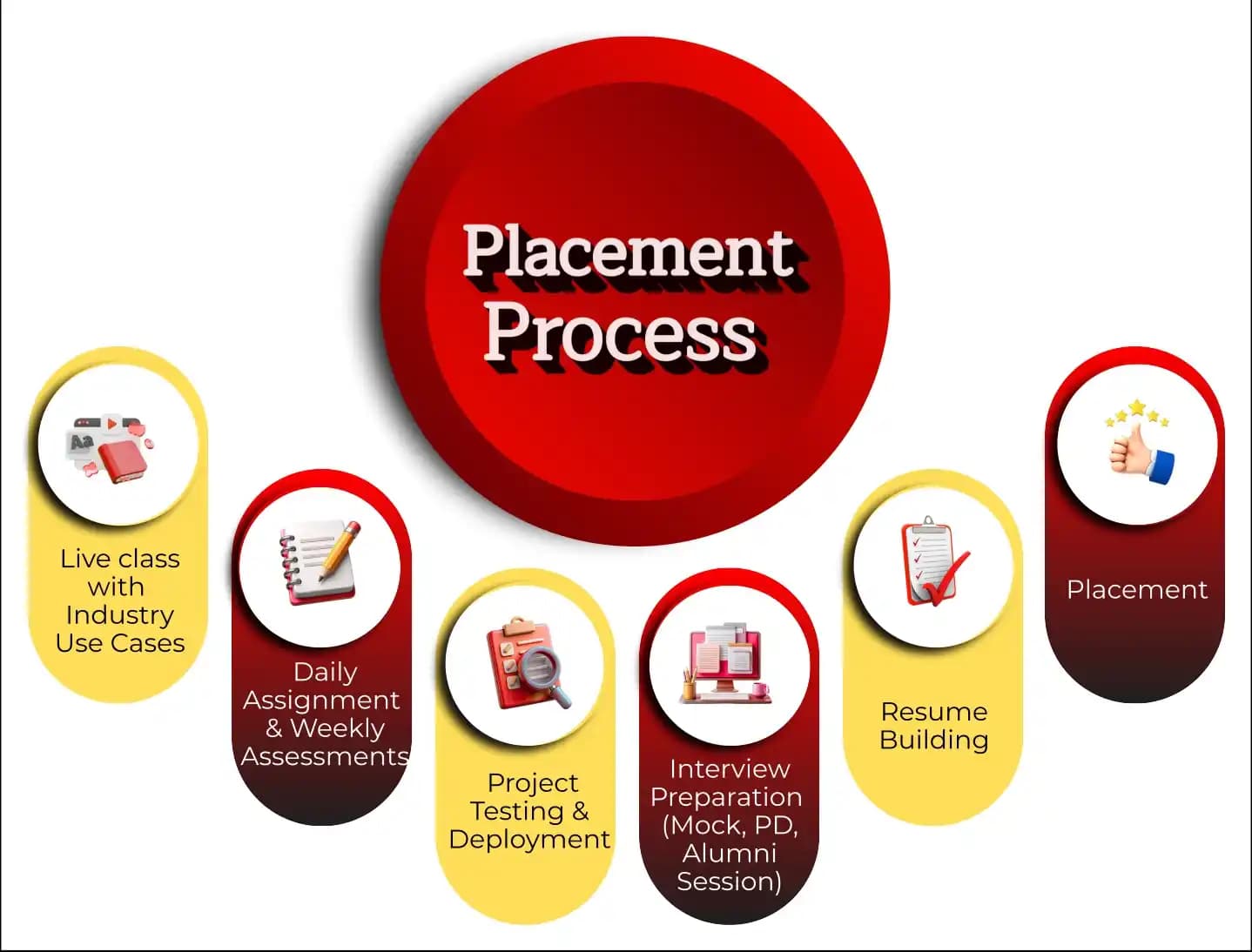
Training Plan

01
About trainer

About trainer

Working professional who is carrying more then 10 years of industry experience.

02
Decks & Updated Content

Decks & Updated Content

Access to updated presentation decks shared during live training sessions.

03
e-Book

e-Book

E-book provided by TechPratham. All rights reserved.

04
Assignments & MCQs

Assignments & MCQs

Module-wise assignments and MCQs provided for practice.

05
Video Recording

Video Recording

Daily Session would be recorded and shared to the candidate.

06
Projects

Projects

Live projects will be provided for hands-on practice.

07
Resume Building

Resume Building

Expert-guided resume building with industry-focused content support.

08
Interview Preparation

Interview Preparation

Comprehensive interview preparation with real-time scenario practice.

MS Dynamics 365 Business Central Functional Course Curriculum

Module 1: Introduction to ERP & Business Central

Understand ERP fundamentals and how a cloud ERP system supports modern businesses. Learn the basics of the Microsoft Dynamics ecosystem and how Business Central works as a small business ERP solution.

ERP concepts and benefits
Overview of Business Central
Cloud ERP system basics
Microsoft Dynamics ecosystem
Business Central interface
User roles and navigation

Module 2: Financial Management in Business Central

Learn core financial operations using Business Central as a finance and accounting software. This module covers ledgers, transactions, and reporting used in real-world business environments.

General ledger setup
Accounts payable
Accounts receivable
Budgeting and forecasting
Financial reporting
Bank reconciliation

Module 3: Sales & Customer Management

Understand how Business Central manages sales processes and customer relationships. Learn workflows that help businesses improve revenue using integrated ERP solutions.

CRM basics
Sales reporting
Invoicing
Pricing and discounts
Customer management
Sales order processing

Module 4: Purchase & Vendor Management

Learn procurement processes and vendor management using Business Central. This module focuses on efficient purchasing workflows within a cloud ERP system.

Purchase orders
Vendor setup
Procurement workflows
Invoice processing
Vendor payments
Purchase reports

Module 5: Inventory & Supply Chain Management

Gain knowledge of inventory control and logistics using supply chain management software features in Business Central. Learn how businesses manage stock and warehouse operations.

Inventory setup
Stock management
Warehouse operations
Item tracking
Supply chain workflows
Inventory reporting

Module 6: Business Central Modules & Configuration

Explore key business central modules and learn system configuration. Understand how different modules work together within the Microsoft Dynamics ecosystem.

Module overview
System configuration
User personalization
Role centers
Workflow setup
Data management

Module 7: Reporting, Analytics & Power Tools

Learn reporting and analytics using Business Central. Understand how to generate insights from finance and accounting software and improve decision-making.

Standard reports
Custom reports
Data analysis
Power BI integration
Dashboard creation
Business insights

Module 8: Implementation, Projects & Career Readiness

Understand real-time ERP implementation and gain practical experience through projects. This module prepares you for ERP career opportunities in India with job-ready skills.

ERP implementation lifecycle
Real-time projects
Business case studies
Testing and validation
Resume preparation
Interview preparation

Microsoft Dynamics Courses

No related courses found

Additional Program Highlights

Learning Materials

Comprehensive study materials and resources

HD
Resume Writing

Professional resume building session

HD
Interview Preparation

Master your interview skills

HD
Live Project Demo

Real-world project demonstrations

HD

Upcoming Batches

Can't find a batch you were looking for?

Who Should Enroll for this MS Dynamics 365 Business Central Functional Training

IT Professionals

Non-IT Career Switchers

Fresh Graduates

Job Roles After Completing MS Dynamics 365 Business Central Functional Training

D365 Business Consultant

Business Central Consultant

ERP Functional Consultant

Key Projects

MS Dynamics 365 Business Central Functional

Aditya Birla Fashion & Retail

Aditya Birla Fashion & RetailRetail Finance Revamp


Scenario: Implemented Dynamics 365 Business Central to streamline retail finance, inventory costing, vendor payments and multi location sales reporting

Live Work:

  • Configured general ledger setup
  • Managed inventory costing methods
  • Automated vendor payment cycles
Outcome: Improved retail financial control
Saint-Gobain

Saint-GobainManufacturing ERP Upgrade


Scenario: Deployed Business Central modules to optimize production planning, warehouse management, procurement cycles and cost tracking controls

Live Work:

  • Set up production planning module
  • Configured warehouse processes
  • Streamlined procurement workflows
Outcome: Enhanced manufacturing efficiency
Metro Bank

Metro BankBanking Ops Modernization


Scenario: Configured Business Central to manage financial operations, fixed assets, budgeting controls and compliance reporting requirements

Live Work:

  • Implemented budgeting controls
  • Managed fixed asset tracking
  • Designed compliance reports
Outcome: Strengthened financial governance
Infosys

InfosysEnterprise ERP Alignment


Scenario: Led Business Central implementation covering finance setup, intercompany transactions, reporting automation and data migration strategy

Live Work:

  • Configured intercompany setup
  • Executed data migration plans
  • Automated financial reporting
Outcome: Standardized enterprise processes
Mobile Banner

Latest HiringNEW

No hiring posts

Recently Placed Candidates

No placements available

Latest HiringNEW

No hiring posts

Our Success Mantra

Commitment Icon
Commitment

  • Ensuring quality training every day

Commitment Icon
Fulfillment

  • Meeting learning goals with confidence

Commitment Icon
Accomplishment

  • Students achieving industry-ready expertise

Our Learner Voice

Loading reviews...

Student review testimonial

Beyond Courses:

Additional Support We Provide

24/7 Support

LinkedIn Profile

Resume Writing

Alumni Sessions

Interview Preparation

Live Projects

 What is MS Dynamics 365 Business Central Functional Training?

 Is Business Central a good career option in India in 2026?

What is the salary after Business Central Functional Training in India?

Who can join Business Central Functional Training?

What are the main Business Central modules covered in training?

Do I need coding for Business Central Functional Training?

How does Business Central work as a cloud ERP system in real businesses?

Explain key Business Central modules and their business impact.

What is your approach to implementing Business Central for a client?

How does Business Central support financial management?

What challenges can arise during ERP implementation and how do you handle them?

How is Business Central used as a supply chain management tool?

About Microsoft Dynamics 365 Business Central Functional (MB-800) Certification

Exam Overview


Duration: 90–120 minutes


Format: 40–60 multiple-choice and scenario-based questions


Passing Score: Microsoft exams are scored from 100–1000, and candidates usually need 700 or above to pass

Online vs Offline Testing

Microsoft certification exams are conducted through Microsoft in partnership with Pearson VUE

Online:

Candidates can take the exam from home using Pearson VUE’s OnVUE proctoring system with webcam monitoring

Offline:

The exam can also be taken at an authorized Pearson VUE testing center

Cost of the Exam


Standard Exam Fee: $165 USD (approximately ₹13,000–₹15,000 in India depending on taxes)


Retake Fee: Same as the standard exam fee

Prerequisite Training

Although not mandatory, many learners enroll in a Microsoft Dynamics 365 Business Central Functional training course to gain practical knowledge of:

  • Financial management
  • Sales and purchasing processes
  • Inventory and supply chain management
  • Business Central configuration
  • ERP fundamentals

How to Book the Exam

  • Create a Microsoft certification account on the Microsoft Learn portal
  • Choose the MB-800 Dynamics 365 Business Central Functional Consultant exam
  • Click Schedule Exam and you will be redirected to Pearson VUE
  • Select online proctored exam or test center exam
  • Choose your date and time and complete the payment to confirm your booking

Retake Policy


Maximum Attempts: 5 attempts per year


Waiting Period:

  • 1st retake – 24 hours
  • 2nd retake – 14 days
  • Additional retakes – 14 days each

If a candidate fails five times, they must wait 12 months before attempting the exam again

Industry-Recognized Certification

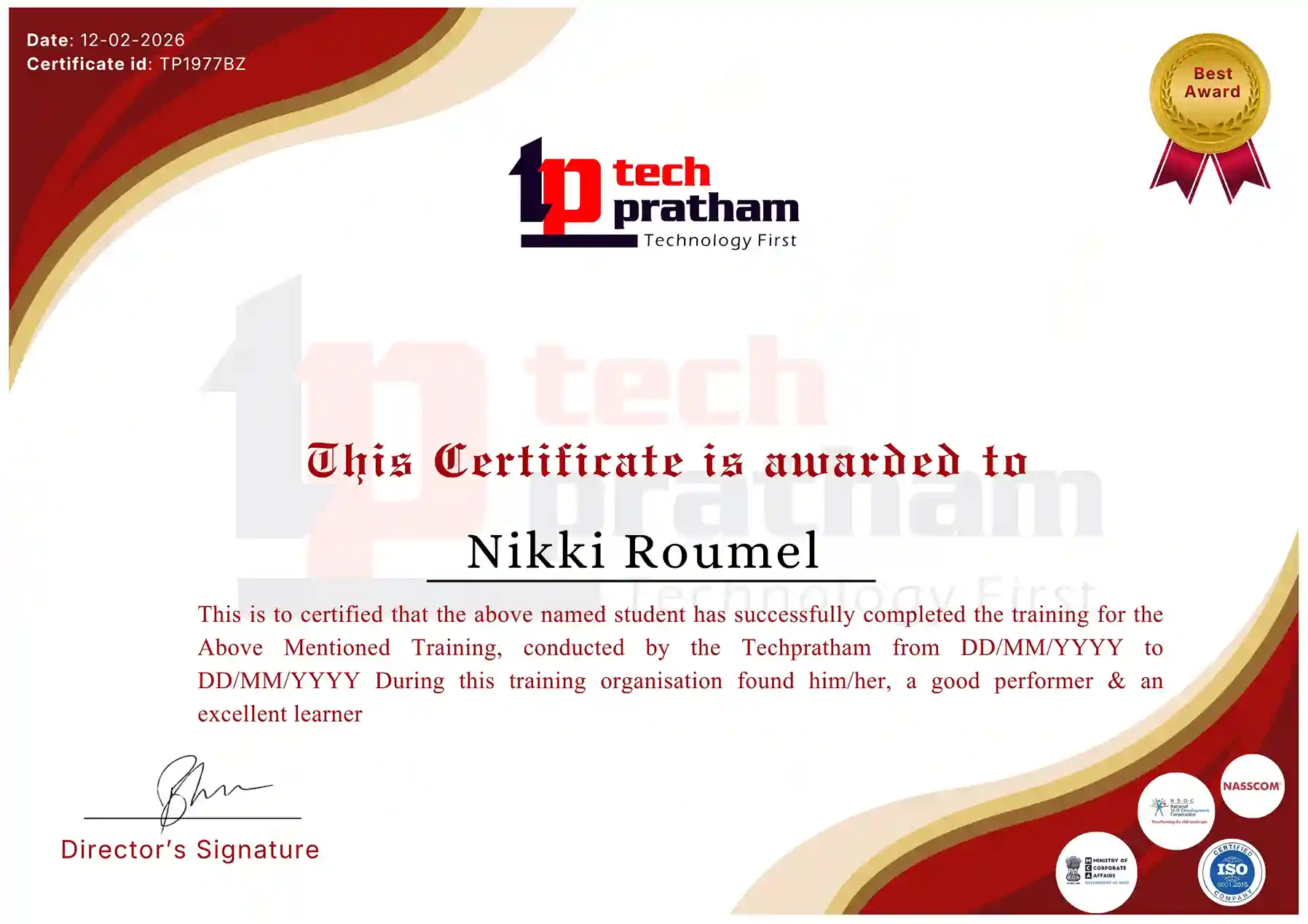
Certificate
MS Dynamics 365 Business Central Functional

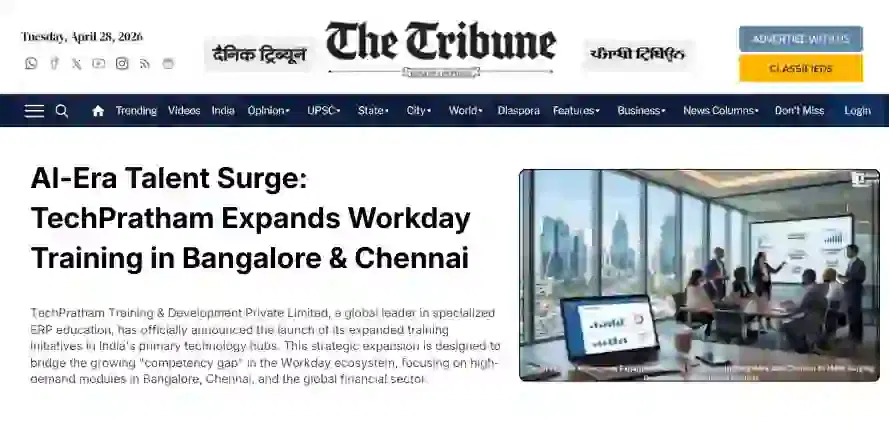
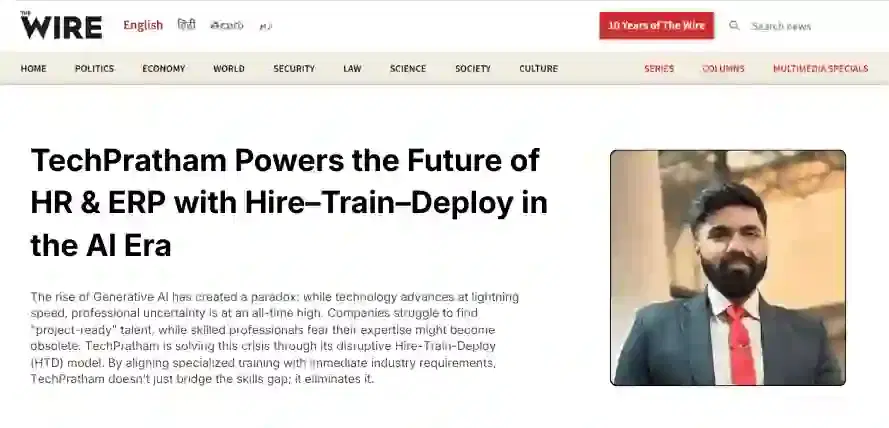
News Highlights

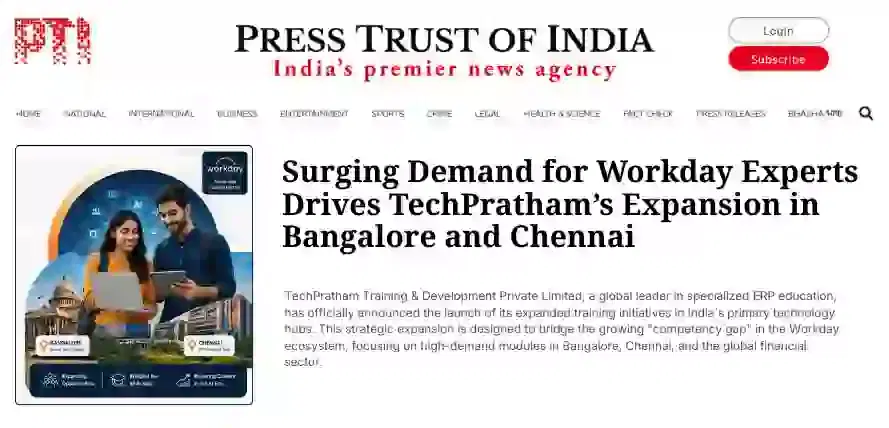
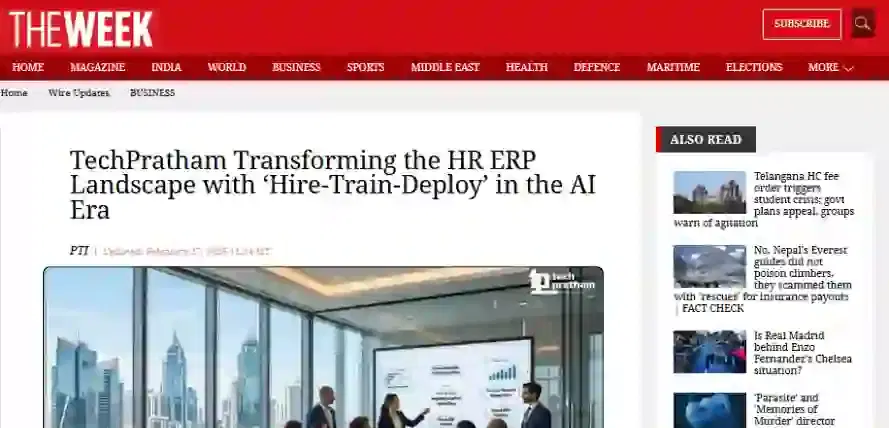
TechPratham Introduces Hire-Train-Deploy Model to Transform HR & ERP Talent in the AI Era
TechPratham Empowering Future Professionals Through AI-Focused HR & ERP Training

Featured In

Featured Logo 1Featured Logo 2Featured Logo 3Featured Logo 4Featured Logo 5Featured Logo 6Featured Logo 7Featured Logo 8Featured Logo 9Featured Logo 10Featured Logo 11Featured Logo 12
TechPratham Gains Recognition for Bridging the HR & ERP Skills Gap with Hire-Train-Deploy
TechPratham's Hire-Train-Deploy Approach Reshaping HR & ERP Careers in the AI-Driven Industry
India Flag

India

Head Office

G-31, 1st Floor, Sector-3, Noida - 201301

India Flag+91-8882178896
WhatsApp
USA Flag+1 (343) 477-0926
WhatsApp
India Flag

India

Noida Office

C-2, Sector-1, Noida, Uttar Pradesh - 201301

India Flag+91-8882178896
WhatsApp
USA Flag+1 (343) 477-0926
WhatsApp
India Flag

India

Hyderabad Office

LVS Arcade, 6th Floor, Hitech City, Hyderabad

India Flag+91-8383058741
WhatsApp
USA Flag+1 (343) 477-0926
WhatsApp
© 2026 TechPratham. All rights reserved.An ISO 9001:2015 Certified Company