
Complete Guide to Workday Organizations, Security, Reporting & Integrations
Table of Contents
Many people think Workday is difficult because it has too many features. In reality, Workday becomes confusing only when we don’t understand its basic building blocks. Organizations define how employees are structured, security decides who can see and do what, reporting shows meaningful data, and integrations connect Workday with other systems. When these core areas are not set up correctly, companies face issues like wrong approvals, missing reports, or data errors.
In this complete guide, we explain Workday Organizations, Security, Reporting, and Integrations in a simple and easy-to-understand way. You’ll learn how each component works, how they are connected to each other, and why they are so important in real-world Workday implementations. Whether you are just starting with Workday or looking to strengthen your fundamentals, this guide will help you understand Workday clearly and confidently.
Why Workday Configuration Matters in 2026
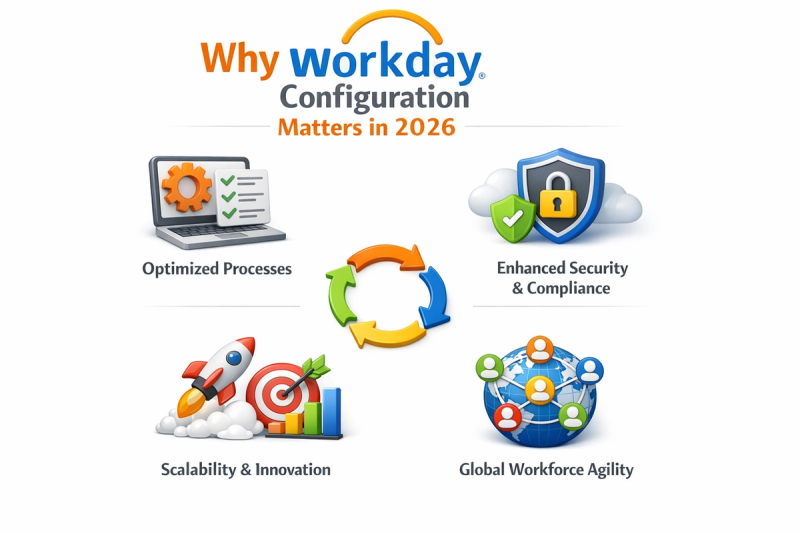
In 2026, Workday configuration plays a critical role in how effectively organizations manage their HR, finance, payroll, and operational processes. As enterprises continue to scale globally, the need for a well-designed Workday configuration has increased due to complex organizational structures, strict data privacy regulations, and frequent system updates. Proper configuration of Workday organizations, security roles, business processes, and reporting ensures accurate data flow, smooth approvals, and compliance across regions. Poor configuration, on the other hand, often leads to access issues, incorrect reporting, integration failures, and reduced user trust in the system.
Another key reason Workday configuration matters in 2026 is the platform’s continuous innovation and update cycle. With regular feature releases, organizations must rely on strong foundational configuration rather than heavy customization to remain stable and scalable. A well-configured Workday environment supports faster testing, easier integrations, better reporting performance, and higher user adoption. For Workday professionals, understanding configuration fundamentals has become a core skill, as employers increasingly look for consultants and testers who can design secure, efficient, and future-ready Workday systems.
Understancding Workday Organizations
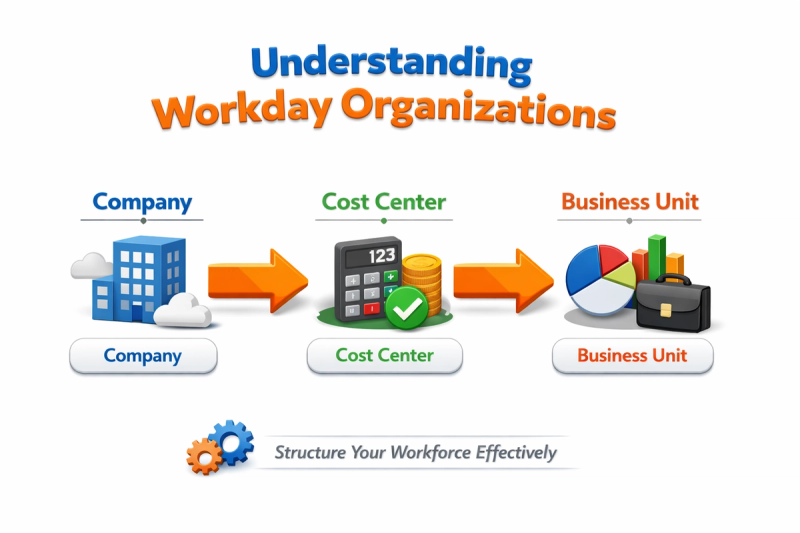
Workday organizations form the foundation of how data, processes, and reporting are structured within the Workday platform. In simple terms, organizations in Workday define how a business is organized — including employees, departments, cost centers, companies, and locations. These organizational frameworks control critical functions such as managerial hierarchy, approval flows, security access, and reporting visibility. Without a properly designed Workday organization structure, even basic business processes like hiring, transfers, or payroll approvals can become inefficient or inaccurate.
There are several types of Workday organizations, each designed to serve a specific business purpose. Supervisory organizations manage reporting relationships and manager-based hierarchies, while companies and cost centers support financial tracking and compliance. Location and custom organizations help enterprises manage regional operations, regulatory requirements, and workforce distribution. Understanding how these organization types interact is essential during Workday implementations, as they directly influence business process configuration, security roles, and integration logic.
In modern Workday implementations, organizations are not just structural elements — they are drivers of system behavior. Organizational assignments determine who approves transactions, who can access sensitive employee data, and how information appears in reports and dashboards. A well-planned Workday organization model improves data accuracy, simplifies reporting, and supports future scalability. For Workday professionals in 2026, mastering organizational concepts is a critical skill, as organizations act as the backbone for security, reporting, and integrations across the entire Workday ecosystem.
Supervisory Organizations Explained (Most Important Org Type)
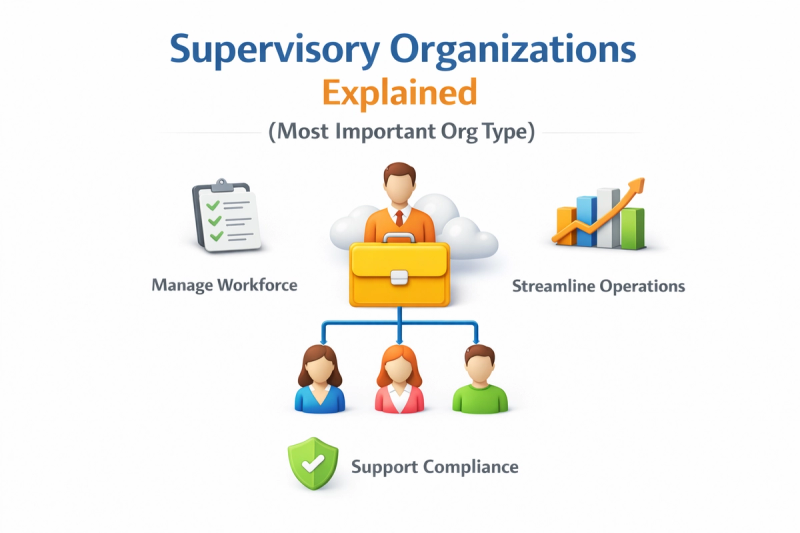
Supervisory organizations are the most critical organization type in Workday because they define the manager–employee hierarchy and control how daily business processes operate. Every worker in Workday is assigned to a supervisory organization, which determines their manager, reporting structure, and position in the organization. This hierarchy directly impacts key processes such as hiring, promotions, transfers, terminations, and performance management. If supervisory organizations are not designed correctly, organizations may face issues with incorrect approvals, broken workflows, and inaccurate reporting relationships.
In addition to hierarchy, supervisory organizations play a major role in security, business processes, and reporting. Many Workday security roles are assigned based on supervisory organizations, meaning managers and HR partners gain access to employee data through their position in the hierarchy. Supervisory organizations also drive approval chains in business processes and influence how data appears in standard and custom reports. A well-structured supervisory organization model improves process efficiency, ensures proper data access, and supports scalable Workday implementations, making it a core focus area for functional consultants, testers, and administrators in 2026.
Workday Security Framework Overview
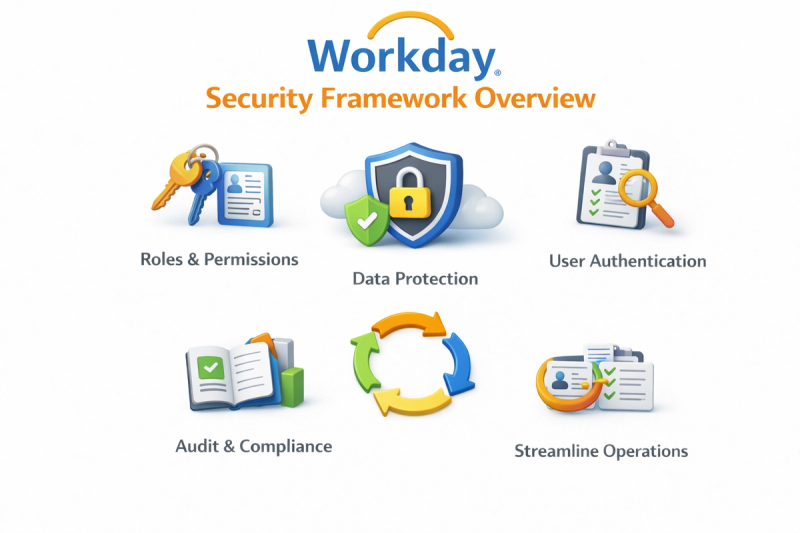
The Workday security framework is designed to protect sensitive business and employee data while ensuring the right users have access to the right information at the right time. Unlike traditional systems that rely on manual permissions, Workday uses a role-based security model that aligns access with job responsibilities. This framework controls what users can view, edit, or approve across Workday modules such as HCM, Payroll, Finance, and Reporting. A well-configured security framework helps organizations maintain data privacy, meet compliance requirements, and reduce the risk of unauthorized access.
At the core of the Workday security framework are security groups and roles, which define how access is granted to users. Security groups can be user-based or role-based and are often linked to supervisory organizations, job roles, or business processes. These groups determine access to domains, business process actions, and reports. By designing security around organizational roles rather than individuals, Workday ensures scalability and consistency, especially for large enterprises with frequent employee movement and organizational changes.
In modern Workday implementations, security is closely connected to business processes, reporting, and integrations. Approval workflows depend on security roles, report visibility is controlled by security domains, and integrations rely on secure access to data. Poorly designed security can lead to overexposure of confidential information or blocked business processes. In 2026, understanding the Workday security framework is essential for functional consultants, testers, and administrators, as strong security design directly impacts system stability, compliance, and user trust.
Business Process Security Policies (BPS)
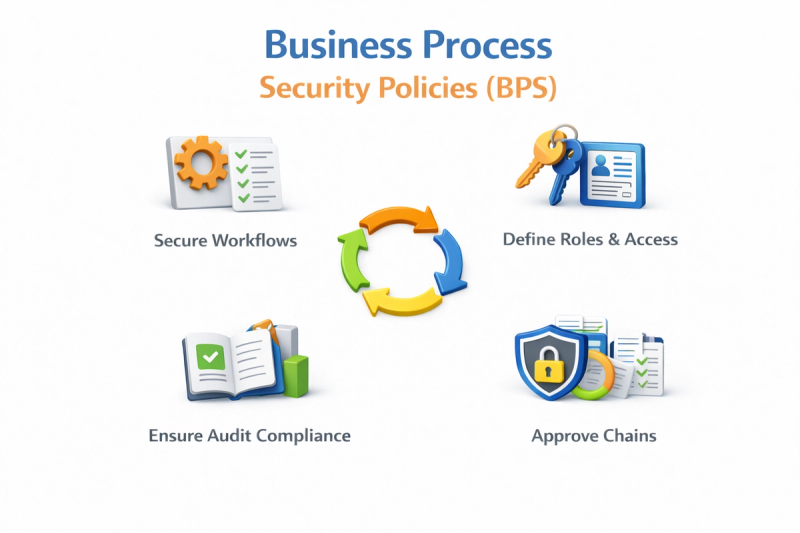
Business Process Security Policies (BPS) in Workday control who can initiate, approve, review, or complete business processes across the system. Every major action in Workday—such as hiring, job changes, terminations, compensation updates, or supplier requests—is governed by a business process framework that includes defined steps, approvals, and security roles. BPS ensures that only authorized users can perform specific actions, helping organizations maintain compliance, prevent errors, and enforce proper approval hierarchies within their Workday environment.
BPS is closely tied to supervisory organizations and security roles, making it a critical area during Workday implementations and testing. Approval steps in a business process are often assigned to roles like managers, HR partners, or finance approvers based on organizational hierarchy. Properly configured BPS improves process efficiency, reduces manual intervention, and ensures consistent execution of transactions. In 2026, strong knowledge of Business Process Security Policies is essential for Workday professionals, as even small misconfigurations can lead to approval delays, security gaps, or failed business transactions.
How Organizations & Security Impact Reporting and Integrations
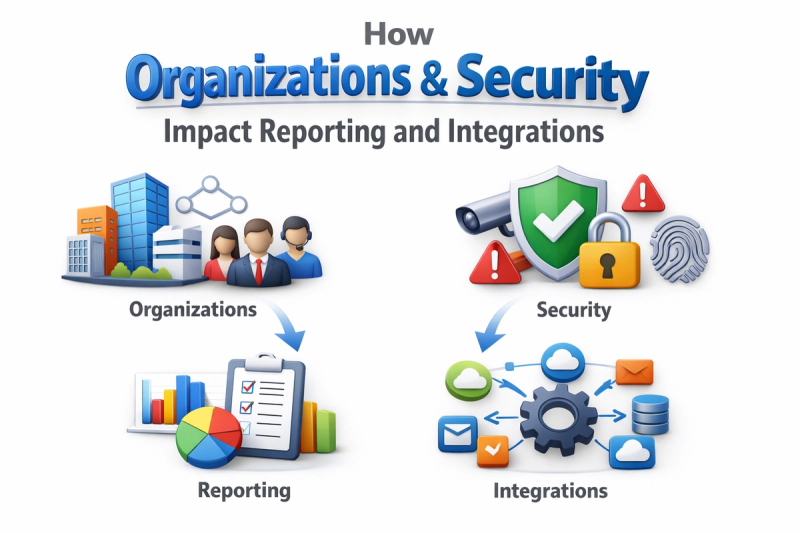
In Workday, organizations and security play a direct role in what data is available in reports and how it is accessed. Organizational structures such as supervisory organizations, companies, and cost centers define reporting hierarchies and data relationships, while security roles determine who can view or analyze that data. If organizational assignments or security domains are misconfigured, users may see incomplete, incorrect, or restricted information in reports. Proper alignment between organizations and security ensures accurate reporting, consistent data visibility, and reliable insights for business decision-making.
Organizations and security also have a significant impact on Workday integrations, as integrations rely on secure and structured access to data. Inbound and outbound integrations use security roles to extract or load data, and organizational frameworks determine which records are included in integration flows. Incorrect security setup can cause integration failures, missing data, or compliance risks when sensitive information is exposed. In 2026, understanding how organizations and security influence reporting and integrations is critical for building stable, secure, and scalable Workday environments, especially in complex enterprise implementations.
Common Workday Configuration Challenges & Best Practices
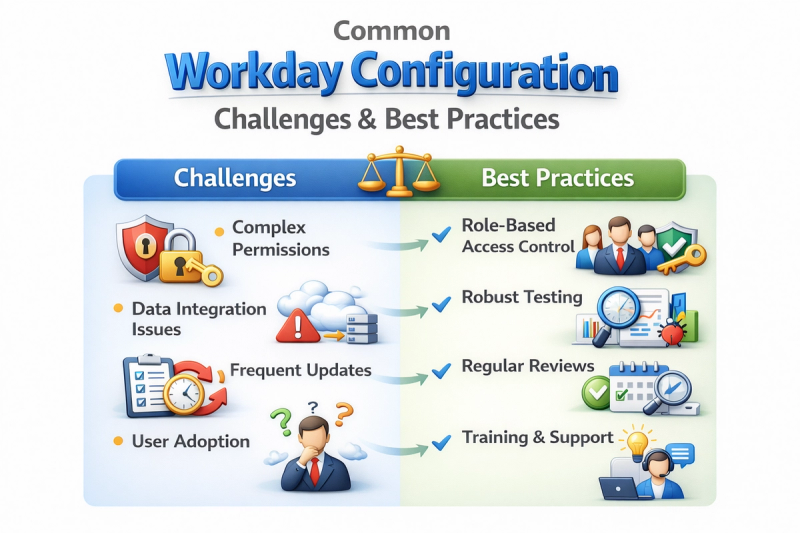
One of the most common Workday configuration challenges organizations face is poorly designed organizational structures and security models. Incorrect supervisory organization hierarchies, over-assigned security roles, and weak business process configuration often lead to approval delays, data exposure, and reporting inconsistencies. Many implementations also struggle with performance issues caused by overly complex reports or misconfigured calculated fields. These challenges typically arise when configuration decisions are made without considering long-term scalability, compliance requirements, and cross-functional dependencies.
To overcome these challenges, organizations should follow Workday configuration best practices focused on simplicity, governance, and continuous validation. Designing clean organizational hierarchies, using role-based security instead of user-based access, and thoroughly testing business processes can significantly improve system stability. Regular security audits, report performance reviews, and integration testing help prevent issues during updates and expansions. In 2026, adopting a structured and best-practice-driven configuration approach enables organizations to maximize Workday’s capabilities while ensuring secure, efficient, and future-ready implementations.
Conclusion
In conclusion, a successful Workday implementation depends on a deep understanding of organizations, security, reporting, and integrations, as these elements work together to drive system accuracy, compliance, and efficiency. As highlighted throughout this guide, well-structured supervisory organizations enable smooth business processes, strong security frameworks protect sensitive data, effective reporting delivers reliable insights, and properly configured integrations ensure seamless data flow across systems. In 2026, enterprises increasingly rely on clean configuration rather than heavy customization, making these fundamentals more important than ever. For professionals and learners alike, mastering these core concepts of Workday not only helps avoid common implementation challenges but also builds the skills needed to design scalable, secure, and future-ready enterprise solutions.