
Software Testing Training
127 min read7 viewsCan I Learn Software Testing in 3 Months? A 90-Day Learning Roadmap
By TechPratham TeamPublished October 14, 2026Updated October 14, 2026
.png)
Learning a new skill within a short period can feel challenging, especially when you want to start a career in the IT industry. One common question among freshers, graduates, and career changers is: Can I learn software testing in 3 months? The answer is yes, you can build a strong foundation in software testing within 90 days if you follow a structured learning plan, practise regularly, and work on practical projects.
However, learning the fundamentals and becoming fully job-ready are two different things. Your progress depends on your previous knowledge, daily study time, practical experience, and understanding of testing concepts. A well-planned Software Testing Training in India can help you learn essential skills systematically and prepare for entry-level testing opportunities.
In this blog, we will explore a 90-day software testing roadmap, important tools, certification options, practical exercises, and how beginners can prepare for software testing interviews.
Is It Possible to Learn Software Testing in 3 Months?
Yes, beginners can learn the fundamentals of software testing in three months with consistent effort. You do not necessarily need a programming background to begin learning manual testing. However, automation testing requires additional technical knowledge, including programming fundamentals and scripting.
During these 90 days, you can focus on understanding the software development life cycle, writing test cases, reporting bugs, validating databases, testing APIs, and learning the basics of an automation tool.
A realistic three-month learning plan should focus on building practical skills rather than simply completing theoretical lessons. You should also understand that securing a job depends on your performance in interviews, project experience, communication skills, and the requirements of individual employers.
A 90-Day Software Testing Learning Roadmap
The following roadmap divides your learning journey into three manageable stages. You can adjust the schedule according to your experience and the time available each day.
Month 1: Learn Manual Testing Fundamentals
The first 30 days should focus on understanding how Best Software Testing Training in India works and why it is important for delivering reliable applications.
Week 1: Understand Software Testing Basics
Start by learning what software testing is and how it helps identify defects before applications reach users. Understand the differences between quality assurance and quality control, verification and validation, and error, defect, and failure.
Learn the software development life cycle (SDLC) and the software testing life cycle (STLC). These concepts explain how development and testing activities are organised throughout a project.
Week 2: Study Testing Types and Techniques
Explore different types of testing, including functional testing, non-functional testing, smoke testing, sanity testing, regression testing, retesting, integration testing, system testing, and user acceptance testing.
You should also understand black-box testing techniques such as equivalence partitioning and boundary value analysis. These techniques help testers design meaningful test scenarios without checking every possible input.
Week 3: Practice Test Case Writing
Learn how to prepare test scenarios, test cases, test data, and test execution reports. A good test case includes a clear objective, preconditions, test steps, expected results, and actual results.
Practice writing test cases for common applications such as login pages, registration forms, shopping carts, search features, and password recovery screens.
Week 4: Learn Defect Reporting and Test Documentation
Understand how to report bugs with clear steps to reproduce, expected and actual results, screenshots, severity, and priority.
Explore a test management or issue-tracking tool such as Jira. By the end of the first month, you should be able to explain basic testing concepts and prepare test cases for a simple application.
Month 2: Learn SQL, API Testing, and Practical Tools
The second month should focus on technical skills that help testers validate application behaviour and data.
Week 5: Learn SQL for Software Testing
SQL is useful when testers need to verify whether application data is stored and retrieved correctly. Start with SELECT statements, WHERE conditions, sorting, filtering, and aggregate functions.
Next, practise INSERT, UPDATE, DELETE, JOIN operations, and basic subqueries in a safe practice database.
For example, a tester working on an e-commerce application might verify whether an order appears correctly in the database after checkout. This helps identify problems that may not be visible through the user interface alone.
Week 6: Understand API Testing
APIs allow different software components to communicate with each other. API testing checks whether these interactions work as expected.
Learn about HTTP methods such as GET, POST, PUT, PATCH, and DELETE. Understand status codes, request headers, response bodies, authentication, and JSON data.
Use Postman to send API requests and validate responses. Practise positive and negative scenarios, missing parameters, invalid input, and error handling.
Week 7: Explore Test Management and Defect Tracking
Practise managing test cases, recording execution results, and reporting defects using tools such as Jira and available test management solutions.
Learn how to organise test evidence, track defects through their lifecycle, and communicate issues clearly to developers. These activities help you understand how testing works within a collaborative software team.
Week 8: Complete a Manual Testing Project
Choose a sample web application and test its major features. Prepare a test plan, write test cases, execute them, report defects, and summarise the results.
For example, you could test an online shopping application by checking product searches, cart updates, checkout forms, and order confirmation.
By the end of the second month, aim to have a small portfolio containing test cases, defect reports, SQL queries, and API test results.
Month 3: Learn Automation Testing and Prepare for Interviews
The third month introduces automation concepts and helps you consolidate your practical knowledge.
Week 9: Understand Automation Testing Basics
Learn when automation testing is useful and how it differs from manual testing. Automation is particularly valuable for repetitive regression checks and frequently executed test scenarios.
Understand locators, assertions, test scripts, test execution, and basic automation frameworks.
Week 10: Start With Selenium or Playwright
Choose one automation tool initially instead of trying to master several tools simultaneously.
Selenium is widely used for browser automation and supports multiple programming languages. Playwright is another option that supports modern browser automation and provides features for handling browser interactions and assertions.
If you choose Selenium, learn the basics of Java or another supported language. If you choose Playwright, learn JavaScript or TypeScript fundamentals.
Practise opening web pages, locating elements, entering data, clicking buttons, and validating expected results.
Week 11: Write and Execute Automation Tests
Create simple scripts for login functionality, form validation, search features, and navigation.
Learn about assertions, test organisation, setup and teardown, and basic reporting. If time permits, explore Git fundamentals and understand how automated tests can be executed in a continuous integration workflow.
Focus on understanding your scripts instead of copying code without knowing how it works.
Week 12: Build a Portfolio and Prepare for Interviews
Use the final week to revise important concepts and complete a small testing project.
Your portfolio may include manual test cases, bug reports, SQL queries, Postman collections, and a few automation scripts.
Practise explaining your test scenarios, why you selected particular test cases, how you identified defects, and how you would improve test coverage.
Review common interview questions on SDLC, STLC, severity versus priority, regression testing, joins in SQL, API status codes, and basic automation concepts.
How Many Hours Should You Study Every Day?
Your daily study schedule depends on your current knowledge and personal commitments. Beginners who can dedicate two to three focused hours daily may find it easier to balance theory and practical exercises.
A sample daily schedule is:
- 45 minutes for learning concepts.
- 60 minutes for hands-on practice.
- 30 minutes for writing test cases, queries, or scripts.
- 15 minutes for revision and interview questions.
Try to practise consistently rather than studying for long hours only on weekends. Regular exercises help you remember concepts and develop problem-solving skills.
Should You Join Software Testing Training in India?
Self-study is a useful option, but beginners sometimes struggle to decide what to learn first, which tools to choose, and how to gain practical experience.
Structured Software Testing Training in India can provide a learning sequence, instructor guidance, assignments, and project-based practice. Before enrolling, check whether the curriculum covers manual testing, test case design, defect management, SQL, API testing, and an appropriate introduction to automation.
Also review the trainer's industry experience, batch schedule, practical sessions, learning materials, and support for interview preparation.
If you prefer studying from home, look for the Best online Software Testing Training in India that offers live instructor-led classes, practical demonstrations, doubt-clearing sessions, and access to recordings when available.
Online learning can be particularly helpful for working professionals, students, and people who cannot attend classroom sessions regularly.
Is Software Testing Certification Training in India Worth It?
Software testing certifications can help demonstrate your understanding of testing principles, but a certificate alone does not guarantee employment.
Software Testing Certification Training in India may be useful if you want a structured preparation path for an industry-recognised examination, such as the ISTQB Certified Tester Foundation Level (CTFL).
Before choosing a certification programme, check the current syllabus, examination requirements, fees, and whether the training provider is authorised to make any specific certification claims.
Remember that a training completion certificate and an external professional certification are not the same. Employers may also assess your practical skills, communication, analytical thinking, and ability to explain real testing scenarios.
For beginners, combining structured learning with hands-on projects is generally more useful than focusing only on obtaining certificates.
How to Choose the Right Software Testing Course in India
When comparing a Software Testing course in India, evaluate the curriculum based on your career goals rather than choosing a course solely because it promises fast results.
Look for these essential features:
- Beginner-friendly curriculum: Covers testing fundamentals before introducing advanced topics.
- Practical assignments: Includes test case writing, defect reporting, and test execution.
- Technical skills: Introduces SQL and API testing, followed by suitable automation concepts.
- Project experience: Provides opportunities to work on realistic application scenarios.
- Interview preparation: Includes technical questions, scenario-based discussions, and mock interviews.
- Flexible learning: Offers a schedule that suits your availability and preferred learning style.
You can also compare Software Testing classes in India based on trainer support, batch size, learning resources, project work, and the quality of feedback provided during practice.
Ask about placement assistance separately from job guarantees. A responsible training provider should clearly explain the support available and the effort expected from learners.
Can You Get a Software Testing Job After 3 Months?
Getting a software testing job after three months is possible for some learners, but it is not guaranteed. Candidates who already understand basic IT concepts or have relevant professional experience may progress differently from complete beginners.
For entry-level roles, focus on understanding manual testing, writing effective test cases, reporting defects, and explaining your practical work. Basic SQL and API testing can strengthen your profile, while automation skills may help you pursue additional opportunities.
Prepare a clear resume that highlights your actual skills and projects. Practise explaining your decisions during testing instead of memorising interview answers.
Apply for suitable positions such as Junior Software Tester, Manual Tester, QA Trainee, Software Test Engineer, or Associate QA Engineer. Review each job description carefully and keep improving your skills based on the requirements you encounter.
Conclusion
Learning software testing in three months is a realistic goal for building foundational knowledge and developing practical skills. A structured 90-day roadmap can help you progress from manual testing fundamentals to SQL, API testing, basic automation, and interview preparation.
Whether you choose self-study or professional Software Testing Course in India, consistency and hands-on practice should remain your priorities. Select a course that matches your goals, build a small project portfolio, and prepare to explain what you have learned.
Three months can provide a strong starting point for your testing career. Continue practising beyond the initial learning period to deepen your technical knowledge and improve your readiness for real-world testing responsibilities.
Frequently Asked Questions
1. Can I learn software testing in 3 months as a beginner?
Yes. With a structured study plan and regular practice, beginners can learn core manual testing concepts, test case writing, bug reporting, SQL basics, API testing, and introductory automation within three months.
2. Is coding necessary to learn software testing?
Coding is not essential to begin manual testing. However, programming fundamentals are important for automation testing, where you write scripts to execute and validate test scenarios.
3. Which tools should I learn in the first 90 days?
Start with Jira or a similar issue-tracking tool, SQL, and Postman. Later, choose Selenium or Playwright for introductory automation practice.
4. Is a software testing certification compulsory to get a job?
No. Certification is not compulsory for every software testing role. Practical knowledge, problem-solving skills, relevant projects, and interview performance are also important.
5. Which is better for beginners: online classes or self-study?
Both can work. Self-study offers flexibility, while structured online classes can provide guidance, a planned curriculum, assignments, and instructor support. Choose the option that helps you practise consistently.
6. Can non-IT graduates learn software testing?
Yes. Non-IT graduates can begin with testing fundamentals and gradually learn technical skills such as SQL, API testing, and automation.
Related Articles
Software Testing Training
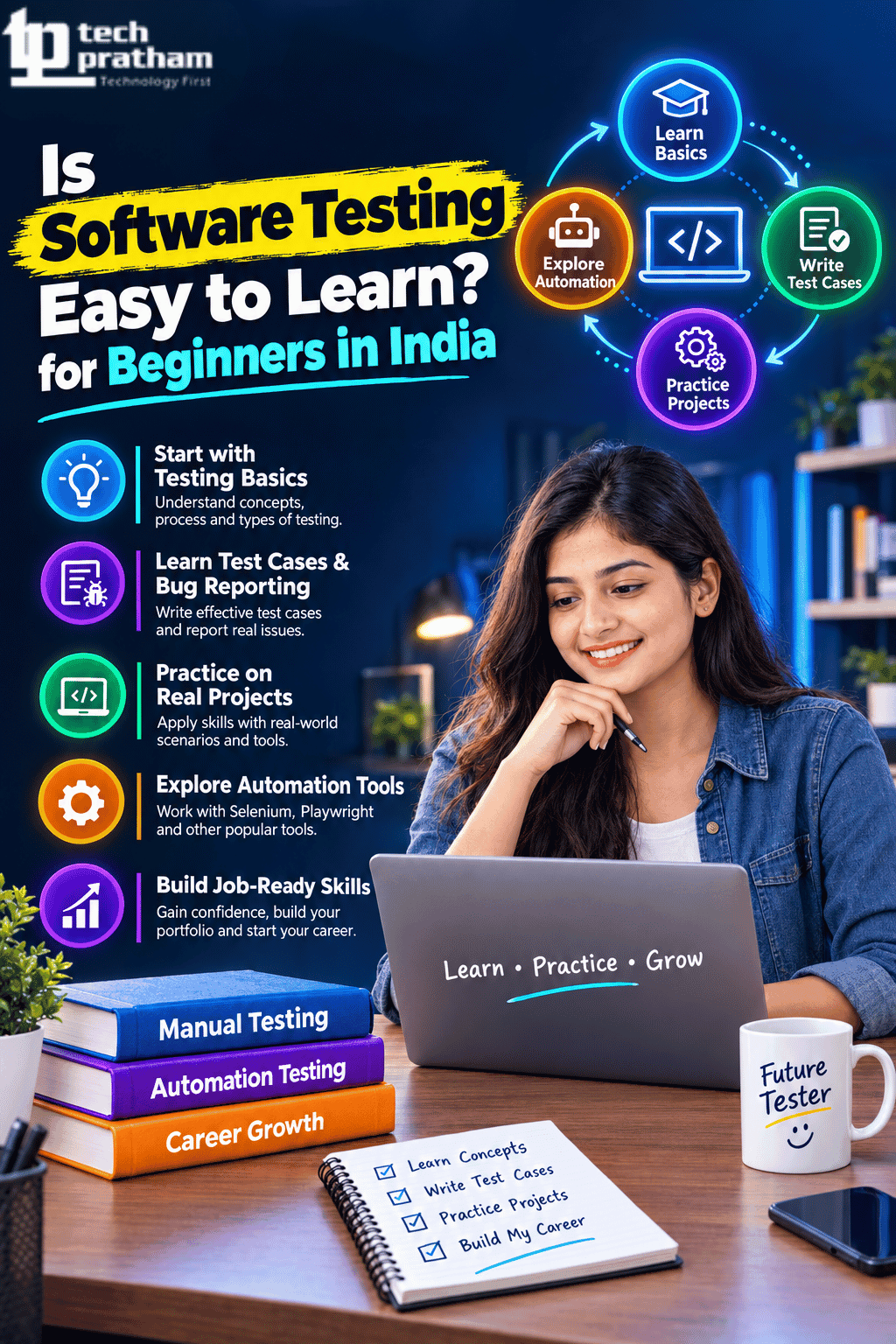
Is Software Testing Easy to Learn for Beginners in India
Learn whether software testing is easy for beginners in India, explore essential skills, course modules and career opportunities.

Software Testing Training
How Can Software Testers Stay Relevant with AI in Testing
Software testers can stay relevant with AI by learning AI tools, automation, prompt skills, data analysis, and modern testing practices.





 +91-8882178896
 +1 (343) 477-0926