Start typing to search courses...

Type in the search box to find courses
CoursesSoftware Testing
Coded UI Online Testing Training
Software Testing

Coded UI Online Testing Training

Coded UI Online Testing Training helps you learn UI automation testing using Visual Studio. It covers test automation frameworks, real-time projects, and industry-relevant QA skills for beginners and professionals.

5/5(4,890 Reviews)

Level

Advanced

Duration

8 weeks

About
Training Plan
Course Curriculum
New Batch
Projects
Certificate
Testimonials
FAQ
Interview FAQ

Placement Client

Accenture Logo
AWS Logo
Capgemini Logo
Deloitte Logo
Genpact Logo
HP Logo
Intel Logo
Microsoft Logo
Infosys Logo
Zoho Logo
Zelis Logo
Wipro Logo
Saint Gobain Logo
ONX Logo
Nava Logo
Infosys Logo
HCL Logo
Egon Zehnder Logo
Cognizant Logo
Bosch Logo
Bank of America Logo
Accenture Logo
AWS Logo
Capgemini Logo
Deloitte Logo
Genpact Logo
HP Logo
Intel Logo
Microsoft Logo
Infosys Logo
Zoho Logo
Zelis Logo
Wipro Logo
Saint Gobain Logo
ONX Logo
Nava Logo
Infosys Logo
HCL Logo
Egon Zehnder Logo
Cognizant Logo
Bosch Logo
Bank of America Logo

About Coded UI Online Testing Training

Coded UI Online Testing Training is designed to help learners master automation testing using Microsoft Visual Studio. This course focuses on building strong UI automation skills by working on real-time testing scenarios and industry-based projects.

You will learn how to create automated test scripts, execute UI test cases, and validate application functionality efficiently. The training also covers frameworks, debugging techniques, and best practices used in real-world QA environments.

This program is suitable for beginners as well as experienced testers who want to upgrade their automation skills. By the end of the training, learners will be confident in handling Coded UI automation tasks and preparing for QA interviews in top IT companies

Video Thumbnail

Training Plan

01
About trainer

About trainer

Working professional who is carrying more then 10 years of industry experience.

02
Decks & Updated Content

Decks & Updated Content

Access to updated presentation decks shared during live training sessions.

03
e-Book

e-Book

E-book provided by TechPratham. All rights reserved.

04
Assignments & MCQs

Assignments & MCQs

Module-wise assignments and MCQs provided for practice.

05
Video Recording

Video Recording

Daily Session would be recorded and shared to the candidate.

06
Projects

Projects

Live projects will be provided for hands-on practice.

07
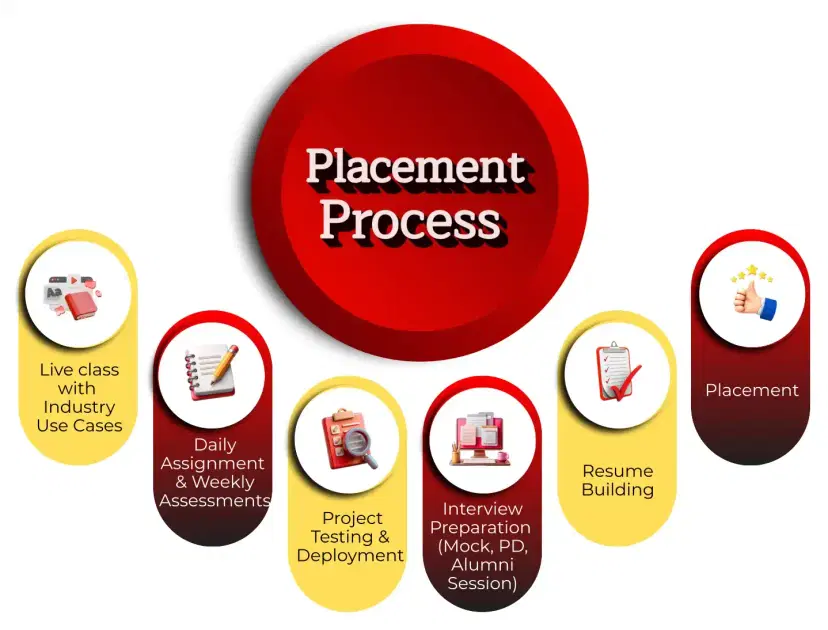
Resume Building

Resume Building

Expert-guided resume building with industry-focused content support.

08
Interview Preparation

Interview Preparation

Comprehensive interview preparation with real-time scenario practice.

Course Curriculum

Introduction to Coded UI and Automated Testing

Introduces Coded UI testing and its role in automating UI-based functional tests.

What is Coded UI Testing?
Benefits and limitations
Coded UI vs other automation tools
Types of UI tests (functional, regression)
Automation testing lifecycle

Coded UI Setup and Environment Configuration

Guides through installation, setup, and configuration required for Coded UI testing.

Prerequisites and system requirements
Installing Visual Studio (Enterprise Edition)
Setting up Coded UI Test project
Configuring test environment
Test execution settings

Recording and Playback in Coded UI

Teaches how to record user actions and generate UI test scripts using Coded UI.


Coded UI Test Builder
Recording UI actions
Generating UI maps and test scripts
Playback and validation
Troubleshooting recording issues

 UI Map and Control Identification

Focuses on identifying UI controls and managing object repositories for reliable automation.

UIMap overview
Control properties and search criteria
Object identification and hierarchy
Managing UIMap and controls
Handling dynamic controls

Coded UI Test Coding and Customization

Explains how to customize recorded tests and write coded UI test scripts manually.

Understanding generated code
Writing custom UI tests
Adding assertions and validations
Using C# for test logic
Modularizing tests for reusability

Data-Driven Testing in Coded UI

Teaches how to execute tests with multiple data sets using data-driven techniques.

Data-driven testing concepts
Using Excel, CSV, and SQL data sources
Parameterization and binding data
Iterating tests with multiple inputs
Handling data validation

Software Testing Courses

No related courses found

Additional Program Highlights

Learning Materials

Comprehensive study materials and resources

HD
Resume Writing

Professional resume building session

HD
Interview Preparation

Master your interview skills

HD
Live Project Demo

Real-world project demonstrations

HD

Upcoming Batches

Can't find a batch you were looking for?

Who should take this Course

IT Professionals

Non-IT Career Switchers

Fresh Graduates

Career Opportunities

Coded UI Test Engineer

Automation Test Engineer

Software Test Engineer

Key Projects

Key Projects

InfosysHR Portal UI Automation


Scenario: Automate HR employee login and profile update workflow for Infosys internal HR portal used across India offices for employee management system.

Live Work:

  • Automated login and dashboard validation
  • Verified employee profile update forms
  • Executed regression UI test cases
Outcome: Improved HR portal testing efficiency

TCSBanking UI Test Automation


Scenario: Automate retail banking web portal testing for TCS banking client in Mumbai, focusing on login, fund transfer, and account summary modules.

Live Work:

  • Automated fund transfer workflow testing
  • Validated account balance UI screens
  • Tested transaction history modules
Outcome: Reduced manual banking test effort

WiproE-Commerce UI Testing


Scenario: Automate e-commerce website UI testing for Wipro client in Bengaluru, covering product search, cart management, and checkout process validation.

Live Work:

  • Automated product search scenarios
  • Validated cart and checkout flow
  • Performed UI regression testing
Outcome: Faster e-commerce test execution

HCL TechInsurance Portal Testing


Scenario: Automate insurance claim processing portal UI testing for HCLTech client in Noida, covering claim submission, approval, and status tracking modules.

Live Work:

  • Automated claim submission forms
  • Validated approval workflow UI
  • Tested policy status tracking
Outcome: Improved insurance process accuracy
Mobile Banner

Latest HiringNEW

No hiring posts

Recently Placed Candidates

No placements available

Latest HiringNEW

No hiring posts

Our Success Mantra

Commitment Icon
Commitment

  • Ensuring quality training every day

Commitment Icon
Fulfillment

  • Meeting learning goals with confidence

Commitment Icon
Accomplishment

  • Students achieving industry-ready expertise

Our Learner Voice

carousel
carousel
carousel
carousel
carousel
carousel
carousel
carousel
carousel
carousel
carousel
carousel
carousel
carousel
carousel
carousel
carousel
carousel
carousel
carousel
carousel
carousel
carousel
carousel
carousel
carousel
carousel
carousel
carousel
carousel
carousel
carousel
carousel
carousel
carousel
carousel
carousel

Beyond Courses:

Additional Support We Provide

24/7 Support

LinkedIn Profile

Resume Writing

Alumni Sessions

Interview Preparation

Live Projects

What is Coded UI Online Testing Training?

Who should enroll in Coded UI training?

What topics are covered in Coded UI training?

Is programming knowledge required for Coded UI?

What certification can I get after training?

How long does Coded UI training usually take?

What is Coded UI and why is it used?

What are the main components of Coded UI?

 How does Coded UI identify UI controls?

What is UIMap in Coded UI?

What is data-driven testing in Coded UI?

How do you handle dynamic controls in Coded UI?

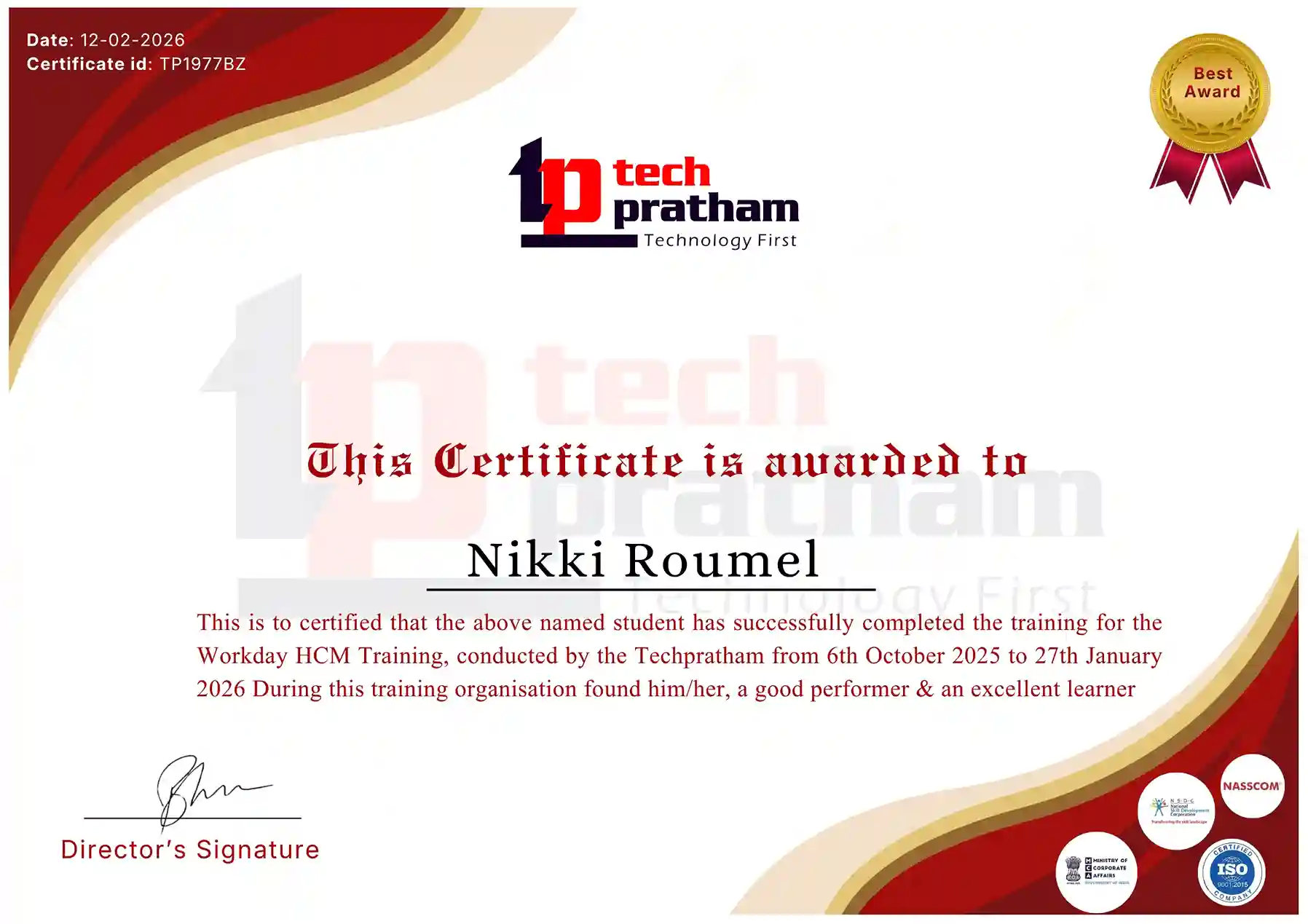
Coded UI Online Testing Training Certification

The Coded UI Online Testing Training follows a structured and consistent learning and assessment framework designed to evaluate automation testing skills using Microsoft Visual Studio. The training is focused on UI automation concepts, scripting, and real-time testing scenarios across desktop and web applications.

Across this training program, the learning structure is generally consistent:

Training Fee: Approximately varies from USD 200 – 600 depending on institute and course depth

Training Duration: 30 – 45 hours (beginner to advanced level coverage)

Assessment Pattern: Practical assignments + MCQ-based evaluation + live project execution

Core Tools Covered: Microsoft Visual Studio, C#, .NET Framework, Coded UI Test Builder, UI Map

This structured framework ensures learners gain consistent hands-on experience in automation testing, UI validation, and test script development. It helps build strong foundational skills in Microsoft-based test automation environments.

Note (Prerequisite Pathway):

For Coded UI Online Testing Training, candidates are expected to have basic knowledge of manual testing concepts and understanding of software testing life cycle (STLC). Familiarity with C# or .NET is highly recommended before starting advanced automation topics.

Note (Career Progression Pathway):

After completing Coded UI Training, learners can progress toward advanced automation tools such as Selenium, Playwright, or modern CI/CD-based testing frameworks. Since Coded UI is mainly used in legacy Microsoft environments, it is often considered a foundational step toward broader automation testing careers in QA and DevOps domains.


Industry-Recognized Certification

Certificate
Coded UI Online Testing Training

News Highlights

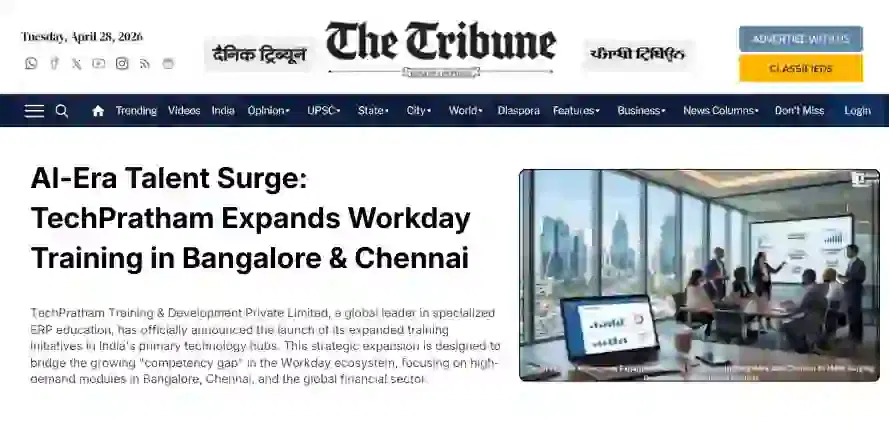
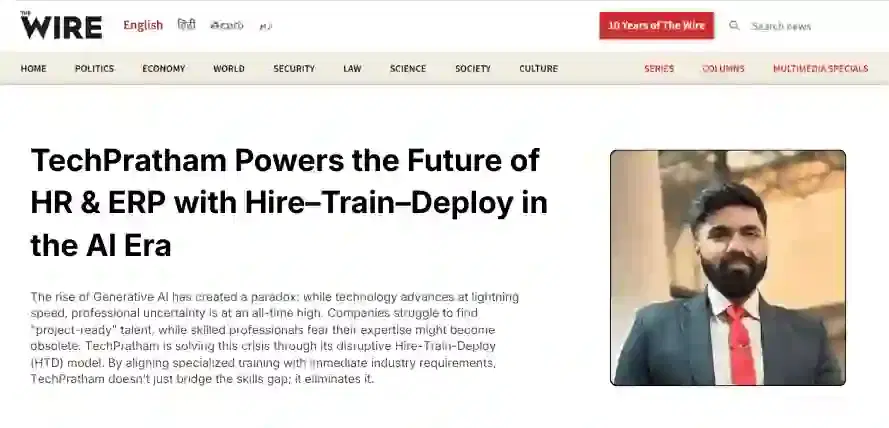
TechPratham Introduces Hire-Train-Deploy Model to Transform HR & ERP Talent in the AI Era
TechPratham Empowering Future Professionals Through AI-Focused HR & ERP Training

Featured In

Featured Logo 1Featured Logo 2Featured Logo 3Featured Logo 4Featured Logo 5Featured Logo 6Featured Logo 7Featured Logo 8Featured Logo 9Featured Logo 10Featured Logo 11Featured Logo 12
TechPratham Gains Recognition for Bridging the HR & ERP Skills Gap with Hire-Train-Deploy
TechPratham's Hire-Train-Deploy Approach Reshaping HR & ERP Careers in the AI-Driven Industry
India Flag

India

Head Office

G-31, 1st Floor, Sector-3, Noida - 201301

India Flag+91-8882178896
WhatsApp
USA Flag+1 (343) 477-0926
WhatsApp
India Flag

India

Noida Office

C-2, Sector-1, Noida, Uttar Pradesh - 201301

India Flag+91-8882178896
WhatsApp
USA Flag+1 (343) 477-0926
WhatsApp
India Flag

India

Hyderabad Office

LVS Arcade, 6th Floor, Hitech City, Hyderabad

India Flag+91-8383058741
WhatsApp
USA Flag+1 (343) 477-0926
WhatsApp
© 2026 TechPratham. All rights reserved.An ISO 9001:2015 Certified Company