


















Start typing to search courses...

Type in the search box to find courses
CoursesHigh Demanding
Data Analytics and Power BI Training in Pune
High Demanding
Data Analytics and Power BI Training in Pune

Master Data Analytics and Power BI in Pune with expert-led training. Gain hands-on experience, real-world projects, and 100% placement support. Enroll today!

5/5(4,890 Reviews)

Level

Advanced

Duration

8 Weeks

About
Training Plan
Course Curriculum
New Batch
Projects
Certificate
Testimonials
FAQ
Interview FAQ

Placement Client

Accenture Logo
AWS Logo
Capgemini Logo
Deloitte Logo
Genpact Logo
HP Logo
Intel Logo
Microsoft Logo
Infosys Logo
Zoho Logo
Zelis Logo
Wipro Logo
Saint Gobain Logo
ONX Logo
Nava Logo
Infosys Logo
HCL Logo
Egon Zehnder Logo
Cognizant Logo
Bosch Logo
Bank of America Logo
Accenture Logo
AWS Logo
Capgemini Logo
Deloitte Logo
Genpact Logo
HP Logo
Intel Logo
Microsoft Logo
Infosys Logo
Zoho Logo
Zelis Logo
Wipro Logo
Saint Gobain Logo
ONX Logo
Nava Logo
Infosys Logo
HCL Logo
Egon Zehnder Logo
Cognizant Logo
Bosch Logo
Bank of America Logo

About Data Analytics and Power BI Training in Pune

Unlock the power of data with the premier Data Analytics and Power BI Training in Pune. In today's data-driven economy, the ability to transform raw information into actionable insights is the most sought-after skill in the industry. Our comprehensive course is designed for beginners and professionals alike, covering everything from data visualization and DAX formulas to advanced SQL and predictive modeling.

Based in the heart of Pune's tech corridor, our training center provides a collaborative environment with access to industry-standard tools and live case studies. You won’t just learn the theory; you’ll build a robust portfolio that showcases your ability to solve complex business problems. With flexible batches, certified trainers, and dedicated career coaching, we bridge the gap between classroom learning and corporate expectations. Start your journey toward becoming a certified Data Analyst and lead the next wave of business intelligence.

Video Thumbnail

Training Plan

01
About trainer

About trainer

Working professional who is carrying more then 10 years of industry experience.

02
Decks & Updated Content

Decks & Updated Content

Access to updated presentation decks shared during live training sessions.

03
e-Book

e-Book

E-book provided by TechPratham. All rights reserved.

04
Assignments & MCQs

Assignments & MCQs

Module-wise assignments and MCQs provided for practice.

05
Video Recording

Video Recording

Daily Session would be recorded and shared to the candidate.

06
Projects

Projects

Live projects will be provided for hands-on practice.

07
Resume Building

Resume Building

Expert-guided resume building with industry-focused content support.

08
Interview Preparation

Interview Preparation

Comprehensive interview preparation with real-time scenario practice.

Data Analytics & Power BI Course Curriculum

Foundations of Data Analytics & Statistics

Understand the core principles of data analysis, including statistical methods and data types, to build a solid foundation for making data-driven decisions and interpreting complex datasets.

Introduction to Data Analytics Lifecycle
Descriptive vs. Inferential Statistics
Measures of Central Tendency (Mean, Median, Mode)
Probability Distributions and Hypothesis Testing
Data Cleaning Principles
Understanding Structured and Unstructured Data
Data Ethics and Privacy

Advanced Excel for Data Analysis

Master Microsoft Excel’s powerful analytical features to organize, manipulate, and visualize data efficiently before moving into more specialized business intelligence software.

Pivot Tables and Pivot Charts
Data Validation and Conditional Formatting
What-If Analysis (Goal Seek, Scenario Manager)
Logical and Statistical Functions
Power Query for Data Transformation
Excel Macros and Basic Automation
Dashboard Creation in Excel
Data Sorting and Advanced Filtering

SQL for Data Science & BI

Learn to communicate with databases using SQL. You will gain the skills to extract, filter, and join data from relational databases to prepare it for deep-dive analysis.

Introduction to Relational Database Management Systems (RDBMS)
Basic SQL Queries (SELECT, FROM, WHERE)
Joining Multiple Tables (INNER, LEFT, RIGHT, FULL)
Grouping Data with Aggregate Functions
Subqueries and Common Table Expressions (CTEs)
Data Definition Language (CREATE, ALTER, DROP)
Data Manipulation Language (INSERT, UPDATE, DELETE)
Window Functions for Analytical Ranking
Indexing and Performance Tuning

Power BI Desktop & Data Modeling

Dive into Power BI to connect multiple data sources, build sophisticated data models, and create a "Single Version of Truth" for organizational reporting and analysis.

Power BI Desktop Interface Overview
Connecting to Diverse Data Sources (Web, SQL, CSV)
Transforming Data with Power Query Editor
Managing Table Relationships (Star and Snowflake Schemas)
Calculated Columns vs. Measures
Introduction to DAX (Data Analysis Expressions)
Time Intelligence Functions in DAX
Hierarchies and Drill-down Features
Data Normalization Best Practices

Data Visualization & Reporting

Transform complex data into compelling visual stories. Learn to choose the right charts and design interactive dashboards that enable stakeholders to gain insights at a glance.

Principles of Visual Perception and Design
Standard Visuals (Bar, Line, Pie, Scatter Plots)
Advanced Visuals (Sankey, Heat Maps, Waterfall Charts)
Using Slicers and Interactive Filters
Bookmarks and Selection Panes for Storytelling
Customizing Themes and Branding
Power BI Service (Publishing and Sharing)
Setting up Data Alerts and Scheduled Refresh
Mobile Layout Optimization

Capstone Project & Industry Application

Apply your learned skills to a comprehensive real-world project, simulating a corporate environment to solve a business problem from data extraction to final dashboard presentation.

Defining Business Objectives and KPIs
Data Acquisition and Preparation
Building a Comprehensive Data Model
Developing Interactive Executive Dashboards
Performing Root-Cause Analysis
Project Documentation and Presentation Skills
Interview Preparation and Portfolio Building
Resume Optimization for Data Roles
Industry-Specific Case Studies (Retail, Finance, Healthcare)

High Demanding Courses

No related courses found

Additional Program Highlights

Learning Materials

Comprehensive study materials and resources

HD
Resume Writing

Professional resume building session

HD
Interview Preparation

Master your interview skills

HD
Live Project Demo

Real-world project demonstrations

HD

Upcoming Batches

Can't find a batch you were looking for?

Who should enroll in Data Analytics and Power BI Training Program

IT Professionals

Non-IT Career Switchers

Fresh Graduates

Job Roles After Completing Data Analytics and Power BI Training

Data Analyst

Power BI Developer

Business Intelligence (BI) Analyst

Key Projects

Data Analytics and Power BI Training in Pune

Tata Motors

Tata MotorsAutomobile Sales Performance


Scenario: Analyze passenger vehicle sales across Pune and Pimpri-Chinchwad showrooms to identify high-demand SUV models and optimize inventory levels for festive seasons.

Live Work:

  • Build regional sales dashboards using SQL data.
  • Create DAX measures for Year-over-Year growth.
  • Develop interactive maps for dealership tracking.
Outcome: Improved stock turnover and sales forecasting.
Tech Mahindra

Tech MahindraIT Employee Productivity Hub


Scenario: Monitor project delivery timelines and resource utilization for Hinjewadi Phase 3 teams, focusing on identifying skill gaps and project billing efficiency.

Live Work:

  • Integrate Jira data for sprint velocity tracking.
  • Design heatmaps for resource allocation status.
  • Implement RLS for secure manager-level views.
Outcome: Optimized billable hours and project health.
Bajaj Finserv

Bajaj FinservLoan Risk & Portfolio Audit


Scenario: Evaluate credit risk for personal loan applicants in the Viman Nagar corporate office by analyzing repayment history and customer demographic profiles.

Live Work:

  • Clean messy financial data using Power Query.
  • Perform "What-If" analysis on interest rates.
  • Visualize delinquency rates with scatter plots.
Outcome: Reduced NPA and smarter credit approvals.
Zensar Technologies

Zensar TechnologiesGlobal IT Spend Analytics


Scenario: Consolidate global infrastructure costs for the Kharadi headquarters to identify cloud spending leaks and optimize vendor management across regions.

Live Work:

  • Connect multiple APIs for real-time cost data.
  • Apply advanced DAX for currency conversions.
  • Build executive KPIs for budget vs. actuals.
Outcome: 15% reduction in annual operational waste.

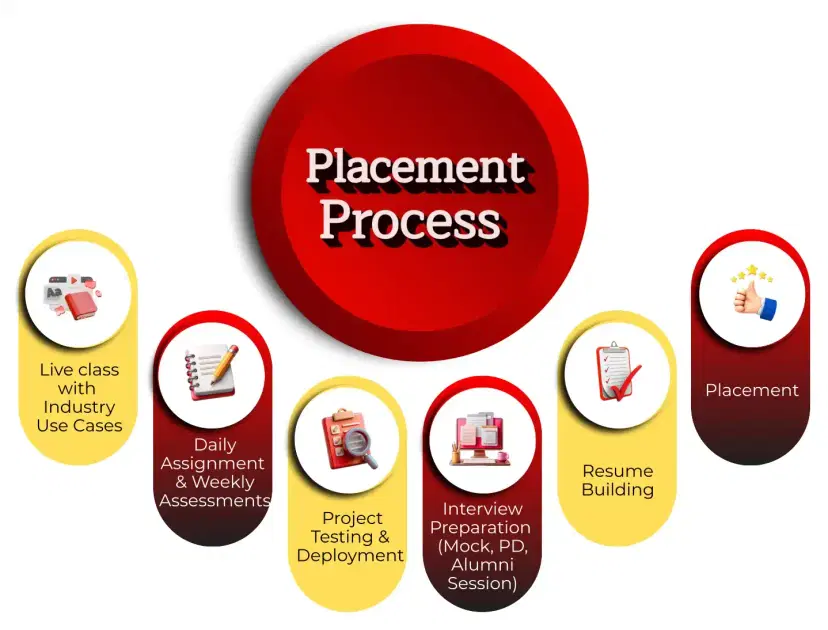
Placement Process

Mobile Banner

Knowledge Center

Recently Placed Candidates

No placements available

Latest HiringNEW

No hiring posts

Our Success Mantra

Commitment Icon
Commitment

  • Ensuring quality training every day

Commitment Icon
Fulfillment

  • Meeting learning goals with confidence

Commitment Icon
Accomplishment

  • Students achieving industry-ready expertise

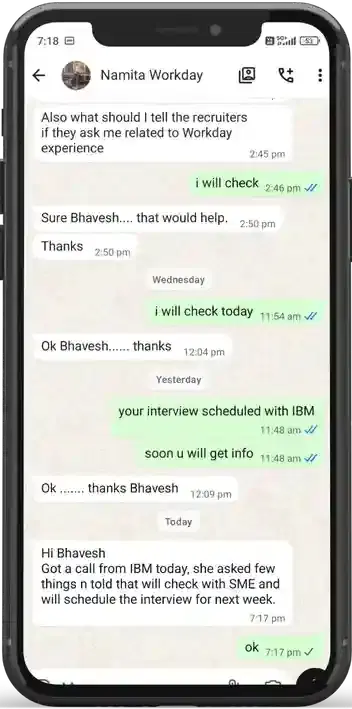
Our Learner Voice

carousel
carousel
carousel
carousel
carousel
carousel
carousel
carousel
carousel
carousel
carousel
carousel
carousel
carousel
carousel
carousel
carousel
carousel
carousel
carousel
carousel
carousel
carousel
carousel
carousel
carousel
carousel
carousel
carousel
carousel
carousel
carousel
carousel
carousel
carousel
carousel
carousel

Beyond Courses:

Additional Support We Provide

24/7 Support

LinkedIn Profile

Resume Writing

Alumni Sessions

Interview Preparation

Live Projects

What is the job market like for Data Analysts in Pune?

Can I transition to Data Analytics from a non-technical background?

What is the average salary for a Power BI developer in India?

Is coding mandatory for Data Analytics?

Which is better: Power BI or Tableau?

What are the top industries hiring Data Analysts?

How do you optimize a Power BI report that is performing slowly?

What is the difference between SUM() and SUMX() in DAX?

How do you handle Many-to-Many relationships in your data model?

Explain the CALCULATE function and its importance.

What is Query Folding and why should you care?

How do you create a dynamic Top N filter in a dashboard?

About Data Analytics and Power BI Training

The Data Analytics & Power BI Training Certification (primarily the PL-300) is a professional credential designed for individuals who seek to maximize business value through data. It validates your technical ability to clean, model, and visualize complex datasets to drive strategic decision-making. In 2026, this certification remains the industry standard for verifying "technical agility" in the business intelligence domain.


Exam Pattern (PL-300)

  • Total Questions: 40–60 (Scenario-based, Drag & Drop, and Multiple Choice).

  • Core Domains:
  • Data Preparation (25-30%): Sourcing and transforming data.

  • Data Modeling (25-30%): Designing schemas and advanced DAX.

  • Visualization (25-30%): Creating reports and AI-driven insights.

  • Governance (15-20%): Security, RLS, and workspace management.

  • Passing Score: 700 out of 1000 (Scaled Score).

Exam Timing

  • Exam Duration: 100 minutes for active assessment.

  • Total Seat Time: 120 minutes (includes 20 minutes for instructions and feedback).

  • Break Allowance: 5 minutes (integrated, but the exam clock continues).

Course Benefits

  • Global Recognition: Earn the "Microsoft Certified: Power BI Data Analyst Associate" credential.

  • Higher Earning Potential: Certified professionals often see a 15–20% increase in market value.
  • Hands-on Mastery: Direct experience in managing enterprise-level data lifecycles.

  • Networking: Membership in a global community of over 100,000 BI experts.

This certification provides the essential technical foundation and professional credibility required to transition into high-paying roles such as BI Developer or Data Analyst.

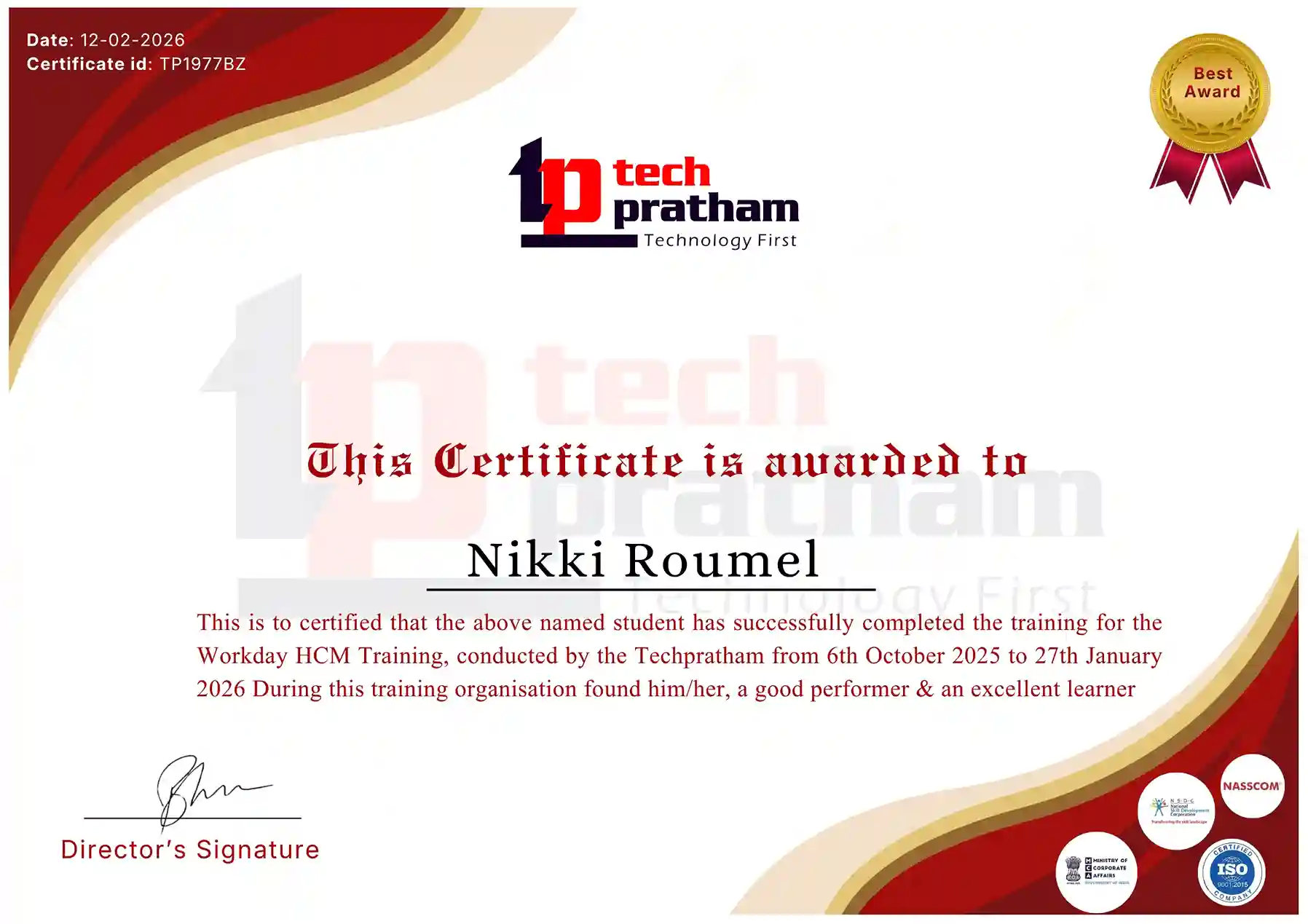
Industry-Recognized Certification

Certificate
Data Analytics and Power BI

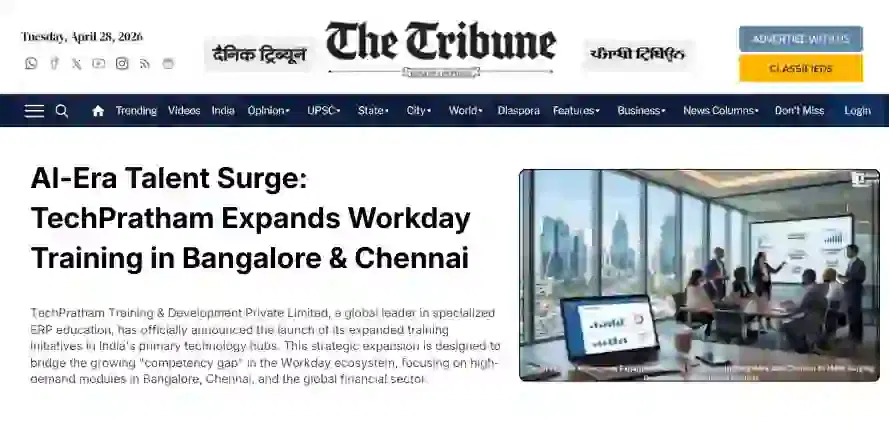
News Highlights

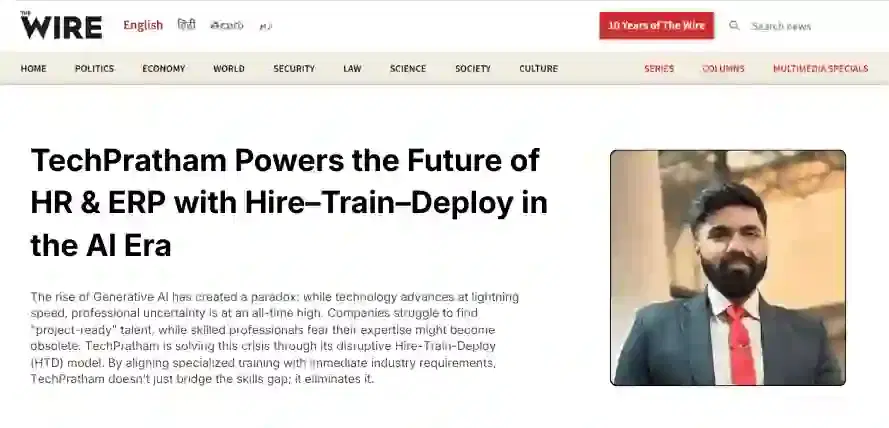
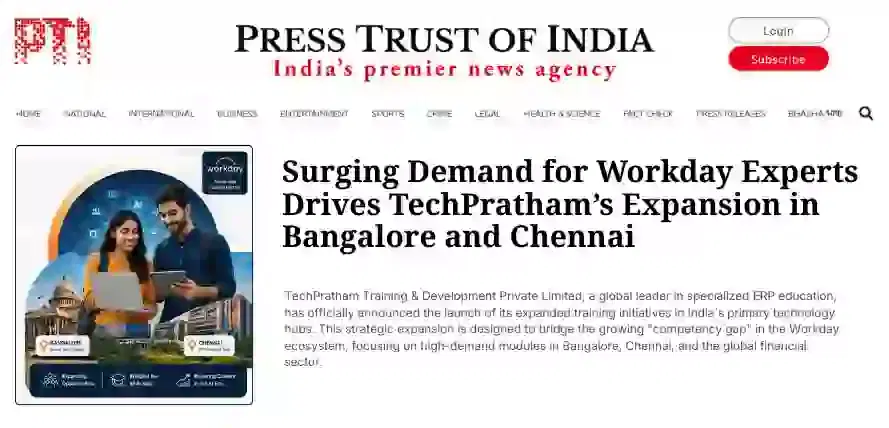
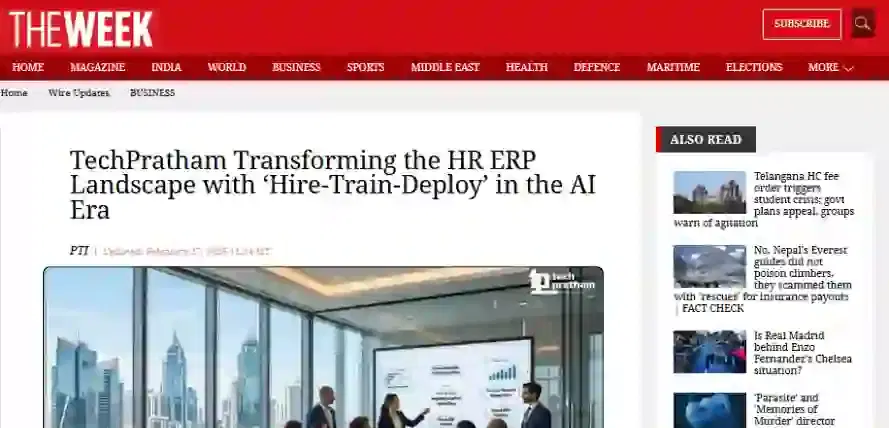
TechPratham Introduces Hire-Train-Deploy Model to Transform HR & ERP Talent in the AI Era
TechPratham Empowering Future Professionals Through AI-Focused HR & ERP Training

Featured In

Featured Logo 1Featured Logo 2Featured Logo 3Featured Logo 4Featured Logo 5Featured Logo 6Featured Logo 7Featured Logo 8Featured Logo 9Featured Logo 10Featured Logo 11Featured Logo 12
TechPratham Gains Recognition for Bridging the HR & ERP Skills Gap with Hire-Train-Deploy
TechPratham's Hire-Train-Deploy Approach Reshaping HR & ERP Careers in the AI-Driven Industry
India Flag

India

Head Office

G-31, 1st Floor, Sector-3, Noida - 201301

India Flag+91-8882178896
WhatsApp
USA Flag+1 (343) 477-0926
WhatsApp
India Flag

India

Noida Office

C-2, Sector-1, Noida, Uttar Pradesh - 201301

India Flag+91-8882178896
WhatsApp
USA Flag+1 (343) 477-0926
WhatsApp
India Flag

India

Hyderabad Office

LVS Arcade, 6th Floor, Hitech City, Hyderabad

India Flag+91-8383058741
WhatsApp
USA Flag+1 (343) 477-0926
WhatsApp
© 2026 TechPratham. All rights reserved.An ISO 9001:2015 Certified Company