

















Start typing to search courses...

Type in the search box to find courses
CoursesHigh Demanding
Data Analytics & Power BI Training in Bangalore
High Demanding
Data Analytics & Power BI Training in Bangalore

Master Data Analytics & Power BI in Bangalore. Get hands-on training, real-world projects, and career-ready skills.

5/5(4,890 Reviews)

Level

Advanced

Duration

8 Weeks

About
Training Plan
Course Curriculum
New Batch
Projects
Certificate
Testimonials
FAQ
Interview FAQ

Placement Client

Accenture Logo
AWS Logo
Capgemini Logo
Deloitte Logo
Genpact Logo
HP Logo
Intel Logo
Microsoft Logo
Infosys Logo
Zoho Logo
Zelis Logo
Wipro Logo
Saint Gobain Logo
ONX Logo
Nava Logo
Infosys Logo
HCL Logo
Egon Zehnder Logo
Cognizant Logo
Bosch Logo
Bank of America Logo
Accenture Logo
AWS Logo
Capgemini Logo
Deloitte Logo
Genpact Logo
HP Logo
Intel Logo
Microsoft Logo
Infosys Logo
Zoho Logo
Zelis Logo
Wipro Logo
Saint Gobain Logo
ONX Logo
Nava Logo
Infosys Logo
HCL Logo
Egon Zehnder Logo
Cognizant Logo
Bosch Logo
Bank of America Logo

About Data Analytics & Power BI Training in Bangalore

Unlock the power of data with our comprehensive Data Analytics and Power BI training program in Bangalore. Designed for aspiring analysts and professionals alike, this course bridges the gap between raw data and actionable insights. You will dive deep into data modeling, DAX expressions, and the creation of high-impact interactive dashboards that drive business decisions.

Our curriculum is rooted in the local tech landscape, offering hands-on experience with industry-standard datasets. Whether you are looking to pivot your career or upskill, our Bangalore-based experts provide the mentorship needed to master the entire data lifecycle. From data cleaning to advanced visualization, you’ll gain the practical expertise required to excel in today’s data-driven economy. Join us to transform your analytical mindset and become a certified Power BI expert in India’s leading tech hub.

Video Thumbnail

Training Plan

01
About trainer

About trainer

Working professional who is carrying more then 10 years of industry experience.

02
Decks & Updated Content

Decks & Updated Content

Access to updated presentation decks shared during live training sessions.

03
e-Book

e-Book

E-book provided by TechPratham. All rights reserved.

04
Assignments & MCQs

Assignments & MCQs

Module-wise assignments and MCQs provided for practice.

05
Video Recording

Video Recording

Daily Session would be recorded and shared to the candidate.

06
Projects

Projects

Live projects will be provided for hands-on practice.

07
Resume Building

Resume Building

Expert-guided resume building with industry-focused content support.

08
Interview Preparation

Interview Preparation

Comprehensive interview preparation with real-time scenario practice.

Data Analytics and Power BI Course Curriculum

Foundations of Data Analytics & Excel Intelligence

Master the essentials of data manipulation and statistical analysis. This module focuses on cleaning raw data and using advanced Excel functions to uncover initial business trends and patterns.

Advanced Excel Formulas (VLOOKUP/XLOOKUP)
Pivot Tables and Pivot Charts
Data Cleaning Techniques
Conditional Formatting for Insights
Logical Functions (IF, AND, OR)
Text and Date Functions
Statistical Analysis Basics
Data Validation and Protection

Data Modeling & SQL for Analytics

Learn to organize and query complex datasets. This module covers relational database concepts and SQL scripting, which are essential for extracting and preparing data for Power BI visualization.

Introduction to Relational Databases
SQL Syntax and Best Practices
SELECT, FROM, and WHERE Clauses
Working with Joins (Inner, Left, Right, Full)
Aggregate Functions (SUM, AVG, COUNT)
Subqueries and Nested Queries
Data Normalization Principles
SQL Views for Data Security
Data Types and Constraints
Integrating SQL with Power BI

Power BI Desktop & Data Visualization

Transform data into compelling visual stories. Focus on connecting to various data sources, building robust data models, and designing professional, interactive dashboards in Power BI.

Power BI Desktop Interface Overview
Connecting to Data Sources (Web, SQL, Excel)
Power Query Editor Mastery
Data Transformation and M-Language
Managing Relationships and Cardinality
Essential DAX Functions (SUM, CALCULATE)
Time Intelligence Functions in DAX
Visual Interaction and Formatting
Building a Narrative with Data

Advanced Power BI Service & AI Insights

Deploy and manage reports in the cloud. This module covers Power BI Service, collaboration, automated refreshing, and utilizing built-in AI features for deeper predictive analytics.

Power BI Service Architecture
Publishing and Sharing Reports
Power BI Apps and Workspaces
Scheduled Data Refresh and Gateways
Row-Level Security (RLS) Implementation
Quick Insights and Key Influencers Visual
Smart Narratives and Decomposition Trees
Introduction to Power BI Paginated Reports
Performance Analyzer for Optimization

Advanced DAX & Complex Business Calculations

Master Data Analysis Expressions (DAX) to solve complex business problems. Learn to write sophisticated formulas for customized metrics, performance tracking, and advanced time-based analysis.

Evaluation Context: Row vs. Filter
Advanced CALCULATE Modifiers (ALL, ALLEXCEPT)
Iterator Functions (SUMX, AVERAGEX)
Advanced Time Intelligence (YTD, MTD, YoY Growth)
Dynamic Top-N Analysis
Ranking and Statistical DAX Functions
Handling Parent-Child Hierarchies
Variables in DAX for Optimization
Using DAX Studio for Performance Tuning
Virtual Relationship Functions (USERELATIONSHIP)

Data Storytelling & Dashboard Design UX

Move beyond technical builds to master the art of communication. Apply User Experience (UX) principles to create intuitive, persuasive dashboards that lead stakeholders to clear actions. 

Principles of Visual Perception (Gestalt Theory)
Choosing the Right Chart for the Right Data
Color Theory and Accessible Design
Dashboard Layout and Wireframing
Designing for Different Personas (CEO vs. Manager)
Using Icons and Custom Themes
Storylining: Conflict, Data, and Resolution
Interaction Design and User Flow
Creating "Executive One-Pagers"

High Demanding Courses

No related courses found

Additional Program Highlights

Learning Materials

Comprehensive study materials and resources

HD
Resume Writing

Professional resume building session

HD
Interview Preparation

Master your interview skills

HD
Live Project Demo

Real-world project demonstrations

HD

Upcoming Batches

Can't find a batch you were looking for?

Who Should Enroll in the Data Analytics & Power BI Training

IT Professionals

Non-IT Career Switchers

Fresh Graduates

Job Roles After Data Analytics & Power BI Training

Data Analyst

Power BI Developer

Data Visualization Specialist

Key Projects

Data Analytics & Power BI Training

Flipkart

FlipkartE-commerce Sales Performance


Scenario: Analyze the "Big Billion Days" sales data in Bangalore to identify supply chain bottlenecks and high-demand electronics categories across the Indiranagar and Whitefield hubs.

Live Work:

  • Clean and transform raw transactional data in Power Query.
  • Build DAX measures for Year-over-Year (YoY) sales growth.
  • Create a dynamic dashboard for regional warehouse stock.
Outcome: optimized inventory and 15% higher sales.
Ola

OlaRide-Hailing Demand Analysis


Scenario: Map peak hour traffic patterns and ride cancellations near Bangalore’s Koramangala and Electronic City to optimize driver incentives and reduce customer wait times.

Live Work:

  • Integrate geospatial data for heat map visualizations.
  • Analyze cancellation rates using SQL and Power BI filters.
  • Develop a real-time driver availability tracking report.
Outcome: 20% reduction in city-wide wait times.
Swiggy

SwiggyRestaurant Partner Insights


Scenario: Evaluate the performance of food partners in Bangalore’s HSR Layout. Analyze customer ratings and delivery lead times to improve the "Swiggy One" user experience.

Live Work:

  • Create sentiment analysis visuals based on user reviews.
  • Model delivery time data against Bangalore weather patterns.
  • Design interactive slicers for cuisine and price points.
Outcome: Improved partner ratings and delivery speed.
Infosys

InfosysIT Workforce Analytics


Scenario: Analyze employee attrition and utilization rates within the Infosys Bangalore campus. Focus on skill-gap analysis for emerging technologies like Generative AI and Cloud.

Live Work:

  • Build HR dashboards tracking headcount and turnover.
  • Use DAX to calculate project billability and bench time.
  • Implement Row-Level Security for department-wise privacy.
Outcome: Enhanced talent retention and resource usage.

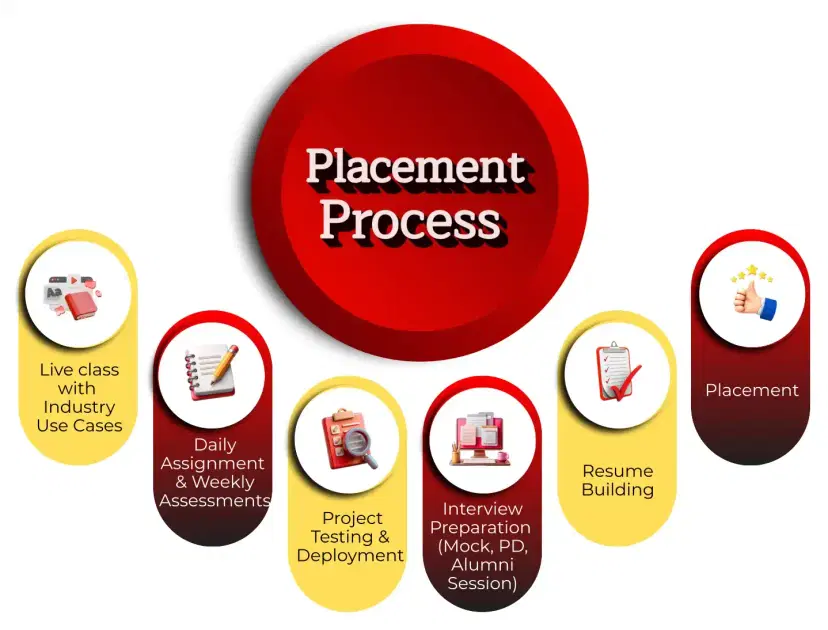
Placement Process

Mobile Banner

Knowledge Center

Recently Placed Candidates

No placements available

Latest HiringNEW

No hiring posts

Our Success Mantra

Commitment Icon
Commitment

  • Ensuring quality training every day

Commitment Icon
Fulfillment

  • Meeting learning goals with confidence

Commitment Icon
Accomplishment

  • Students achieving industry-ready expertise

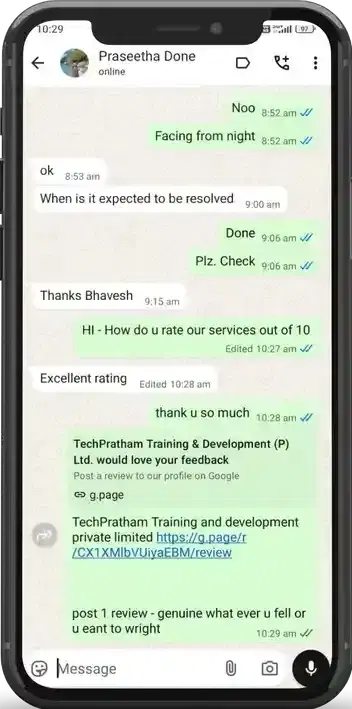
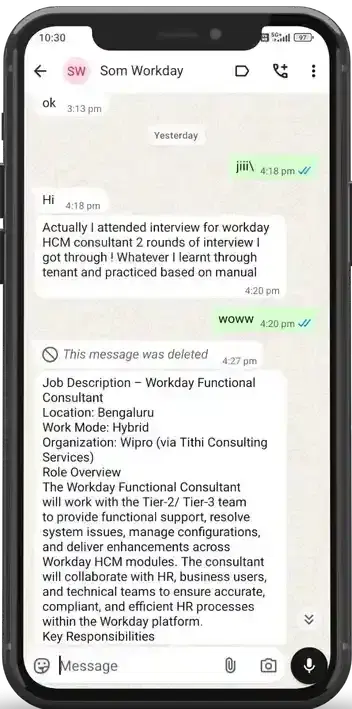
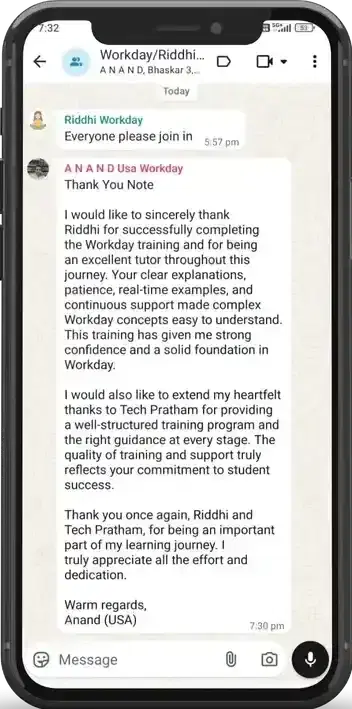
Our Learner Voice

carousel
carousel
carousel
carousel
carousel
carousel
carousel
carousel
carousel
carousel
carousel
carousel
carousel
carousel
carousel
carousel
carousel
carousel
carousel
carousel
carousel
carousel
carousel
carousel
carousel
carousel
carousel
carousel
carousel
carousel
carousel
carousel
carousel
carousel
carousel
carousel
carousel

Beyond Courses:

Additional Support We Provide

24/7 Support

LinkedIn Profile

Resume Writing

Alumni Sessions

Interview Preparation

Live Projects

What is the difference between Power BI Desktop and Service?

Do I need to learn SQL for Data Analytics?

What is DAX and why is it important?

Can Power BI handle Big Data?

What is the role of Power Query?

How often can data be refreshed in Power BI?

How is Fabric changing the Power BI workflow?

How do you handle "Data Silos" in a large organization?

Explain the impact of Copilot in Power BI reports.

When should you choose DirectQuery over Import mode?

How do you optimize a slow-loading dashboard?

What is a "Composite Model" and why is it useful?

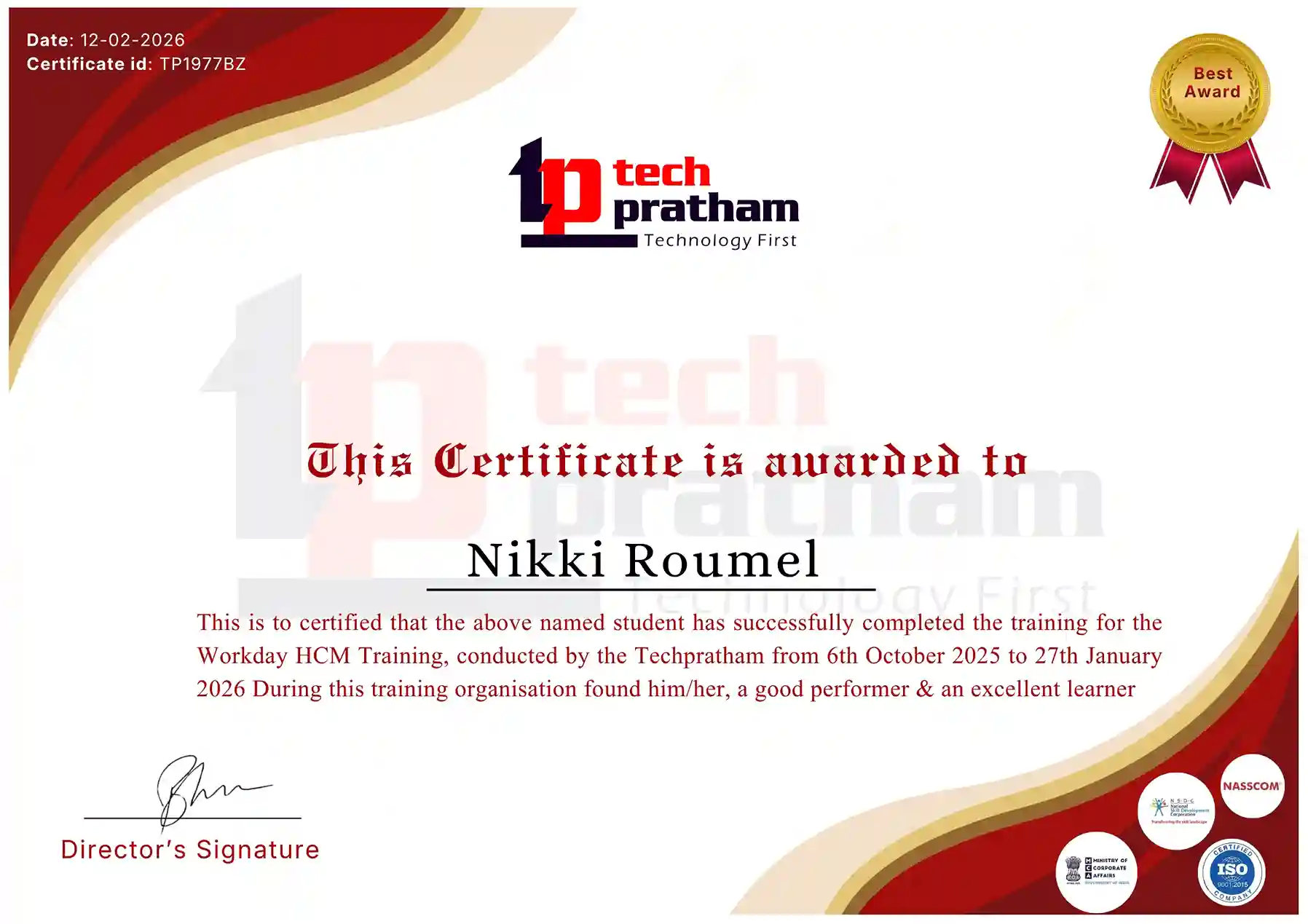
About Data Analytics & Power BI Certification

In today’s hyper-competitive digital economy, an industry-recognized certification in Data Analytics and Power BI serves as a definitive validation of your technical proficiency and analytical depth. This credential is meticulously structured to verify your expertise across the entire data lifecycle—encompassing everything from seamless data ingestion and complex SQL-based transformations to sophisticated visualization and narrative-driven storytelling. By mastering the Microsoft Power BI ecosystem—specifically Power Query, Star Schema data modeling, and advanced DAX—you signal to global employers and India’s premier tech hubs that you possess the specialized skills necessary to navigate intricate data environments. More than just a technical badge, this certification acts as a strategic catalyst for career transformation, offering a clear competitive edge that leads to accelerated promotions, premium job opportunities, and significantly higher salary benchmarks. It hones your ability to convert raw data into high-value business intelligence, positioning you as an indispensable asset capable of driving organizational efficiency through actionable, data-driven insights. This professional milestone demonstrates a profound commitment to excellence, ensuring you are fully prepared to meet the rigorous demands of modern enterprise-level challenges with confidence and authority.

Industry-Recognized Certification

Certificate
Data Analytics & Power BI

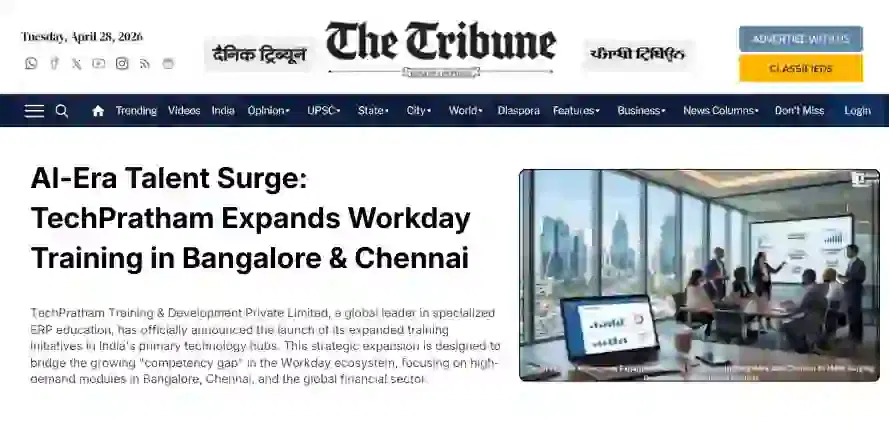
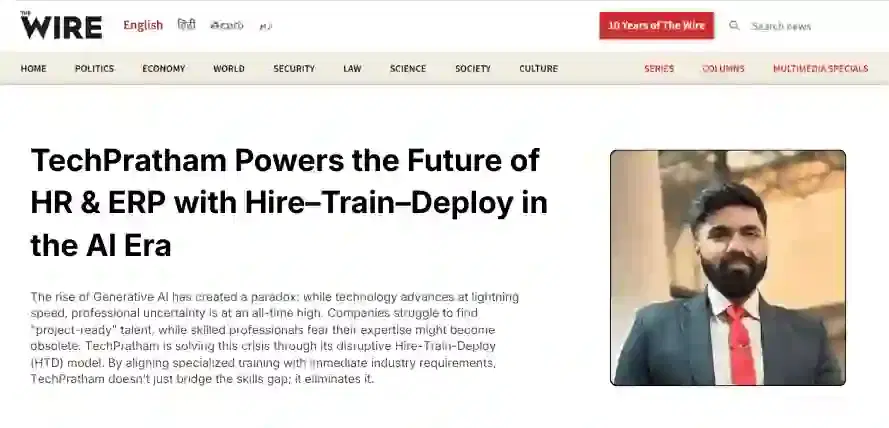
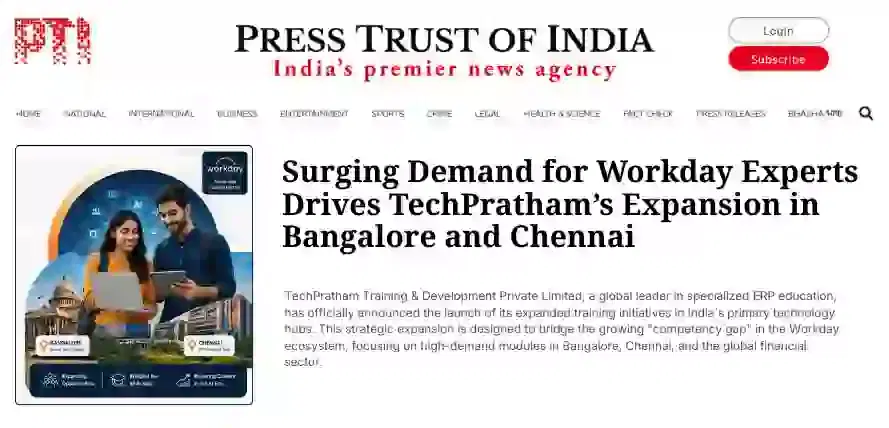
News Highlights

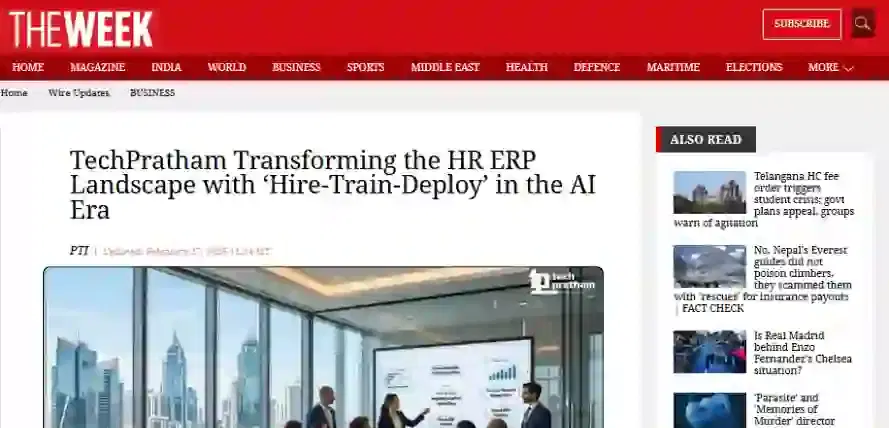
TechPratham Introduces Hire-Train-Deploy Model to Transform HR & ERP Talent in the AI Era
TechPratham Empowering Future Professionals Through AI-Focused HR & ERP Training

Featured In

Featured Logo 1Featured Logo 2Featured Logo 3Featured Logo 4Featured Logo 5Featured Logo 6Featured Logo 7Featured Logo 8Featured Logo 9Featured Logo 10Featured Logo 11Featured Logo 12
TechPratham Gains Recognition for Bridging the HR & ERP Skills Gap with Hire-Train-Deploy
TechPratham's Hire-Train-Deploy Approach Reshaping HR & ERP Careers in the AI-Driven Industry
India Flag

India

Head Office

G-31, 1st Floor, Sector-3, Noida - 201301

India Flag+91-8882178896
WhatsApp
USA Flag+1 (343) 477-0926
WhatsApp
India Flag

India

Noida Office

C-2, Sector-1, Noida, Uttar Pradesh - 201301

India Flag+91-8882178896
WhatsApp
USA Flag+1 (343) 477-0926
WhatsApp
India Flag

India

Hyderabad Office

LVS Arcade, 6th Floor, Hitech City, Hyderabad

India Flag+91-8383058741
WhatsApp
USA Flag+1 (343) 477-0926
WhatsApp
© 2026 TechPratham. All rights reserved.An ISO 9001:2015 Certified Company