




Elevate your professional trajectory in India’s SaaS capital with our premier Data Analytics and Power BI training, strategically designed for Chennai’s thriving tech corridors from OMR to Siruseri. This comprehensive program empowers you to master the entire data lifecycle—from extracting deep insights with SQL and cleaning complex datasets via Power Query to constructing high-impact interactive dashboards that steer executive decisions. By integrating real-world scenarios from Chennai’s dominant Fintech, Manufacturing, and IT sectors, the curriculum provides practical expertise in DAX modeling and AI-driven visualization. You will build a robust portfolio tailored to catch the eye of recruiters at top-tier local firms like Zoho, Freshworks, and TCS, while receiving expert mentorship and placement support to ensure you thrive in today's data-driven economy.
Master Data Analytics & Power BI in Chennai. Hands-on training, industry projects, and expert-led career coaching.
Level
Advanced
Duration
8 Weeks
Placement Client

.png)











About Data Analytics & Power BI Training in Chennai

Training Plan

About trainer
Working professional who is carrying more then 10 years of industry experience.

Decks & Updated Content
Access to updated presentation decks shared during live training sessions.

e-Book
E-book provided by TechPratham. All rights reserved.

Assignments & MCQs
Module-wise assignments and MCQs provided for practice.

Video Recording
Daily Session would be recorded and shared to the candidate.

Projects
Live projects will be provided for hands-on practice.

Resume Building
Expert-guided resume building with industry-focused content support.

Interview Preparation
Comprehensive interview preparation with real-time scenario practice.
Data Analytics & Power BI Course curriculum
Excel for Business Intelligence
Master advanced spreadsheet techniques used in Chennai’s top IT and manufacturing firms. This module bridges the gap between basic data entry and professional-grade automated reporting.
SQL Foundations for Data Retrieval
Gain the essential technical skills needed to communicate with databases. Learn to write precise SQL queries to extract and prepare data from the enterprise servers used by Chennai’s global IT centers.
Power BI Desktop & Data Transformation (ETL)
Learn the core of the Power BI ecosystem. This module focuses on the "Get Data" phase, teaching you how to transform messy raw data into a clean, structured format ready for analysis.
DAX Mastery & Advanced Calculations
Unlock the true power of Power BI with Data Analysis Expressions (DAX). Learn to create complex business metrics and time-intelligence calculations that standard visuals cannot perform.
Professional Visualization & Data Storytelling
Transform data into visual narratives. This module focuses on the UI/UX of dashboard design, ensuring your reports are intuitive, accessible, and lead directly to business action.
Power BI Service, AI & Deployment
Learn to collaborate and share your insights in the cloud. Explore the built-in AI features and administrative side of Power BI to manage enterprise-level reporting environments.
High Demanding Courses
No related courses found
Additional Program Highlights

Comprehensive study materials and resources

Professional resume building session

Master your interview skills

Real-world project demonstrations
Upcoming Batches
Can't find a batch you were looking for?
who should take this Data Analytics & Power BI Training
IT Professionals
Non-IT Career Switchers
Fresh Graduates
Working Professionals
Ops/Administrators/HR
Developers
BA/QA Engineers
Cloud / Infra
IT Professionals
Non-IT Career Switchers
Fresh Graduates
Job Roles After Completion of Data Analytics & Power BI Training
SaaS Product Analyst
Customer Success Analyst
Business Intelligence (BI) Developer
Data Visualization Specialist
Marketing Analytics Manager
Operations Data Analyst
Quality Assurance (QA) Analyst
Supply Chain Analyst
SaaS Product Analyst
Customer Success Analyst
Business Intelligence (BI) Developer
Key Projects
Data Analytics & Power BI

Zoho – SaaS Subscription Analytics
Scenario: Analyze global subscription data from Zoho's Estancia IT Park office to track Monthly Recurring Revenue (MRR) and customer churn across different software modules.
Live Work:
- Clean multi-currency billing data in Power Query.
- Calculate Churn Rate and Customer Lifetime Value (LTV).
- Design a cohort analysis visual for user retention.
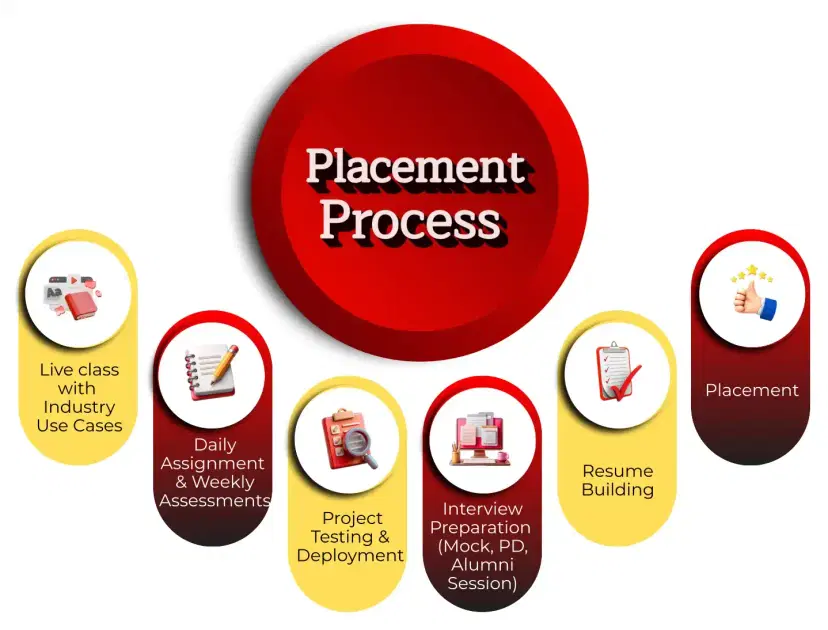
Placement Process

Live Class with Industry Use Cases
- Interactive learning
- Real-world examples
- Expert guidance
- Doubt resolution

Daily Assignment & Weekly Assessments
- Hands-on practice
- Concept reinforcement
- Weekly evaluation
- Timely feedback

Project Testing & Deployment
- Project development
- Testing practice
- Deployment exposure
- Portfolio creation

Interview Preparation (Mock, PD, Alumni Session)
- Mock interviews
- Personal development
- Alumni guidance
- Confidence building

Resume Building
- Resume crafting
- Industry-focused format
- Skills highlighting
- Professional presentation

Placement
- Job assistance
- Interview support
- Career guidance
- Opportunity access
Knowledge Center
Recently Placed Candidates
Latest Hiring
Our Success Mantra
 Commitment
- Ensuring quality training every day
 Fulfillment
- Meeting learning goals with confidence
 Accomplishment
- Students achieving industry-ready expertise
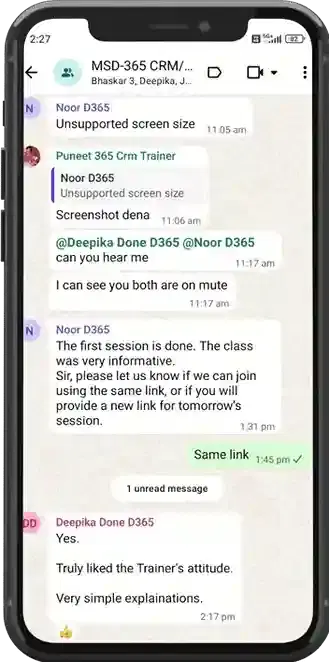
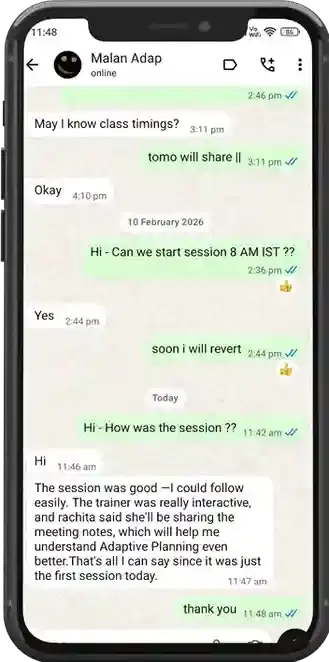
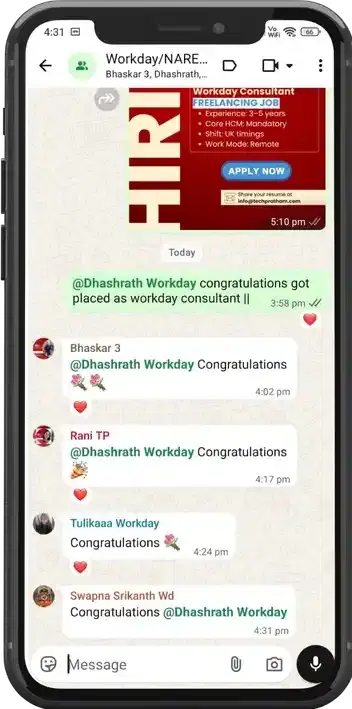
Our Learner Voice


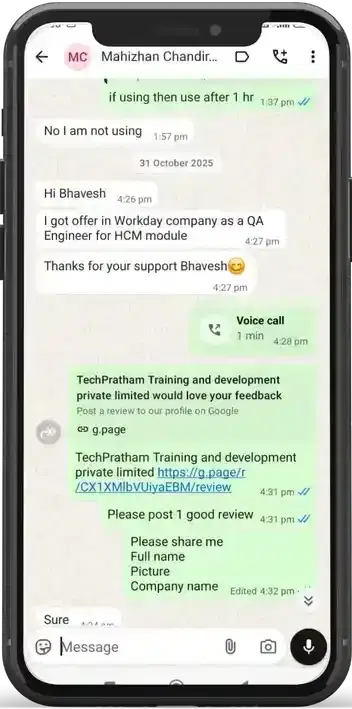
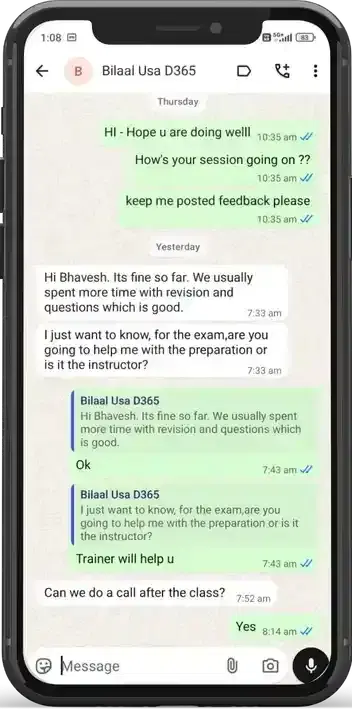
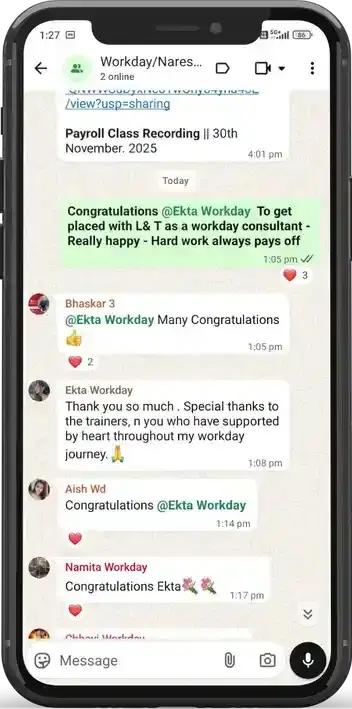
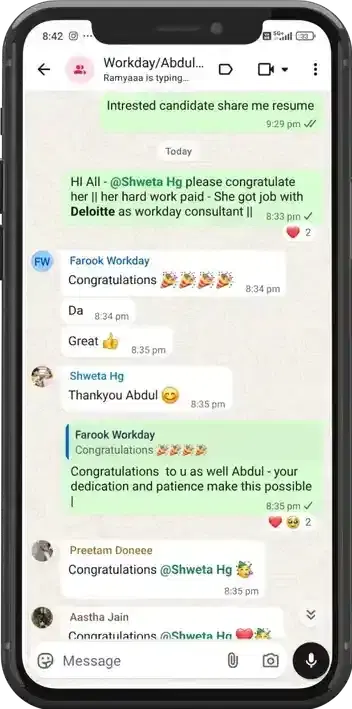

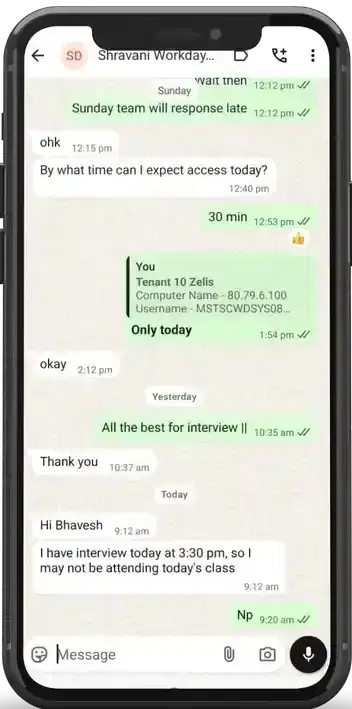
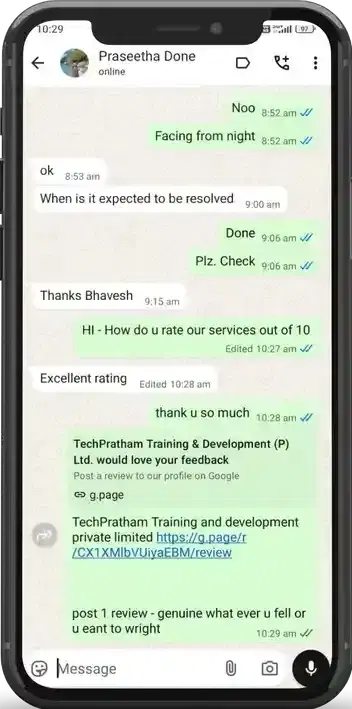
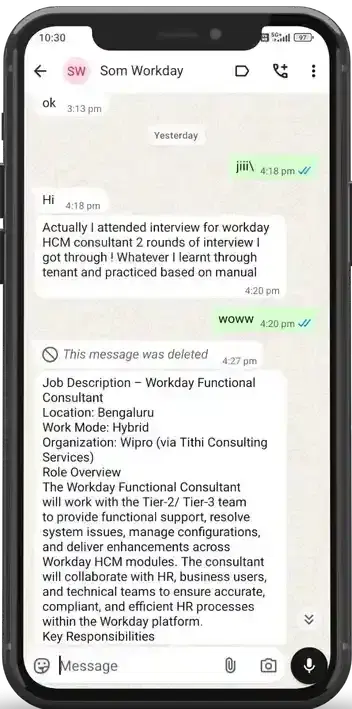
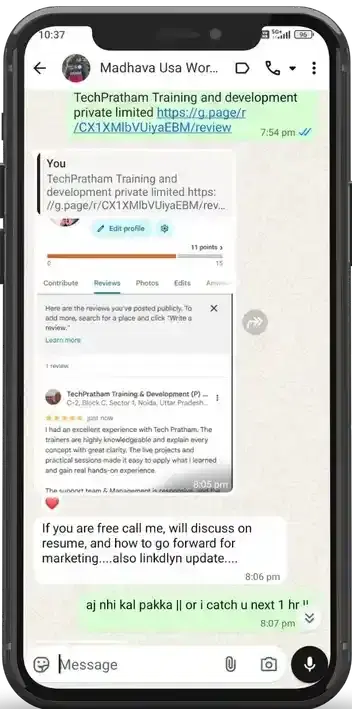
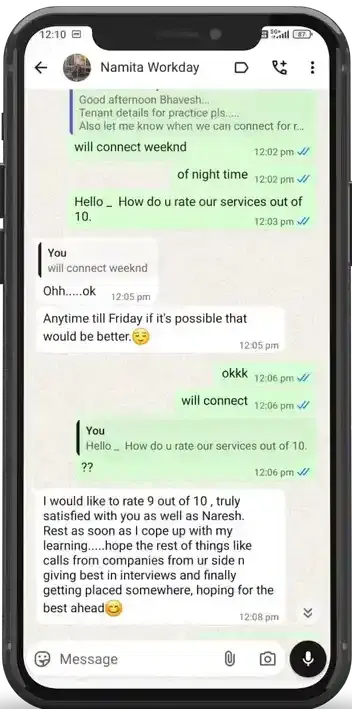

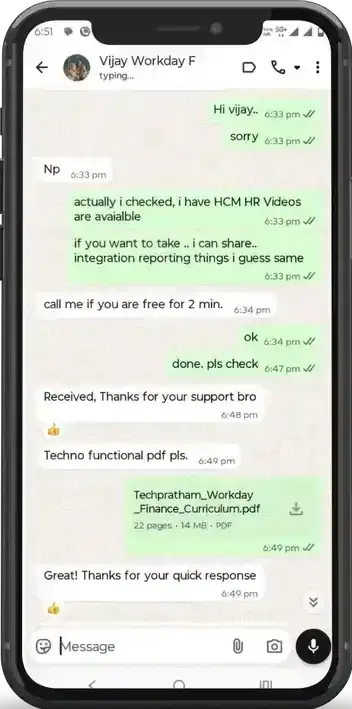
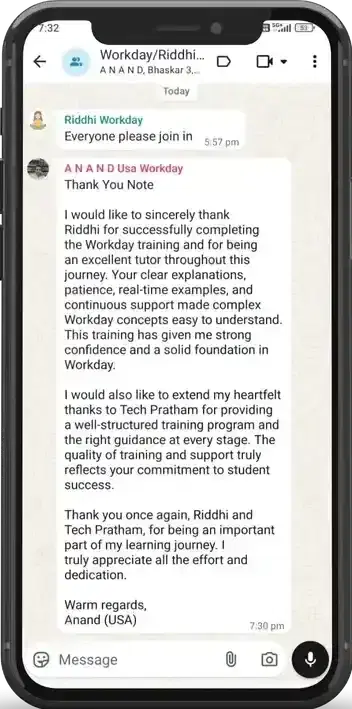
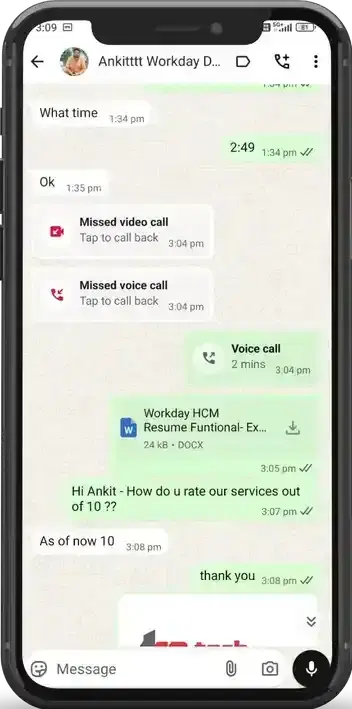

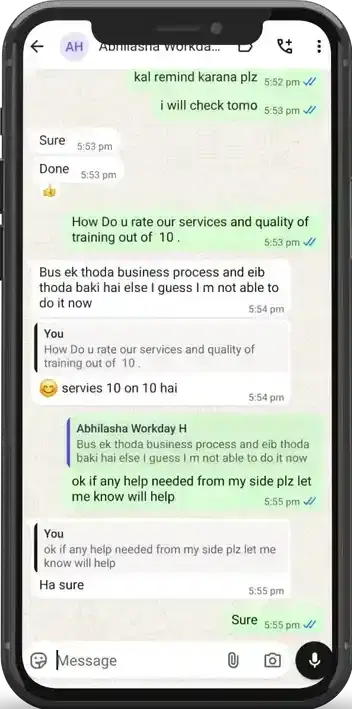

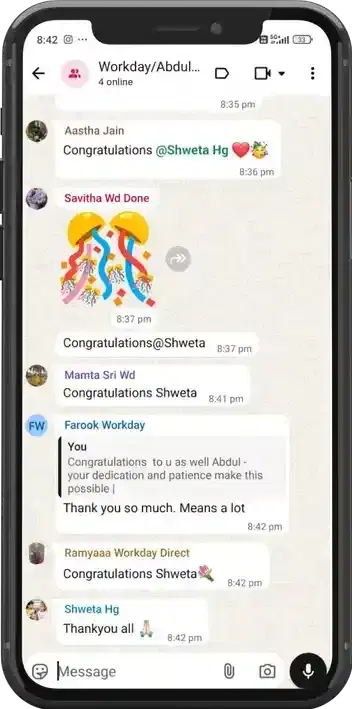
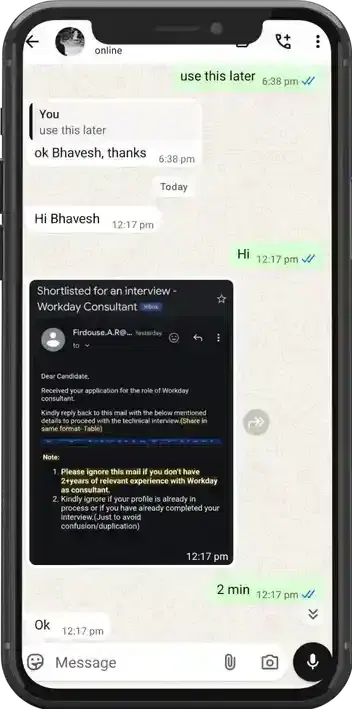






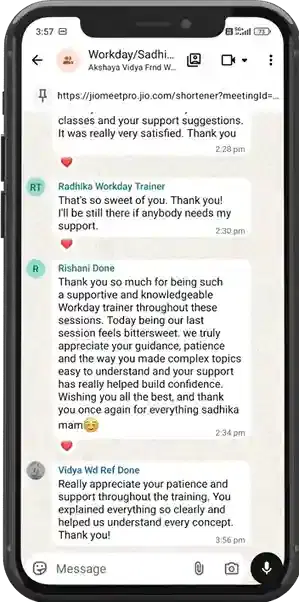
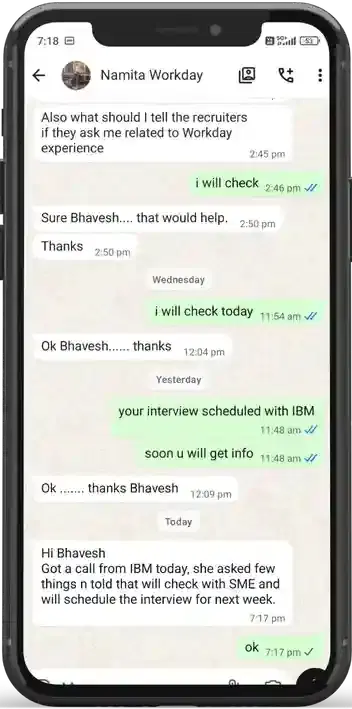
Beyond Courses:
Additional Support We Provide
24/7 Support
LinkedIn Profile
Resume Writing
Alumni Sessions
Interview Preparation
Live Projects
What Makes TechPratham Training Different?
What is Microsoft Fabric's role?
When to use DirectQuery vs Import?
How does Copilot assist in Power BI?
What is a Star Schema's benefit?
How to fix a slow-loading dashboard?
What is Query Folding?
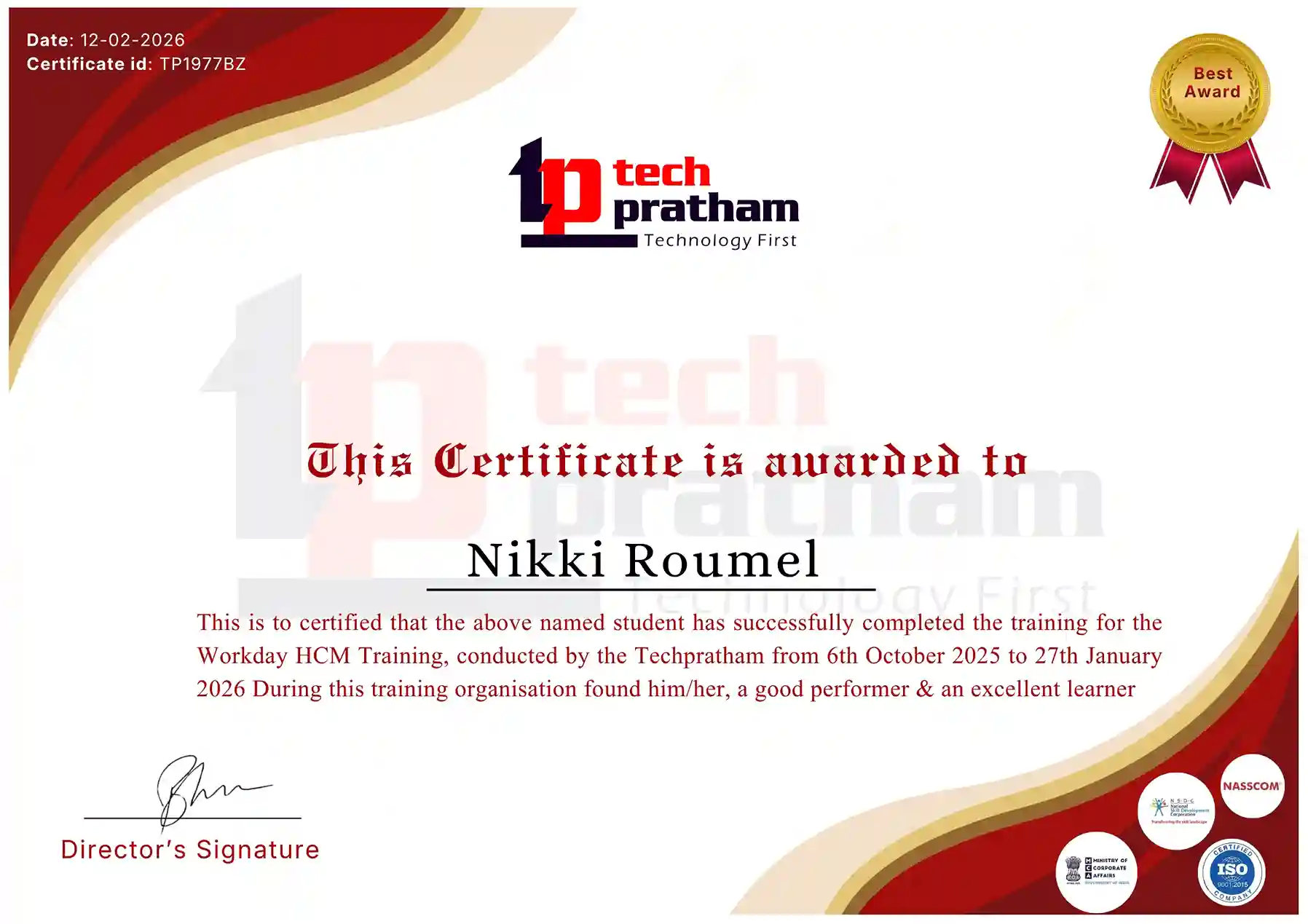
Data Analytics & Power BI Certification
Industry-Recognized Certification
News Highlights
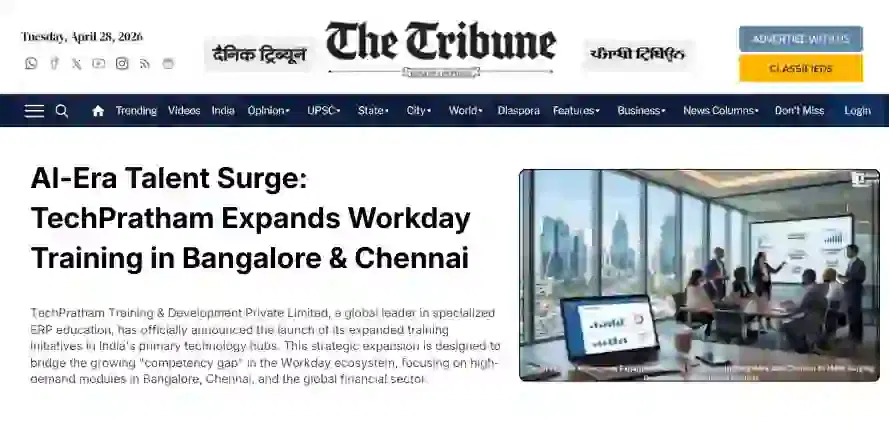
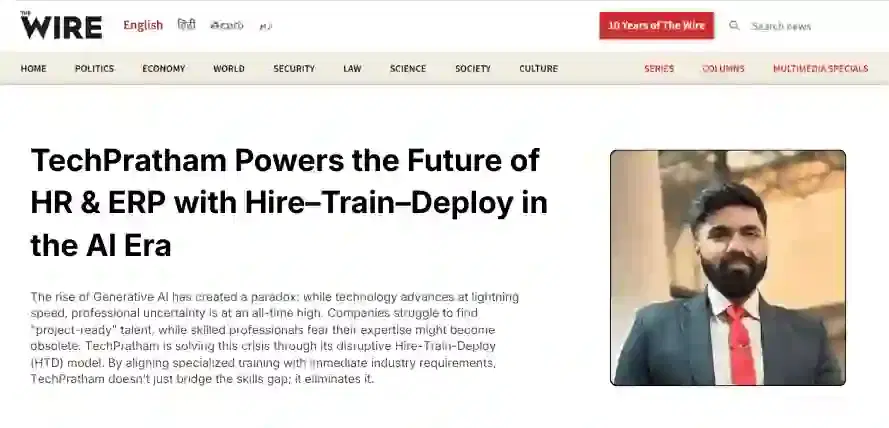
Featured In












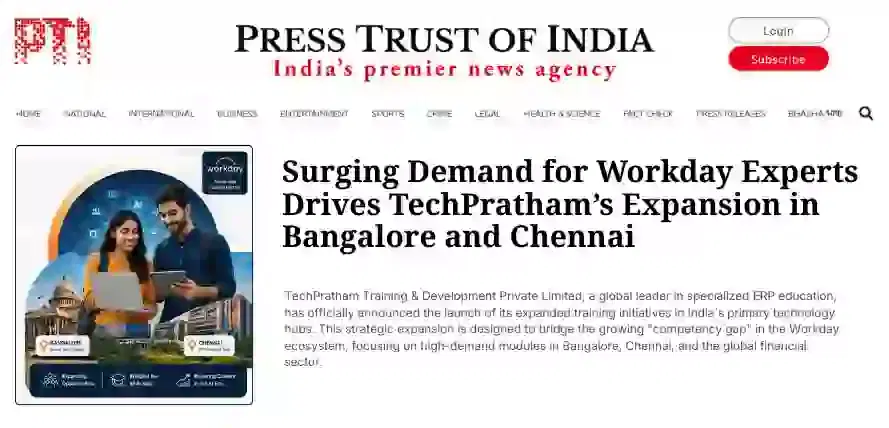

India


 View on Google Maps
India
Noida Office
C-2, Sector-1, Noida, Uttar Pradesh - 201301
India
Hyderabad Office
LVS Arcade, 6th Floor, Hitech City, Hyderabad