















Start typing to search courses...

Type in the search box to find courses
CoursesSoftware Testing
Software Testing using Playwright
Software Testing

Software Testing using Playwright

Software Testing using Playwright Training helps learners master modern web automation testing using Playwright. The course covers browser automation, UI testing, API testing, cross-browser execution, test reporting, framework development, and CI/CD integration with real-time industry projects. 

5/5(4,890 Reviews)

Level

Advanced

Duration

8 weeks

About
Training Plan
Course Curriculum
New Batch
Projects
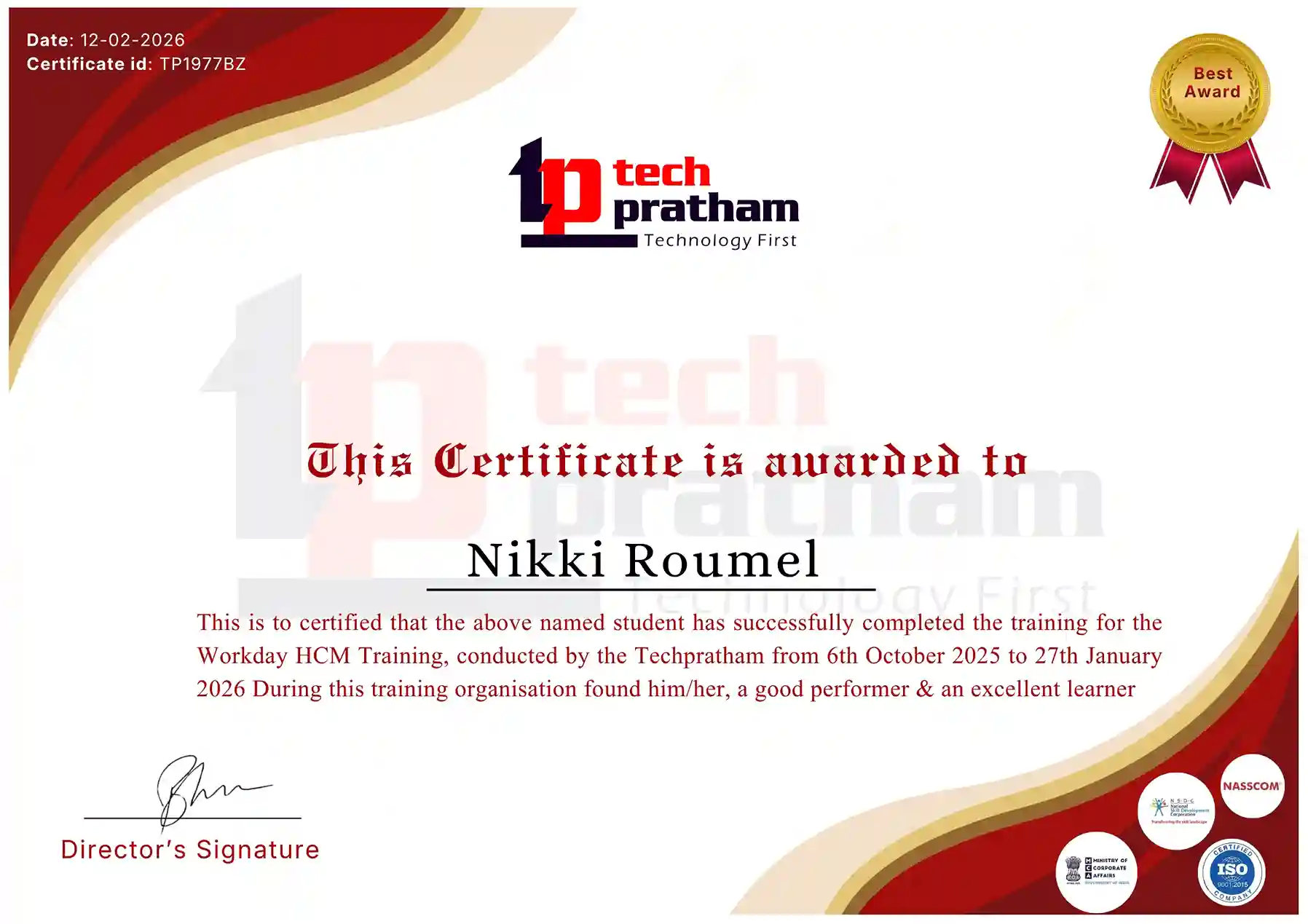
Certificate
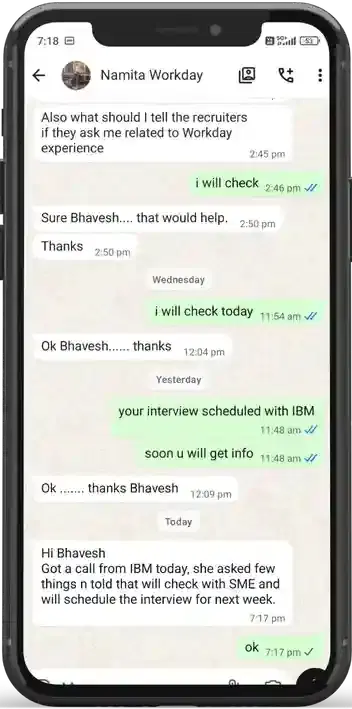
Testimonials
FAQ
Interview FAQ

Placement Client

Accenture Logo
AWS Logo
Capgemini Logo
Deloitte Logo
Genpact Logo
HP Logo
Intel Logo
Microsoft Logo
Infosys Logo
Zoho Logo
Zelis Logo
Wipro Logo
Saint Gobain Logo
ONX Logo
Nava Logo
Infosys Logo
HCL Logo
Egon Zehnder Logo
Cognizant Logo
Bosch Logo
Bank of America Logo
Accenture Logo
AWS Logo
Capgemini Logo
Deloitte Logo
Genpact Logo
HP Logo
Intel Logo
Microsoft Logo
Infosys Logo
Zoho Logo
Zelis Logo
Wipro Logo
Saint Gobain Logo
ONX Logo
Nava Logo
Infosys Logo
HCL Logo
Egon Zehnder Logo
Cognizant Logo
Bosch Logo
Bank of America Logo

About Software Testing using Playwright

Software Testing using Playwright Training is designed to provide practical knowledge of modern web automation testing using Microsoft Playwright. This training program helps learners understand how to automate web applications efficiently with fast, reliable, and scalable testing techniques used by leading IT companies.

The course starts with the fundamentals of software testing and Playwright architecture, allowing learners to understand browser automation concepts, selectors, locators, assertions, and test execution methods. Participants gain hands-on experience in automating web applications across Chromium, Firefox, and WebKit browsers using Playwright.

The training covers advanced automation concepts including page object model framework development, reusable test scripts, data-driven testing, parallel execution, API testing, authentication handling, file upload and download validation, iframe handling, and browser context management. 

Video Thumbnail

Training Plan

01
About trainer

About trainer

Working professional who is carrying more then 10 years of industry experience.

02
Decks & Updated Content

Decks & Updated Content

Access to updated presentation decks shared during live training sessions.

03
e-Book

e-Book

E-book provided by TechPratham. All rights reserved.

04
Assignments & MCQs

Assignments & MCQs

Module-wise assignments and MCQs provided for practice.

05
Video Recording

Video Recording

Daily Session would be recorded and shared to the candidate.

06
Projects

Projects

Live projects will be provided for hands-on practice.

07
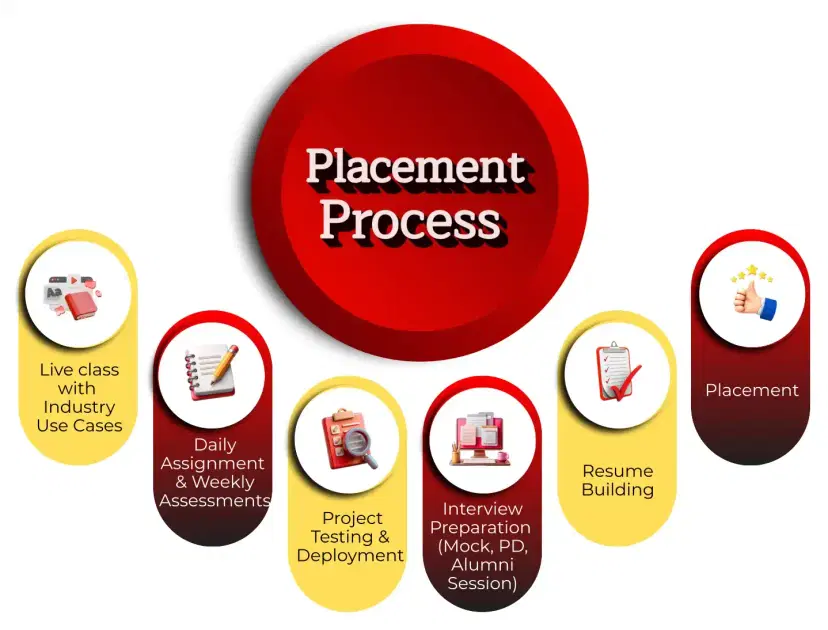
Resume Building

Resume Building

Expert-guided resume building with industry-focused content support.
08
Interview Preparation

Interview Preparation

Comprehensive interview preparation with real-time scenario practice.
Course Curriculum

 Introduction to Playwright and Test Automation

Introduces Playwright and its role in modern web automation and end-to-end testing.

What is Playwright?
Playwright vs Selenium vs Cypress
Benefits of Playwright (cross-browser, speed, reliability)
Automation testing fundamentals
Playwright architecture overview

Setup and Environment Configuration

Guides through installation and configuration of Playwright with Node.js.

Installing Node.js and npm
Installing Playwright and browsers
Playwright CLI and project setup
Creating first Playwright script
Directory structure and configuration

Playwright Basics and Browser Automation

Teaches core Playwright concepts and browser interactions.

Launching browser and context
Page object model in Playwright
Navigating pages and URLs
Interacting with elements (click, type, select)
Handling navigation and waits

 Locators and Element Handling

Focuses on advanced element selectors and reliable interaction techniques.

Playwright locators and selector strategies
CSS, XPath, text, role, and attribute selectors
Working with frames, iframes, and shadow DOM
Handling dropdowns, checkboxes, and radio buttons

Synchronization and Wait Strategies

Explains smart waits and synchronization for stable test execution.

Auto-waiting in Playwright
Explicit waits and waitFor methods
Handling network waits and API calls
Timeout handling
Dealing with flaky tests

 Advanced Playwright Features

Covers advanced capabilities like parallel execution, screenshots, and videos.

Screenshot and video recording
Tracing and debugging
Handling multiple pages and tabs
File upload and download
Keyboard and mouse actions

Software Testing Courses

No related courses found

Additional Program Highlights

Learning Materials

Comprehensive study materials and resources

HD
Resume Writing

Professional resume building session

HD
Interview Preparation

Master your interview skills

HD
Live Project Demo

Real-world project demonstrations

HD

Upcoming Batches

Can't find a batch you were looking for?

Who Should Enroll in this Course

IT Professionals

Non-IT Career Switchers

Fresh Graduates

Career Opportunities

Playwright Automation Tester

QA Automation Engineer

Key Projects

Key Projects

Amazon

AmazonAmazon Checkout Automation


Scenario: Automating Amazon India e-commerce checkout flow for Delhi NCR users, validating login, cart, payment gateway, and order placement using Playwright UI testing.

Live Work:

  • Automate login and cart validation flows
  • Validate payment gateway and order placement
  • Cross-browser testing on Chromium & Firefox
Outcome: Stable checkout flow with reduced defects
Walmart

WalmartWalmart Inventory Testing


Scenario: Testing Walmart inventory and product search system for Bangalore warehouse operations, ensuring accurate stock updates, UI response, and API sync using Playwright.

Live Work:

  • Validate product search and filters
  • Test inventory sync with backend API
  • Run regression across multiple browsers
Outcome: Improved inventory accuracy and UI stability
Flipkart

FlipkartFlipkart UI Automation Suite


Scenario: Automating Flipkart e-commerce application for Hyderabad users, covering login, product search, cart management, and payment workflows using Playwright framework.

Live Work:

  • Automate user login and authentication
  • Validate product search and listing UI
  • Execute parallel CI/CD test execution
Outcome: Faster regression with high coverage
Microsoft

MicrosoftAzure Web App Testing


Scenario: Performing Playwright automation testing on Microsoft Azure web portal for Chennai enterprise users, validating dashboard, deployment workflows, and API integration.

Live Work:

  • Validate Azure dashboard UI components
  • Test API integration with web portal
  • Execute CI/CD pipeline automation tests
Outcome: Reliable cloud UI and API validation
Mobile Banner

Latest HiringNEW

No hiring posts

Recently Placed Candidates

No placements available

Latest HiringNEW

No hiring posts

Our Success Mantra

Commitment Icon
Commitment

  • Ensuring quality training every day

Commitment Icon
Fulfillment

  • Meeting learning goals with confidence

Commitment Icon
Accomplishment

  • Students achieving industry-ready expertise

Our Learner Voice

carousel
carousel
carousel
carousel
carousel
carousel
carousel
carousel
carousel
carousel
carousel
carousel
carousel
carousel
carousel
carousel
carousel
carousel
carousel
carousel
carousel
carousel
carousel
carousel
carousel
carousel
carousel
carousel
carousel
carousel
carousel
carousel
carousel
carousel
carousel
carousel
carousel

Beyond Courses:

Additional Support We Provide

24/7 Support

LinkedIn Profile

Resume Writing

Alumni Sessions

Interview Preparation

Live Projects

What is Software Testing using Playwright?

 Who should take Playwright training?

 What topics are covered in Playwright training?

 Is programming required for Playwright?

What certification can I get after Playwright training?

How long does Playwright training usually take?

What is Playwright and why is it used?

 What is Playwright Test Runner?

What are locators in Playwright?

 How does Playwright handle waits and synchronization?

What is Page Object Model (POM) in Playwright?

 How do you perform cross-browser testing in Playwright?

Software testing using playwright Certification

Software Testing Using Playwright Certification Complete Guide


The Software Testing Using Playwright Certification follows a largely common training and assessment framework across different automation testing tracks, including UI Automation Testing, API Testing, Cross-Browser Testing, End-to-End Testing, and Advanced Framework Development certifications.

Across these certifications, the training and assessment structure is generally consistent:

Course Cost: Approximately USD 300 – 1200 depending on training provider

Training Duration: 6 to 12 Weeks

Assessment Score: 70% – 80%

Assessment Format: MCQ (Multiple Choice Questions), Practical Assignments, and Live Project Evaluation

This common certification framework ensures a consistent and practical evaluation standard across multiple Playwright automation testing domains, covering both functional and technical testing skills.

Note (Advanced Automation Certification Pathway):

For the Playwright Advanced Automation Certification Pathway, candidates should complete foundational software testing concepts and basic automation testing knowledge before enrolling in advanced Playwright framework development and API automation programs.

Note (Enterprise Automation Framework Certifications):

Advanced Playwright certifications such as Framework Development, CI/CD Integration, API Automation, and Cloud Testing are typically pursued after gaining practical experience in web automation testing and modern testing workflows. Specific prerequisites may vary depending on the certification provider and training program.

Industry-Recognized Certification

Certificate
Software Testing using Playwright

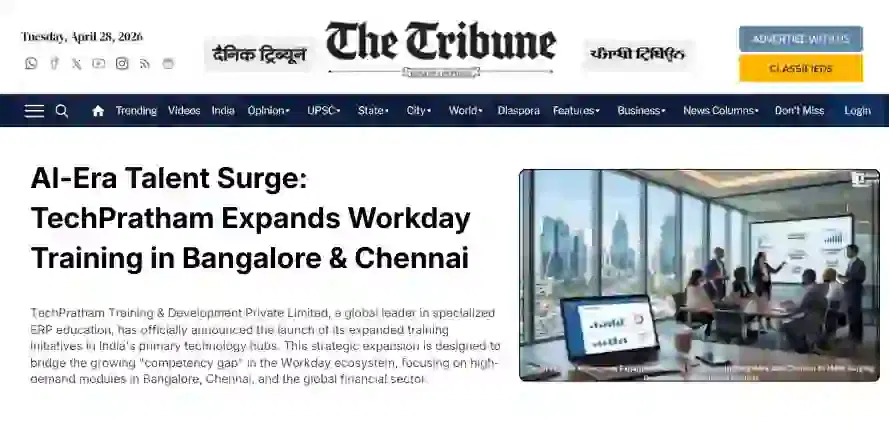
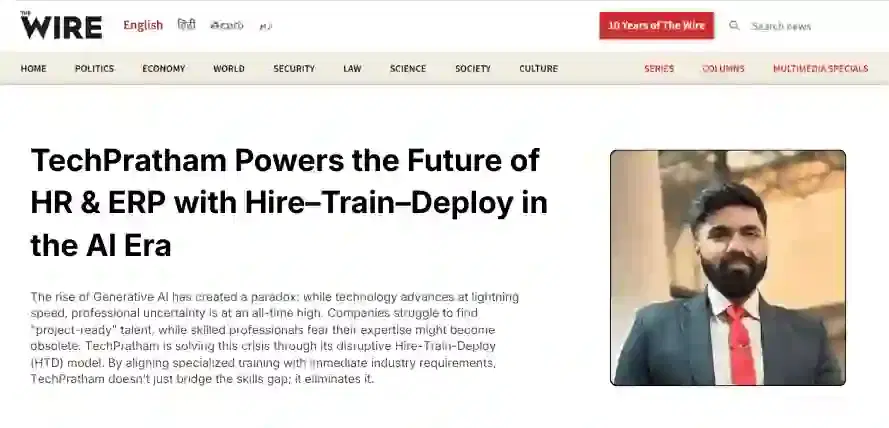
News Highlights

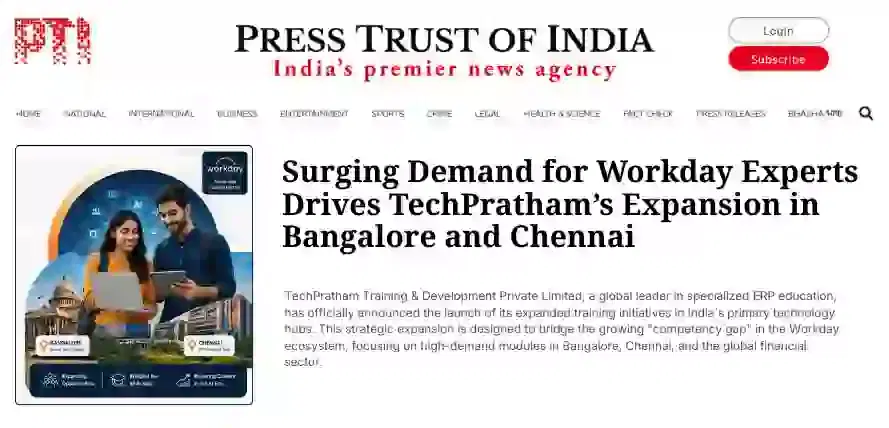
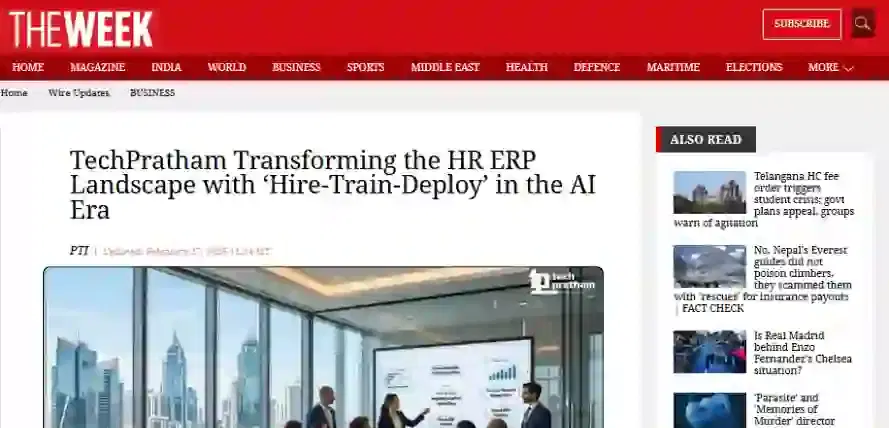
TechPratham Introduces Hire-Train-Deploy Model to Transform HR & ERP Talent in the AI Era
TechPratham Empowering Future Professionals Through AI-Focused HR & ERP Training

Featured In

Featured Logo 1Featured Logo 2Featured Logo 3Featured Logo 4Featured Logo 5Featured Logo 6Featured Logo 7Featured Logo 8Featured Logo 9Featured Logo 10Featured Logo 11Featured Logo 12
TechPratham Gains Recognition for Bridging the HR & ERP Skills Gap with Hire-Train-Deploy
TechPratham's Hire-Train-Deploy Approach Reshaping HR & ERP Careers in the AI-Driven Industry
India Flag

India

Head Office

G-31, 1st Floor, Sector-3, Noida - 201301

India Flag+91-8882178896
WhatsApp
USA Flag+1 (343) 477-0926
WhatsApp
India Flag

India

Noida Office

C-2, Sector-1, Noida, Uttar Pradesh - 201301

India Flag+91-8882178896
WhatsApp
USA Flag+1 (343) 477-0926
WhatsApp
India Flag

India

Hyderabad Office

LVS Arcade, 6th Floor, Hitech City, Hyderabad

India Flag+91-8383058741
WhatsApp
USA Flag+1 (343) 477-0926
WhatsApp
© 2026 TechPratham. All rights reserved.An ISO 9001:2015 Certified Company